Answered
Premiere Elements 2022: Does not support NVIDIA GeForce RTX 2060 SUPER
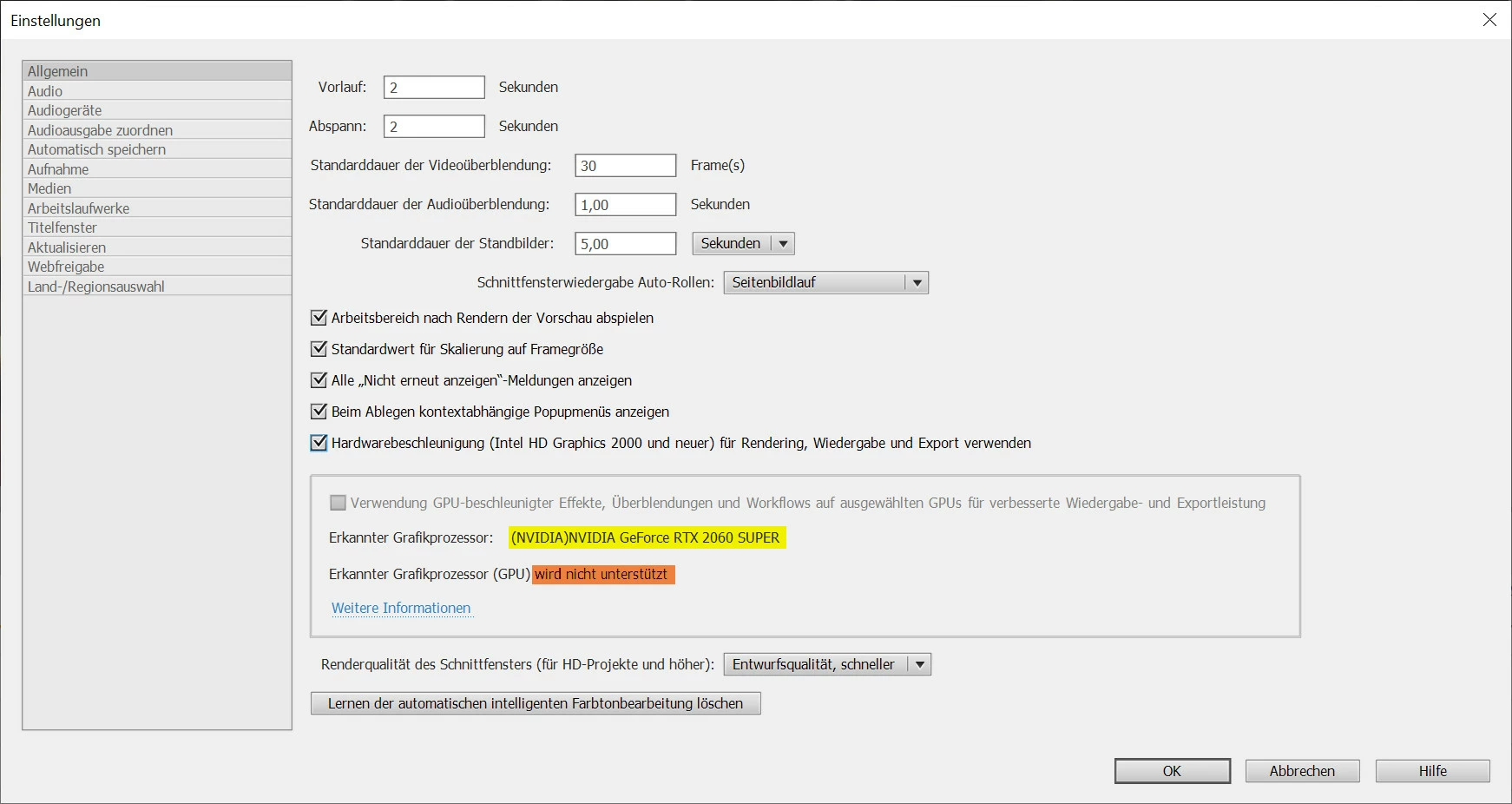
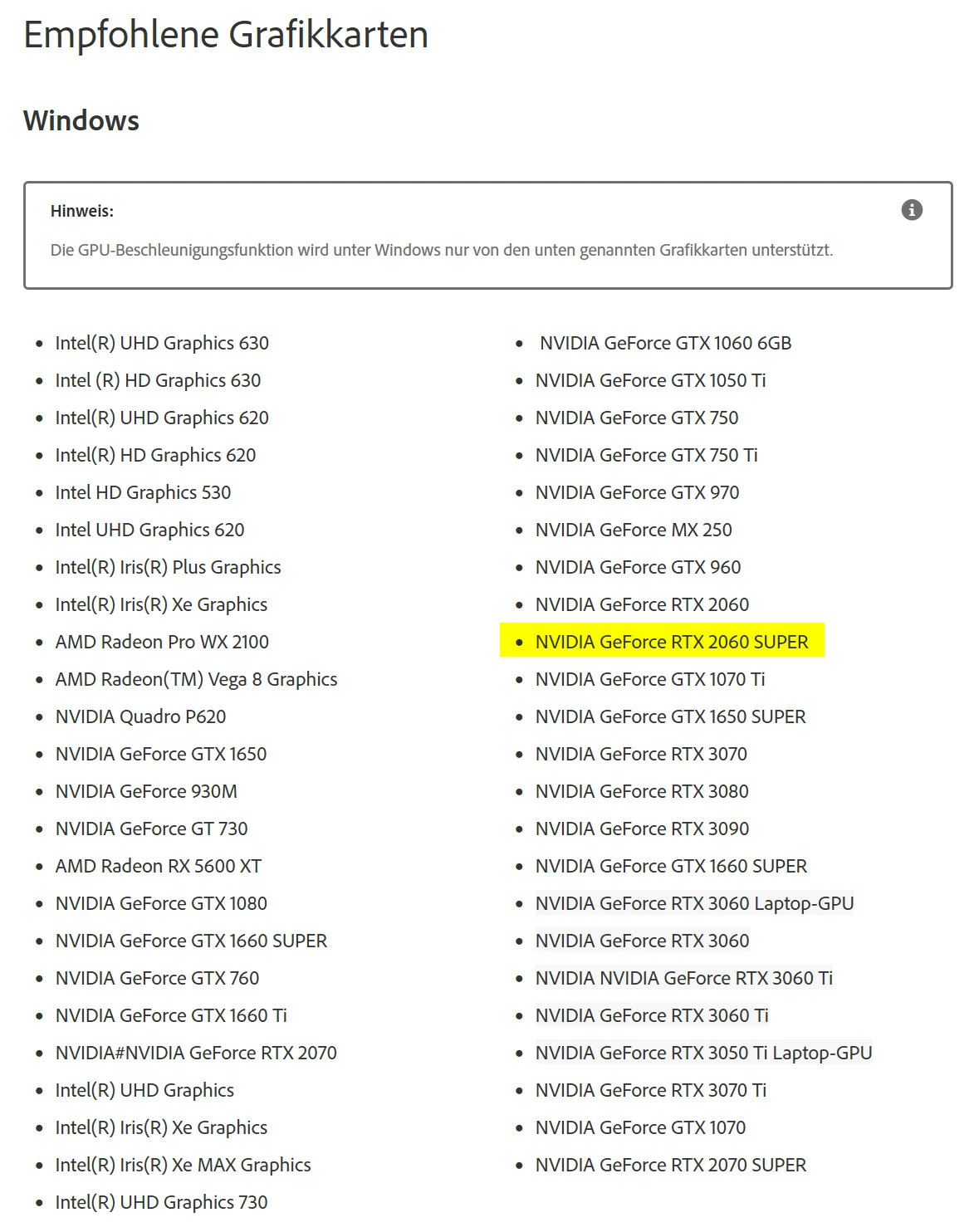

The reason it does not show as supported is because the card has not been properly added to the allow list in the root of the program.
Go to:
C:\ProgramData\Adobe\Premiere Elements\20.0\Online\Hw Acc Render\All_Lang\HW\Files\allowlisted_cards.txt
and add you card exactly like this:
NVIDIA#NVIDIA GeForce RTX 2060 SUPER#
Already have an account? Login
No account yet? Create an account
Enter your E-mail address. We'll send you an e-mail with instructions to reset your password.


 AdChoices