
Participant
October 30, 2022
Question

Premiere Elements 22 driver/file glitches

  • October 30, 2022
  • 2 replies
  • 418 views

Been using Premiere Elements for years, recently updated to 2022 version. When I try to import and edit standard .MP4 files, I get a garbled screen and no playback -- even with files previously edited and exported from Premiere. Oddly, the same software on my Win 11 laptop works fine. On the desktop, Win 10 with Intel UHD 630 and AMD Radeon RX 6700 XT drivers both properly installed, I get the errors shown in the attached screen caps. Tried reinstalling, same result. Anybody seen this or know a fix?
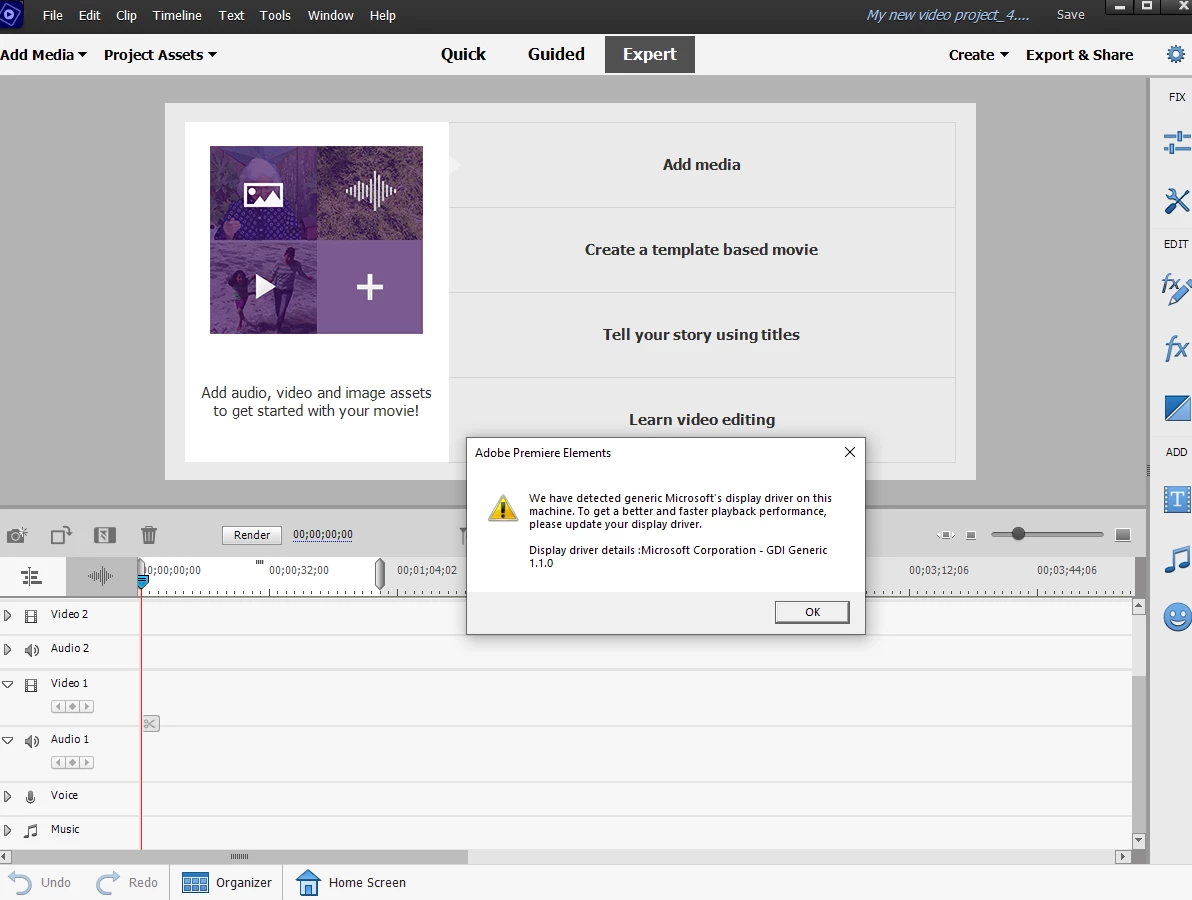
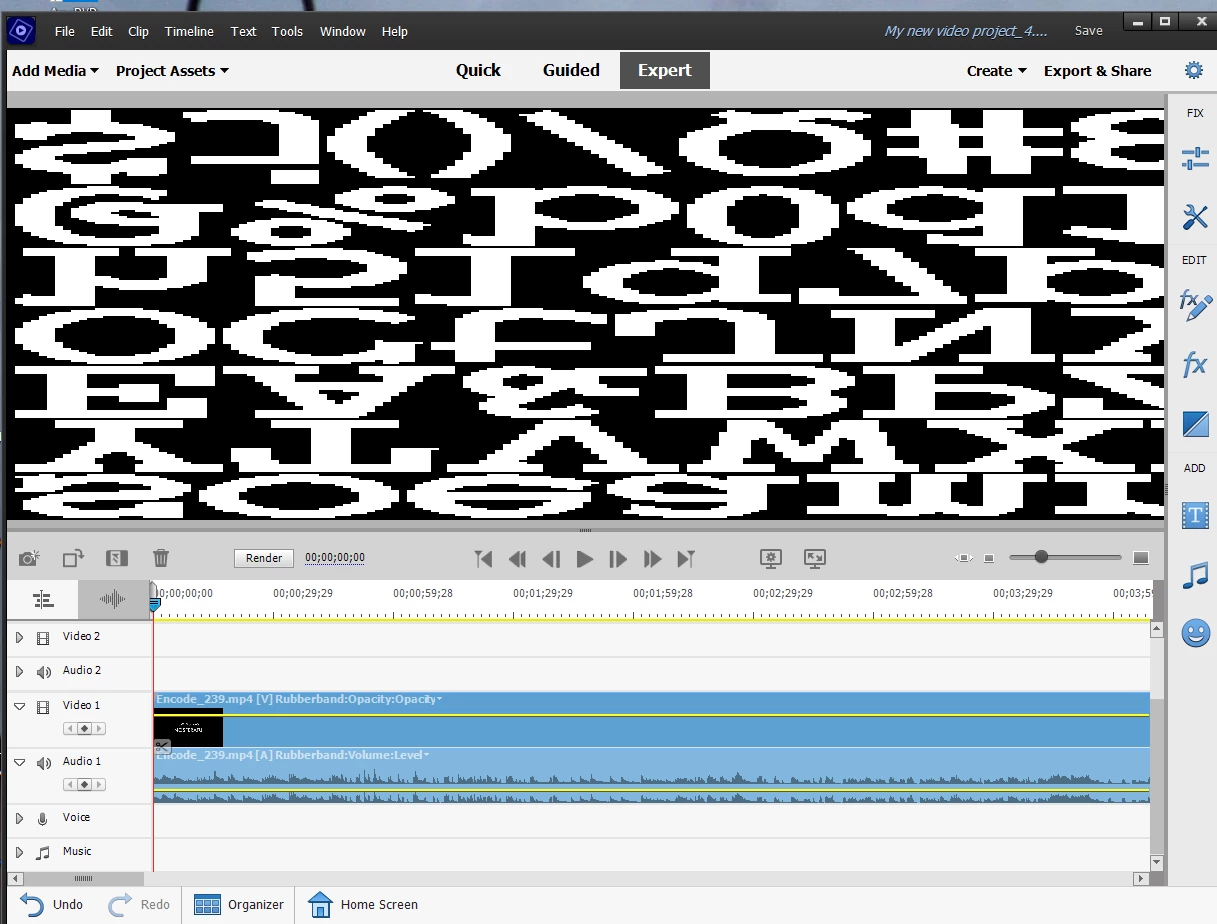
This topic has been closed for replies.

2 replies

John T Smith
Community Expert
Community Expert
November 8, 2022

This is about Premiere Pro but the idea is the same for all Adobe programs... dual video adapters can cause serious problems

-https://community.adobe.com/t5/Premiere-Pro/Premiere-Pro-could-not-find-any-capable-video-play-modules/td-p/4166501
-Use BIOS https://community.adobe.com/t5/Premiere-Pro/quot-could-not-find-any-capable-video-play-modules-quot-error/td-p/4270497 to select a display adapter
-http://www.anandtech.com/show/4839/mobile-gpu-faceoff-amd-dynamic-switchable-graphics-vs-nvidia-optimus-technology/2

John T Smith
Community Expert
Community Expert
October 30, 2022

Do not count on Windows to be fully up to date when it comes to device drivers
Go to the vendor site to be sure you have an updated driver for your graphic adapter


AMD/ATI Driver https://www.amd.com/en/support
Intel https://downloadcenter.intel.com/product/211969/Intel-HD-Graphics-Family

Participant
October 31, 2022

I did update to the latest Intel driver for the UHD630 internal video on my i7 CPU. I've also installed the latest AMD drivers for the Radeon RX 6700XT. Both are indentified properly in Device Manager and working fine in all other apps. 

The driver error has disappeared, but Premiere Elements 2022 is still hosed. No video playback, screen shows the same garble as the screen cap attatched above. 

Community Expert
October 31, 2022

If it were me, I would try an online chat session with Adobe techs.  https://helpx.adobe.com/contact.html?rghtup=autoOpen