
Question
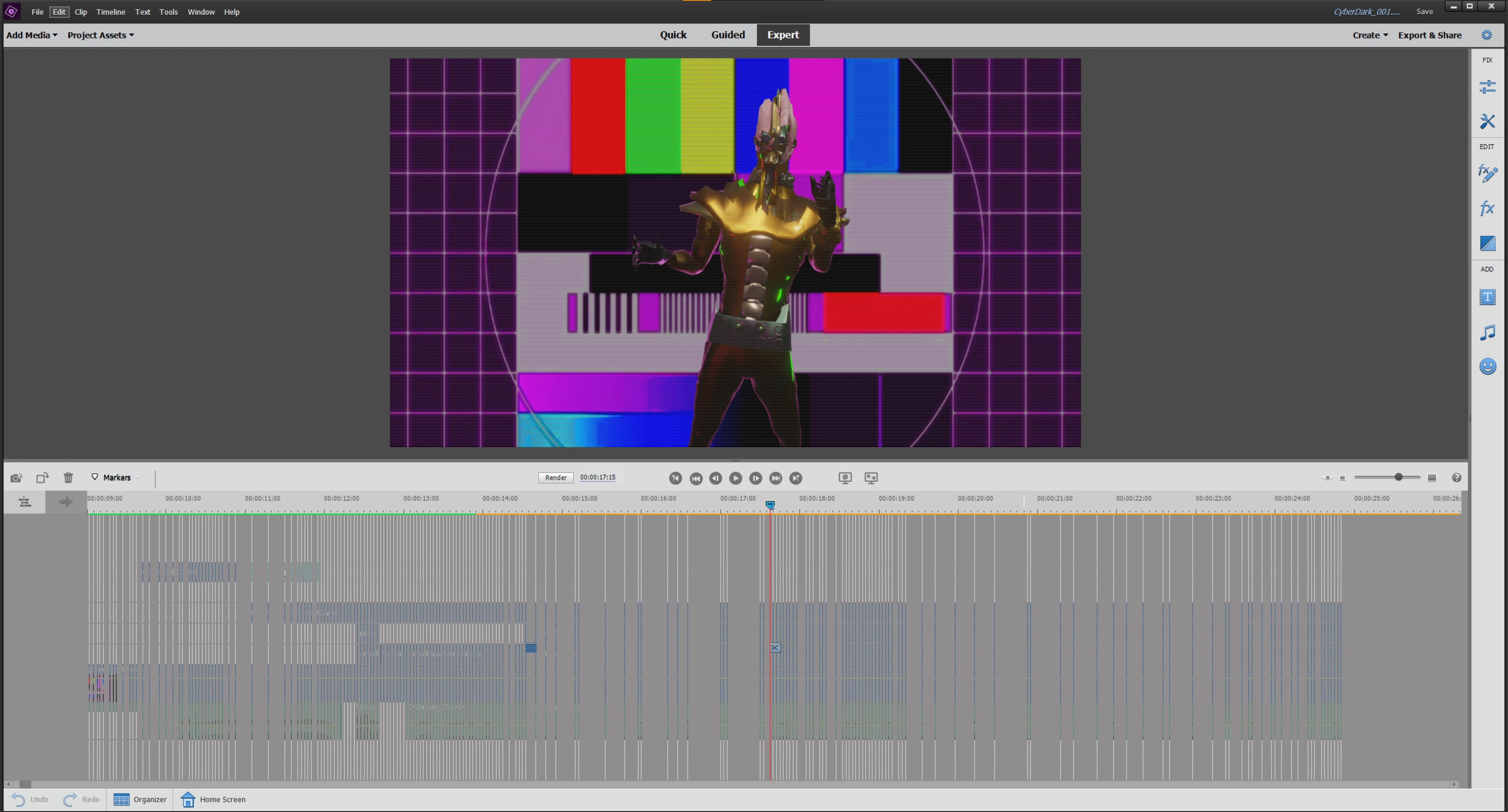
premiere timeline keeps bugginf when moving it or zooming in
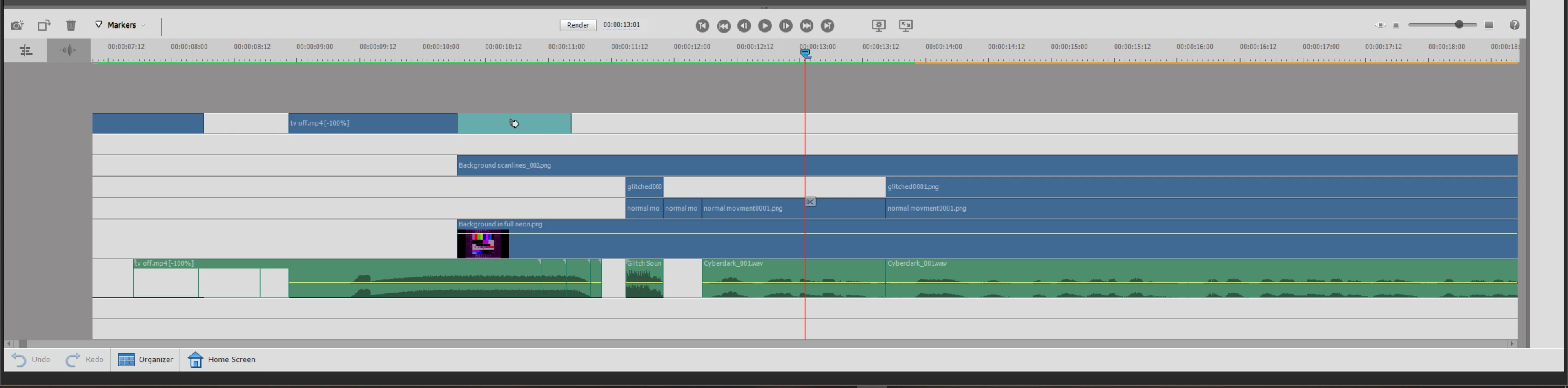
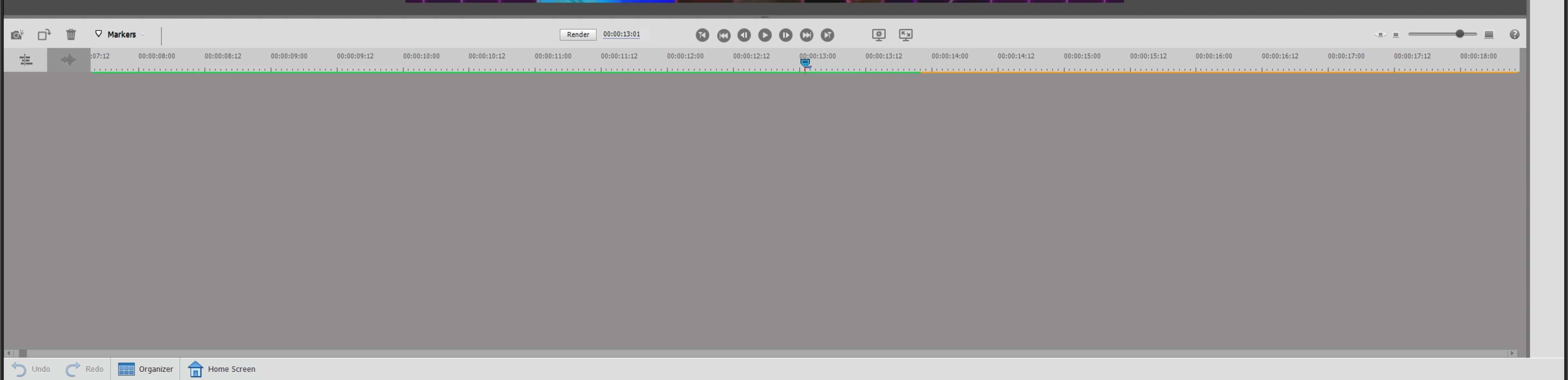
so I'm just trying to edit and create a video in premiere elements when suddenly the timeline keeps bugging out whenever I'm trying to zoom in/out and just breaks all together sometimes. It's all visual glitches but the level at which it occurs and intrudes is unbearable. if I click in the timeline it comes back 80% normal only missing some of the timelines and sometimes it just vanishes altogether returning slithers of the timeline when I play it back.
how do I fix this visual error? all my drivers are up to date and I'm running it with elements 2020 with a 10th gen i7 and 16GB ram
any help would be appreciated xx
[don't worry about how the guy in the playback is glitched, that was by design]


 AdChoices