


Inspiring
February 23, 2021
Answered

Problem burning disks in 2019

  • February 23, 2021
  • 3 replies
  • 459 views

When I try burning DVDs in Premiere Elements it wont let me do it directly and keeps giving me an invalid disk name message, (screenshot below) I have tried the date, test, and even "Dave" out of desperation does anyone know why this is happening and how to fix it? (I am on windows)
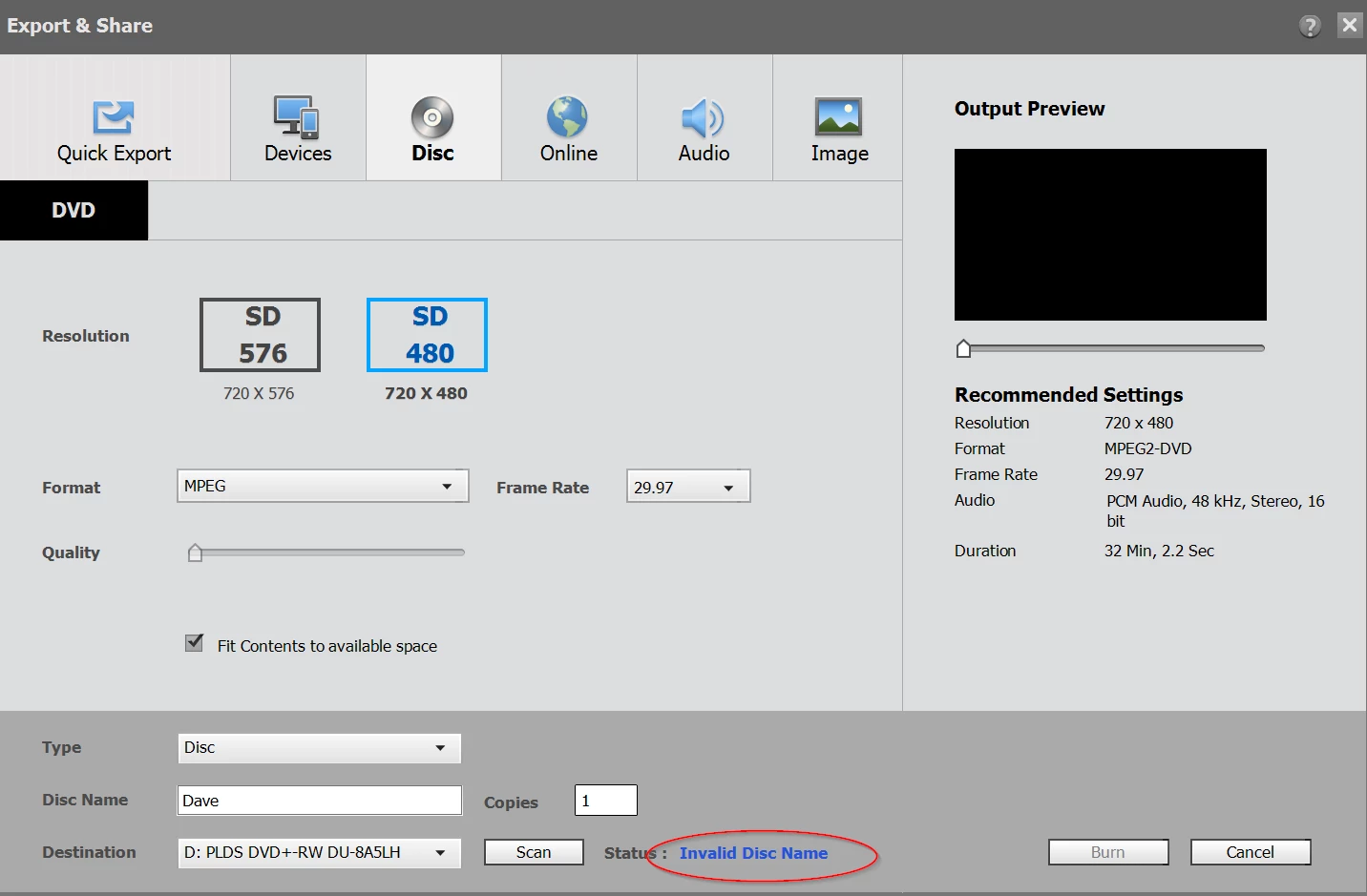
 

This topic has been closed for replies.
Correct answer John Br

Error resolved, put the clean new empty dvd in the drive BEFORE you boot the program then it works. Atleast for me. 🤷‍♂

3 replies

John BrAuthorCorrect answer
Inspiring
February 24, 2021

Error resolved, put the clean new empty dvd in the drive BEFORE you boot the program then it works. Atleast for me. 🤷‍♂

Participant
December 13, 2021

Didn't for me.  I put a clean disk - no go.  I put in a formatted disk - no go.  Any  other suggestions?

Community Expert
February 24, 2021

It may not be Premiere Elements.  It doesn't change.   I had a Windows 10 update kill the driver to a disc burner I had.   I couldn't find a driver at Microsoft, the disk drive manufacturer or the computer manufacturer.    I never did get it fixed.

John T Smith
Community Expert
Community Expert
February 23, 2021

I don't know why, but the program is not communicating with your DVD drive


Set your DVD output to an ISO file on your hard drive and then use something like the FREE https://www.imgburn.com/ to write the ISO to disc (send the author a PayPal donation if you like his program - DO be sure to uncheck anything you don't want from the download site) You may also use Imgburn for general backup of files or folders to disc