


kevink64702036
Participant
February 3, 2024
Answered

Project Asset Window Drop Down Blocking Video Display Field

  • February 3, 2024
  • 1 reply
  • 227 views

When the Project Asset drop down window is open it partially blocks the video display field. Is there a way to move the video display field or shrink the Project Asset drop down window? It is annoying to repeatedly have to close the Project Asset window so I can work on positioning an image or video within the primary video project. I did not have this problem with Premier Elements 2022.
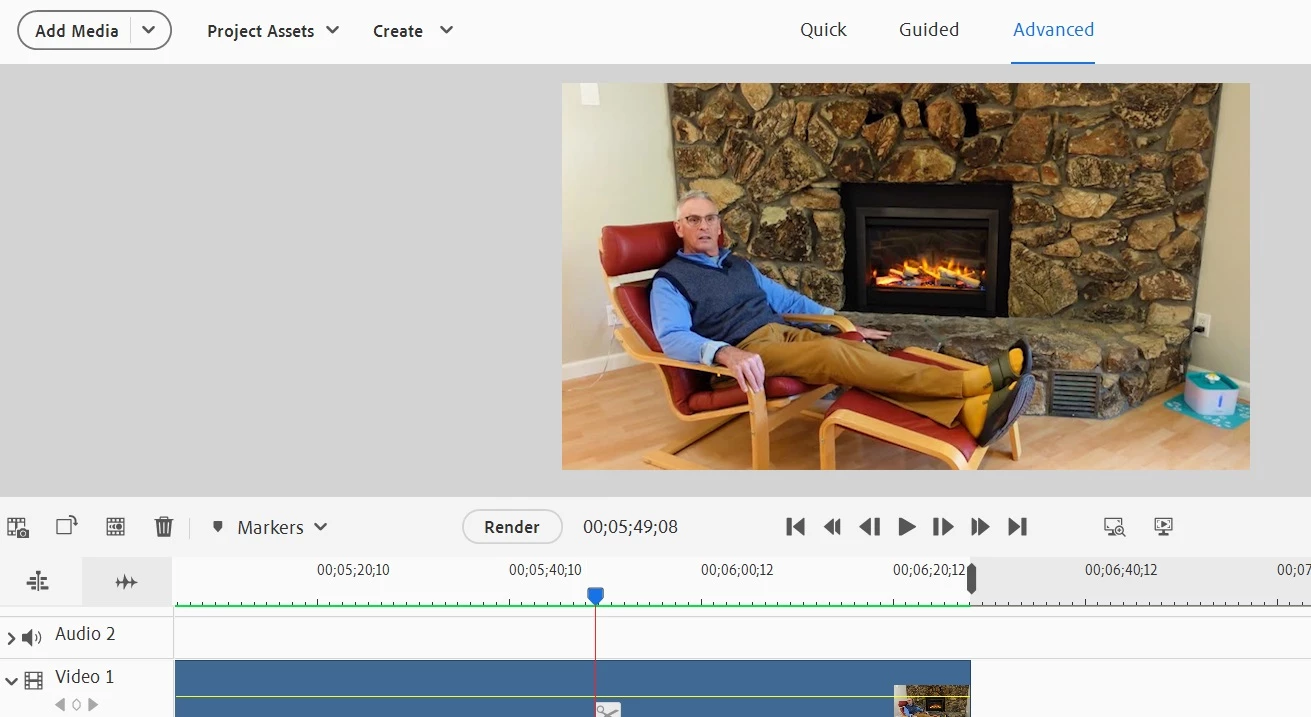
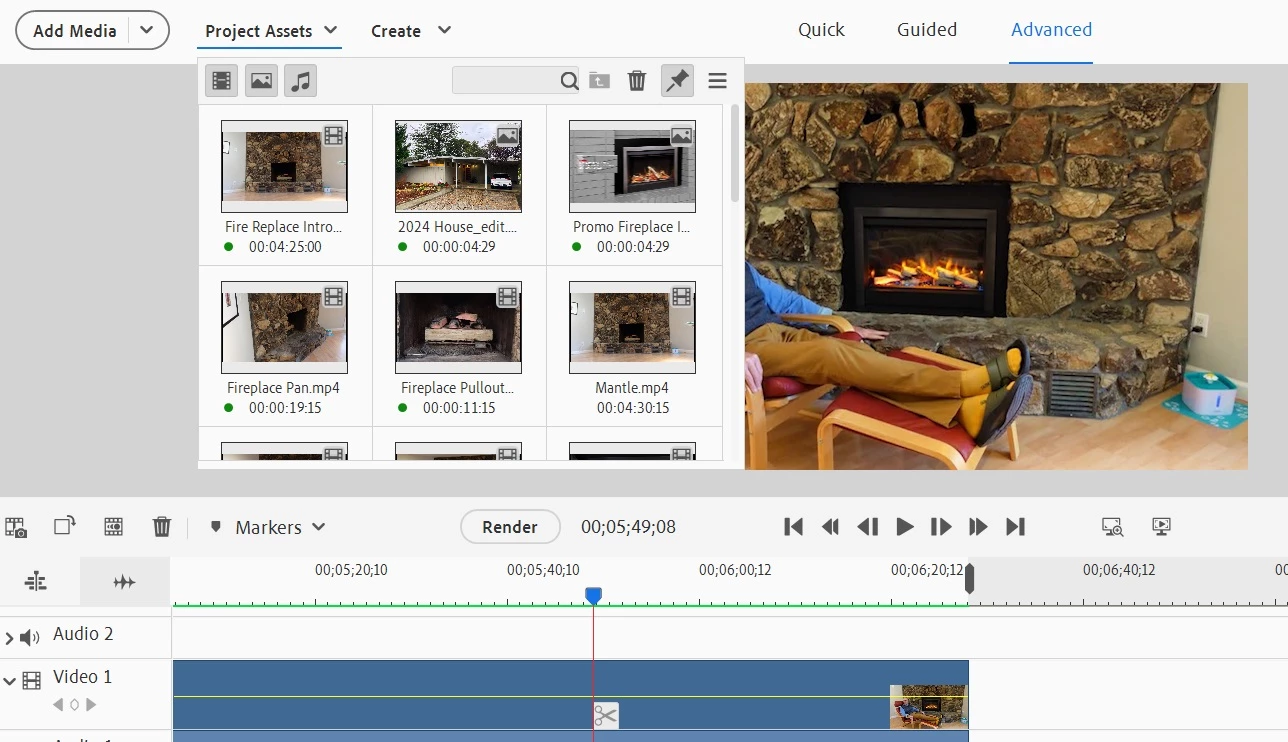
This topic has been closed for replies.
Correct answer Ann Bens

I don't like it, either. Filed a feature request for this several years ago: but no show.

It's even worse now, as it does not fill out to the left anymore as it did in previous versions.

1 reply

Community Expert
February 4, 2024

I don't like it either and I can't find a way to fix it.  I checked in Version 2023 and works so that it does not block the preview window.   It seems to be an awkward change to an update.

Ann Bens
Community Expert
Ann BensCommunity ExpertCorrect answer
Community Expert
February 4, 2024

I don't like it, either. Filed a feature request for this several years ago: but no show.

It's even worse now, as it does not fill out to the left anymore as it did in previous versions.
