


Purple Color in Render "Status" Indicator Line
Hi. I purchased Elements 2020 in October, 2019 and have experienced an unusal problem when rendering (click on Render button). This always seems to happen when:
1. I have a .jpg or .mp4 file next to another .jpg or .mp4 file (in the Video 1 line)
2. I add a transtion (I always use Film Dissolve)
3. I have text (as a caption) on the Video 2 line above (the Video 1 line where the files are)
Error: I get an orange or purple color in the "Render Status" line.
In this example, I see purple, but normally see orange:
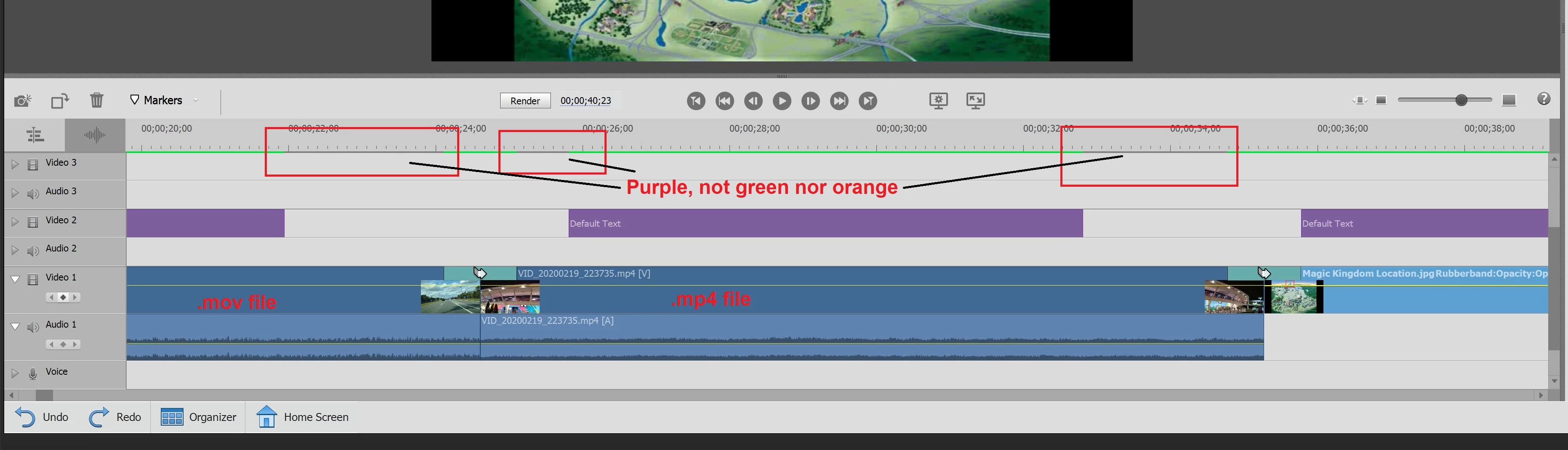
In this example, you can see purple over the transition between the .mov file and the .mp4 file (more often, it is orange). This happens onl almost every project I've developed. If I don't correct it (replacing the orange or purple with green), when I run the rendered project, it "jumps" a moment before displaying the text in video 2 line.
The normal solution is to try to shorten either the text or .mp4 or .jpg file in Video 1 line into which the text in Video 2 line is displayed. I may also have to delete the Text/caption and re-add it to Video 2 line.
Sometimes, I can have it green, save the project, return to it later and discover several of these unusual "problems/errors" (orange or purple).
Question:
Has anyone seen this behavior before?
It is quite annoying when it happens as I have to "fix" these instances before continue with the development of my project (and resulting movie/video).
I really appreciate any comments and help to finally end this problem.
My current version of Premiere Elements is:
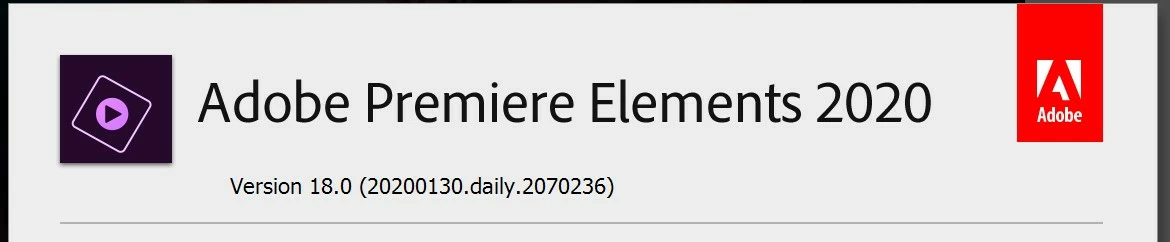
I believe this is the current version.
Thanks!
Ken
 AdChoices