


Quality Setting on Export and Share
Hi. When I make movies from Premiere Elements 2020, I use .jpg and .mp4 files I've imported from my Pixel3 photo and video camera. When I use the video camera, I often pan around - especially when I'm filming from a view point on a hiking trail.
When I'm ready to Export & Share before uploading to my YouTube channel, I have often wondered what I should do with the "quality" setting:
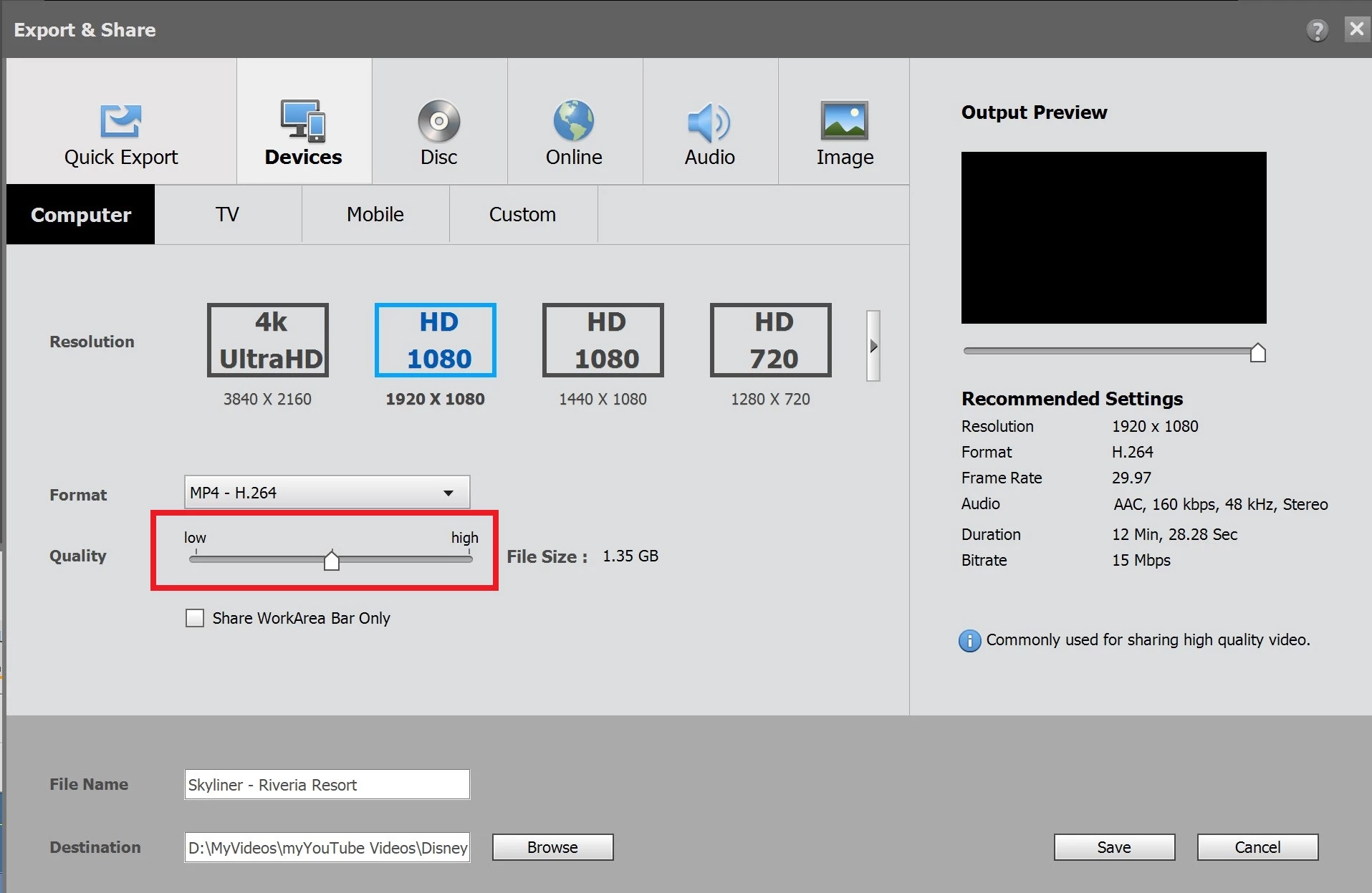
I found this statement on the User Guide:
Quality
Specifies the level of quality for the final file. A setting of 3.0 is a good general setting; however, video with lots of motion may benefit from a higher setting. The higher the quality setting, the longer it takes to render the file.
Link to this is at: Quality Common Settings
Since I do "panning" with my videos, I felt this might help the final product if I move the slide bar to the highest quality setting (not sure what 3.0 is?).
Question:
Does anyone see any harm in my moving the slide bar for Quality to the highest setting?
Thanks!
 AdChoices