Participating Frequently
February 20, 2019
Question

Quicktime Videos Not Adding

  • February 20, 2019
  • 3 replies
  • 709 views

Hello,

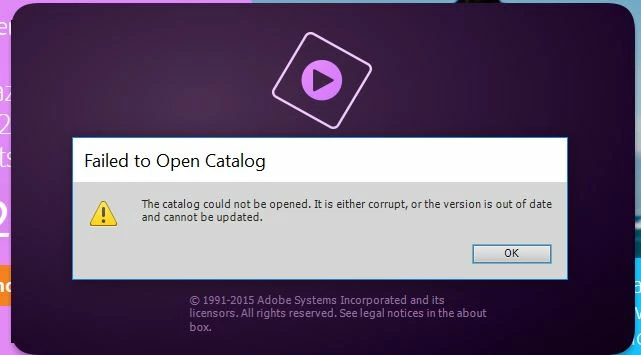
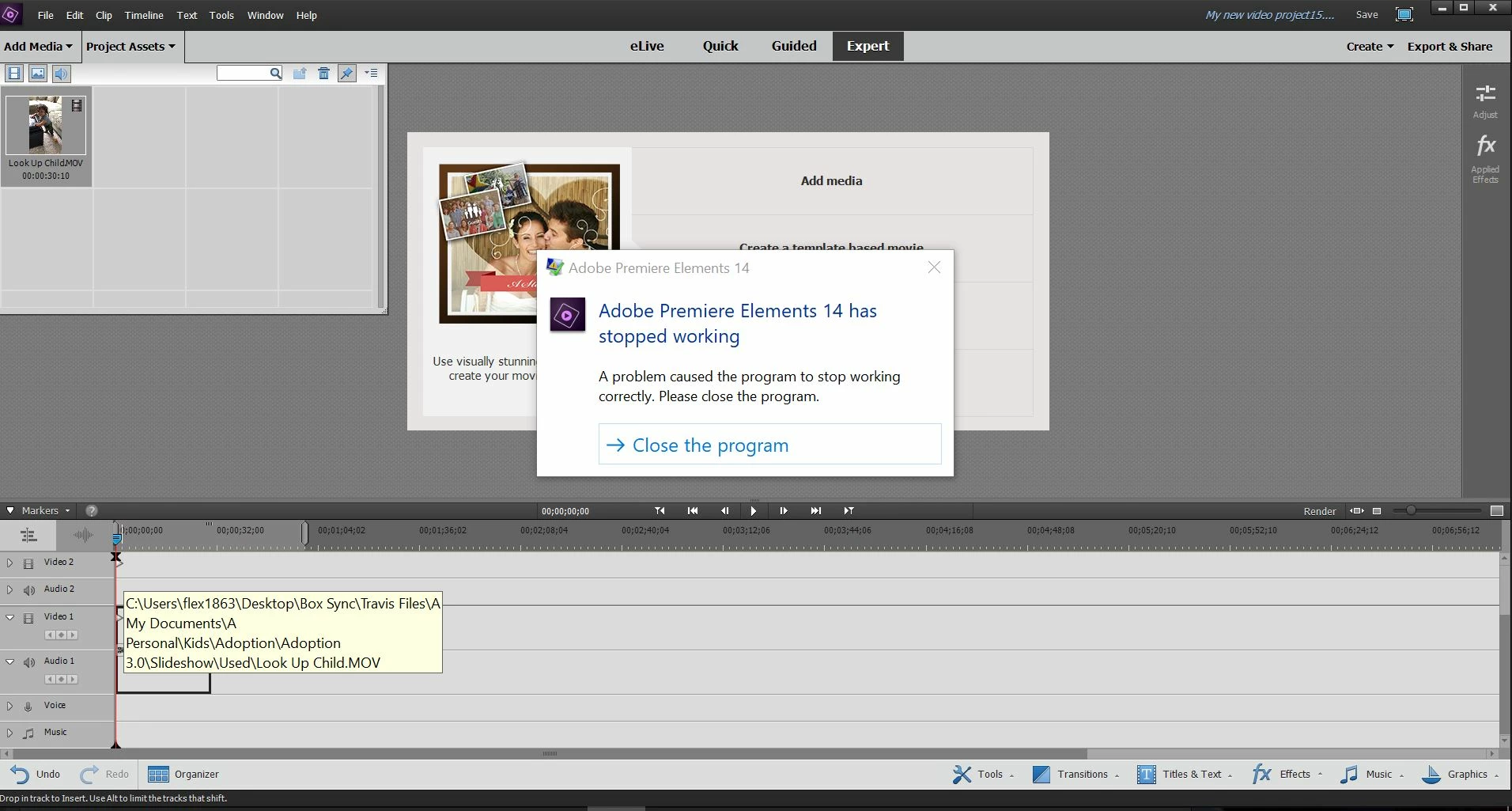
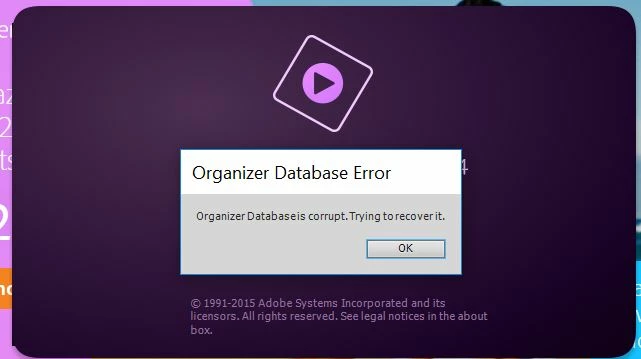
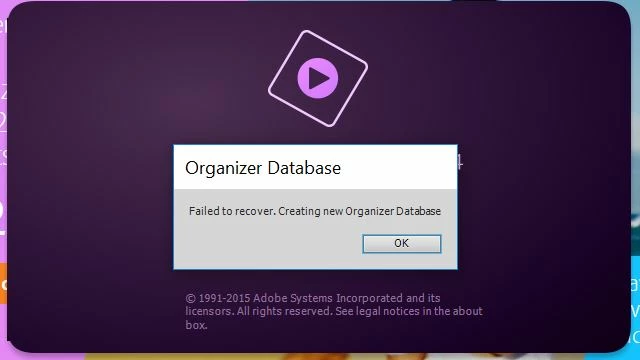
I have been trying to add QuickTime videos (.MOV) to my Adobe Elements 14 Video Editor. It allows me to temporarily put it in the Project Assets, but then when I try to drag it into the timeline Adobe freezes and needs to shut down. I have deleted and re-downloaded the program, I have updated my Elements 14, and I have tried converting the videos into .MP4 and still no luck. I included screen shots of the errors I see when Adobe Video Editor is loading and when I try to add the video and it shuts down. 

I was able to create a beautiful slide show with both pictures and videos a few years ago no problem. What can I do?
    This topic has been closed for replies.

    3 replies

    Legend
    February 21, 2019

    This video uses the HEVC (Advanced Video Codec) which was not supported by Premiere Elements until version 2019.

    It also uses a variable frame rate, which was not supported until the current version.

    Try downloading the free trial of version 2019 and see if you get better results working with this type of video. If so, we can consider your options.

    But HEVC is way beyond the capabilities of version 14.

    Participating Frequently
    February 21, 2019

    Ok. Thanks. Is there anyway to convert my video to a type that is supported by Elements 14? I don't really want to purchase another version of Elements.

    Legend
    February 21, 2019

    We should look at the specs of your Quicktime video. There are after all hundreds of possible combinations in the MOV envelope.

    Open your MOV file in the free download MediaInfo. In MediaInfo, set View to Text and then copy the report it generates and paste it to this forum.

    Participating Frequently
    February 21, 2019

    Thanks for the reply. This may be a silly question, but how do I open Elements directly?

    Here is the copied info from MediaInfo:

    General

    Complete name                            : C:\Users\flex1863\Desktop\Box Sync\Travis Files\A My Documents\A Personal\Kids\Adoption\Adoption 3.0\Slideshow\Used\Look Up Child.MOV

    Format                                   : MPEG-4

    Format profile                           : QuickTime

    Codec ID                                 : qt   0000.00 (qt  )

    File size                                : 66.4 MiB

    Duration                                 : 30 s 327 ms

    Overall bit rate mode                    : Variable

    Overall bit rate                         : 18.4 Mb/s

    Encoded date                             : UTC 2019-02-05 20:15:54

    Tagged date                              : UTC 2019-02-05 20:16:07

    Writing library                          : Apple QuickTime

    com.apple.quicktime.make                 : Apple

    com.apple.quicktime.model                : iPhone 8

    com.apple.quicktime.software             : 11.4.1

    com.apple.quicktime.creationdate         : 2018-09-20T13:20:09-0400

    com.apple.photos.originating.signature   : ASEvlDvAAeq+VIATpxsHNy6+vDiZ

    Video

    ID                                       : 1

    Format                                   : AVC

    Format/Info                              : Advanced Video Codec

    Format profile                           : High@L4

    Format settings                          : CABAC / 2 Ref Frames

    Format settings, CABAC                   : Yes

    Format settings, RefFrames               : 2 frames

    Format settings, GOP                     : M=1, N=15

    Codec ID                                 : avc1

    Codec ID/Info                            : Advanced Video Coding

    Duration                                 : 30 s 327 ms

    Bit rate                                 : 17.4 Mb/s

    Width                                    : 1 920 pixels

    Height                                   : 1 080 pixels

    Display aspect ratio                     : 16:9

    Rotation                                 : 90°

    Frame rate mode                          : Variable

    Frame rate                               : 30.000 FPS

    Minimum frame rate                       : 30.000 FPS

    Maximum frame rate                       : 31.579 FPS

    Color space                              : YUV

    Chroma subsampling                       : 4:2:0

    Bit depth                                : 8 bits

    Scan type                                : Progressive

    Legend
    February 20, 2019

    Have you installed Quicktime 7, per the program's system requirements?

    QuickTime 7.6 for Windows

    Participating Frequently
    February 20, 2019

    Thanks. Yes, I tried that. No luck. Any other ideas?

    Community Expert
    February 20, 2019

    It appears you are opening Premiere Elements from the Organizer.  What happens when you open it directly?