
Participating Frequently
May 7, 2022
Question

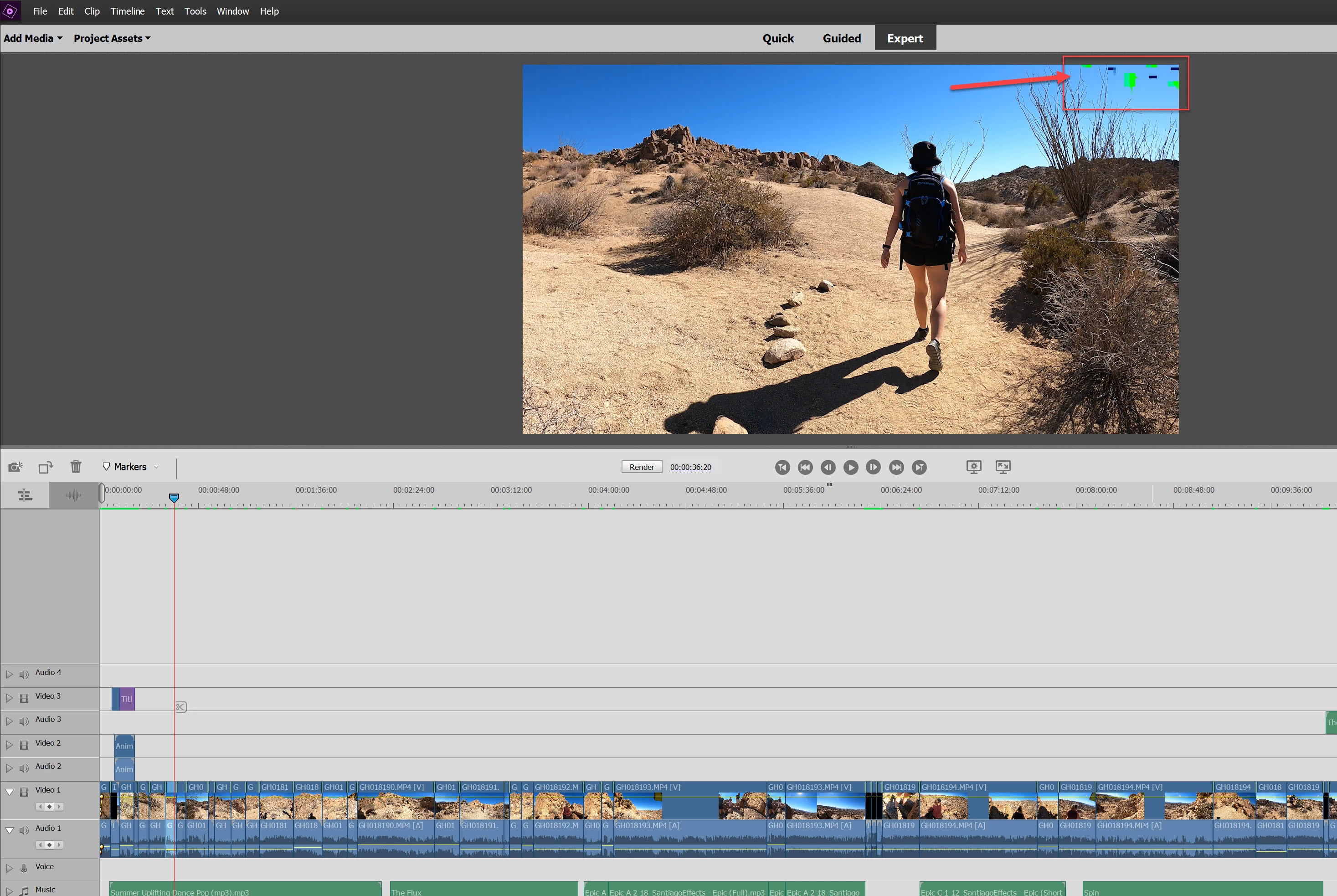
Random green digital pixels in 4k PE video editor

  • May 7, 2022
  • 1 reply
  • 444 views

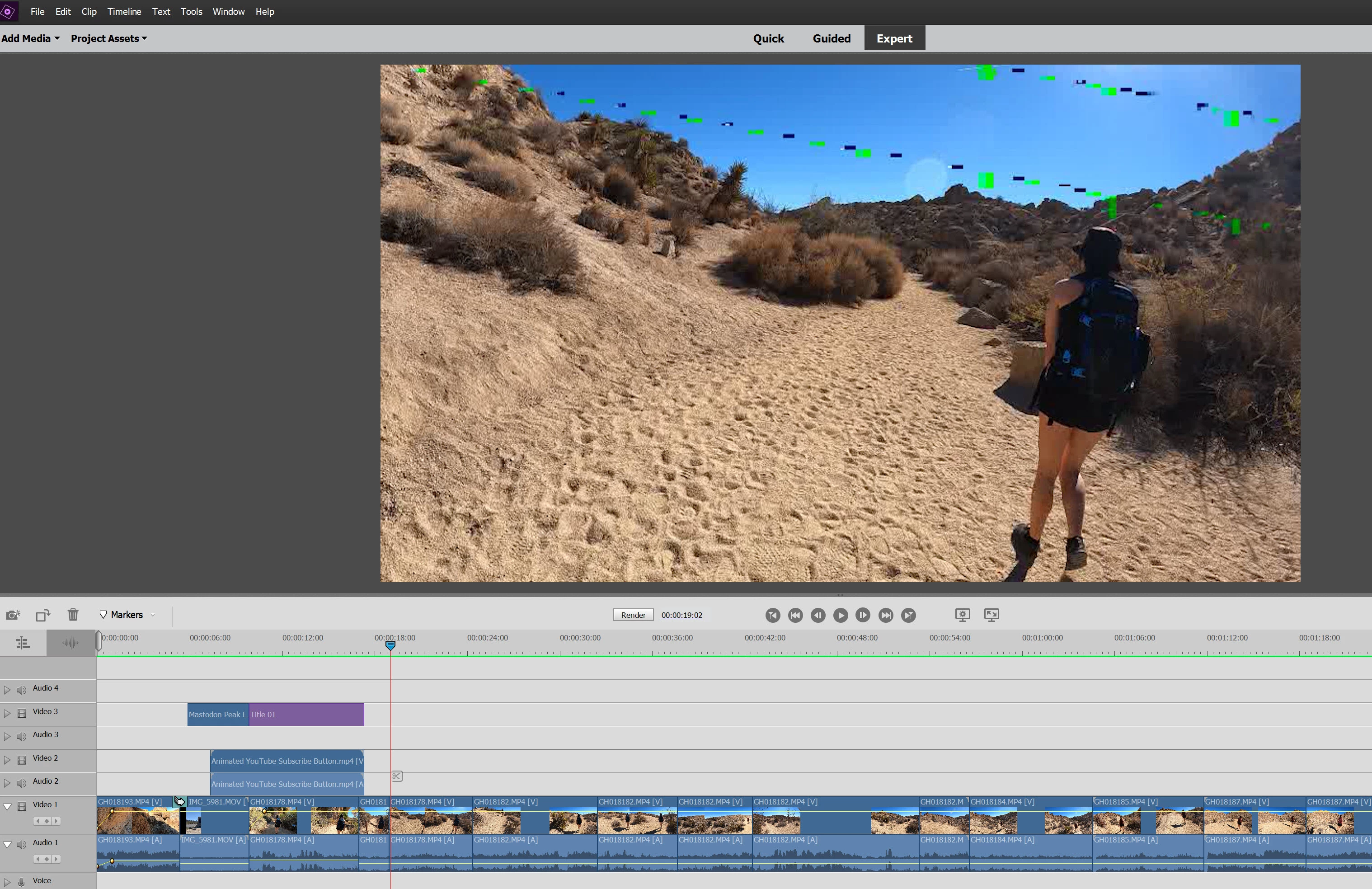
I have a new Surface Laptop 4 and I'm getting random green digital pixels throughout my videos in PE.  The videos are from my GoPro Hero 9 and are 4K H264 and are fine when viewed with any other viewer outside of PE.  I've updated all my graphics drivers and any driver for my Surface 4 laptop including the firmware.  My Intel Iris Xe graphics card is on the PE compatibility list.  I've uninstalled and reinstalled PE.  I've googled and searched for hours, with no solution.  This is not the normal green lines, it's more of digital pixelation, see screenshot.
This topic has been closed for replies.

1 reply

glyatesAuthor
Participating Frequently
May 8, 2022

PS, I've been trying everything to fix this, including I used HandBrake to convert the GoPro 4K to a 1080i 30fps standard H.264, and I'm still getting the green pixels (in the attached image).  Plus, I've edited these GoPro videos with the same format for the last few years on my old laptop with no problems.  I think there is something about my Surface 4 Laptop.

Ann Bens
Community Expert
Community Expert
May 8, 2022

Bad idea converting 4K into 1980 interlaced.

Turn of Acc Hardware (Intel) in the Preferences. see if that will make a difference.

glyatesAuthor
Participating Frequently
May 8, 2022

Not sure I can turn off hdwr accel in Premiere Elements (2021).  Do you know how?