




Question
Recap of Adobe Elements web (Beta) companion app
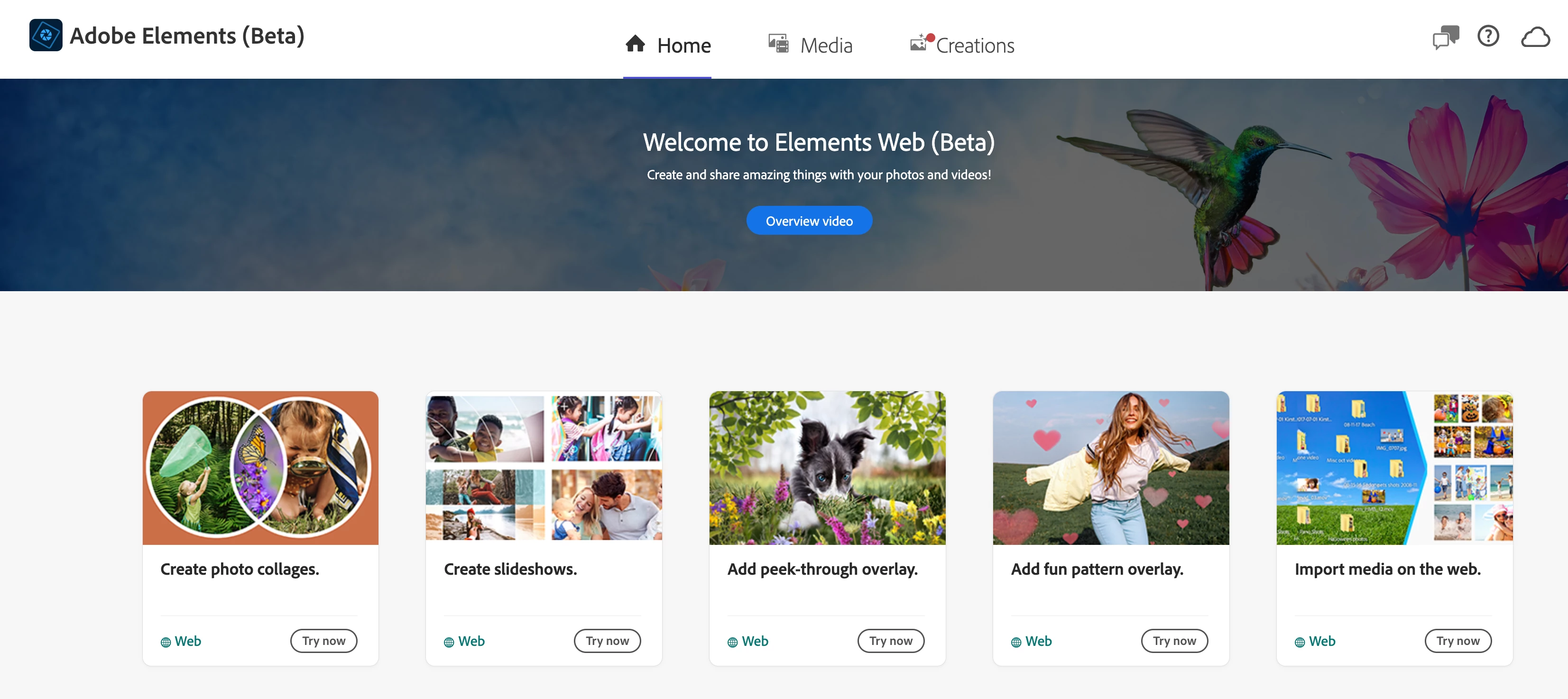
As part of the Photoshop Elements and Premiere Elements release, we’re offering a web companion app that makes it easy to access, view, create, and share your photos and videos from any browser. The app is also available for a 30-day trial: Try now.
The app is available as a public beta to the licensed users of:
- Photoshop Elements 2023 and Premiere Elements 2023 desktop applications.
- Photoshop Elements 2024 and Premiere Elements 2024 desktop applications.
Here is what you can do with the Adobe Elements web beta app so far:
- Access, view, and share your photos and videos via any browser.
- Create photo collages, multimedia slideshows, pattern overlay creations, and peek-through overlay creations via any browser.
- Get 2GB of free cloud storage.
Updates as of Dec 12, 2023
- Magical Backdrop creation (complete with social layout and open on desktop).
- Creations preview experience
- Web Home in signed-out state.
- Open in desktop in peek through creation.
- FAQ and footer section.
Updates as of Oct 6, 2023
- New peek-through overlay creations.
- New layout panel in pattern overlay and peek-through overlay creations.
- Ability to filter and sort creations.
- Feedback touch-point in all creations.
- Revamped Home experience.
- Bug fixes and general improvements.
Updates as of July 28, 2023
- New pattern overlay creations.
- Bug fixes and general improvements.
Updates as of April 5, 2023
- QR code integration for mobile app installation from Elements Web.
- New slideshow progress indicator.
- HEIC Import from Web on Mac.
- HEIC Format Support in Slideshows.
- Bug fixes and general improvements.
- Magical Backdrop creation (complete with social layout and open on desktop).
- Creations preview experience
- Web Home in signed-out state.
- Open in desktop in peek through creation.
- FAQ and footer section.
For more info on past updates and changes, click here.
 AdChoices