



Answered
Red Screen on Premiere Elements 18
Hi there,
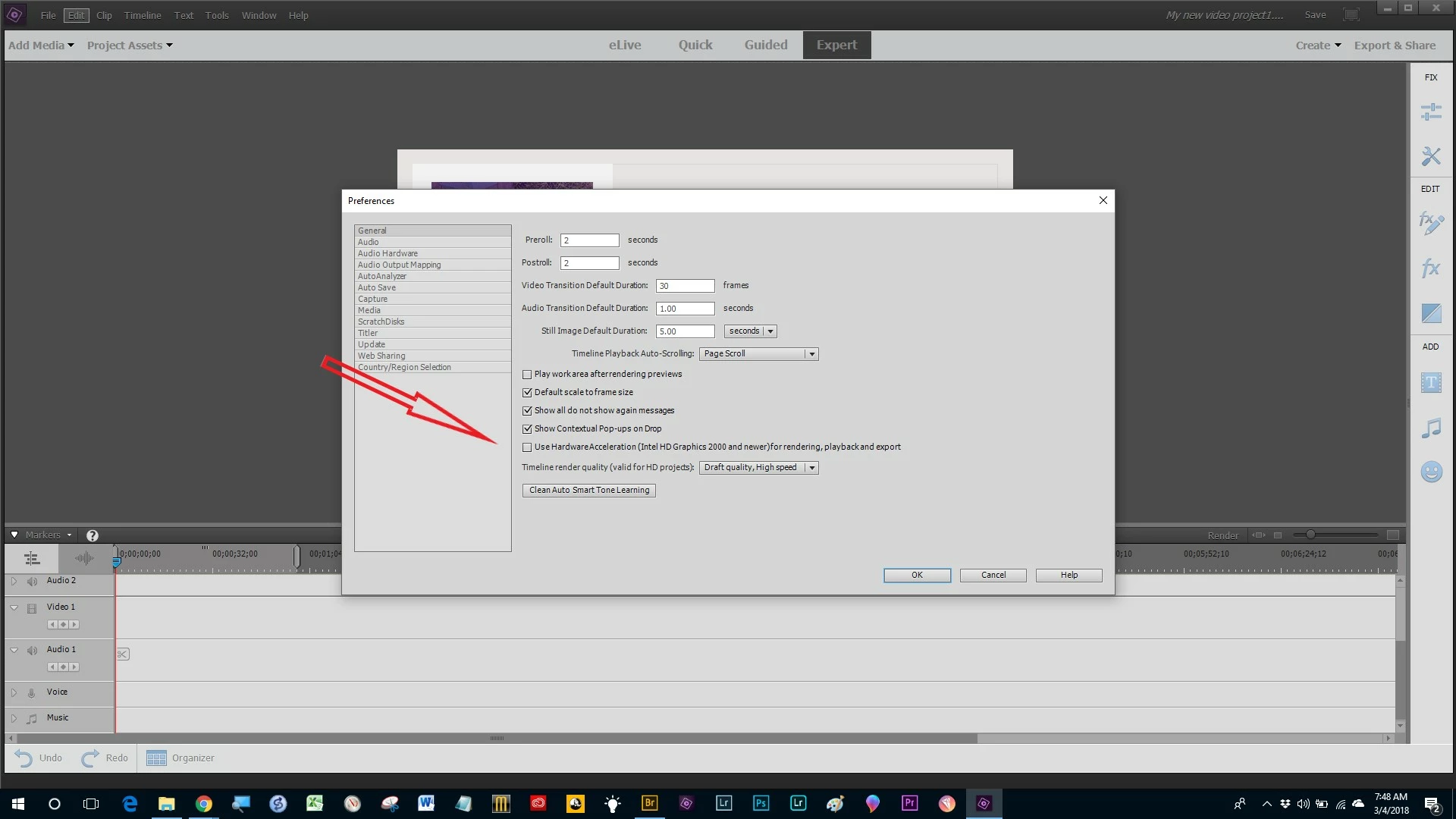
I have just upgraded from Premiere Elements 14 to 18 becuase I bought a new camera (Panasonic Lumix G80/85). So I'm now recording video in 4k but I keep getting a red screen when editing video footage. Never used to get this using Elements 14, maybe because I'm now recording in 4k. There's is some mention of Unchecking "Enable accelerated Intel h.264 decoding" in Premiere Pro preferences but this option doesn't appear to be avaialble in Premiere Elements. I have checked I have my latest graphics driver (Intel(R) HD Graphics 4600) and beyond that I'm lost. Has anybody else experienced this and found a fix? Would be most grateful as Adobe support don't work on Sundays, understandably.
 AdChoices