


Rendering stucks with estimated time: 5 seconds
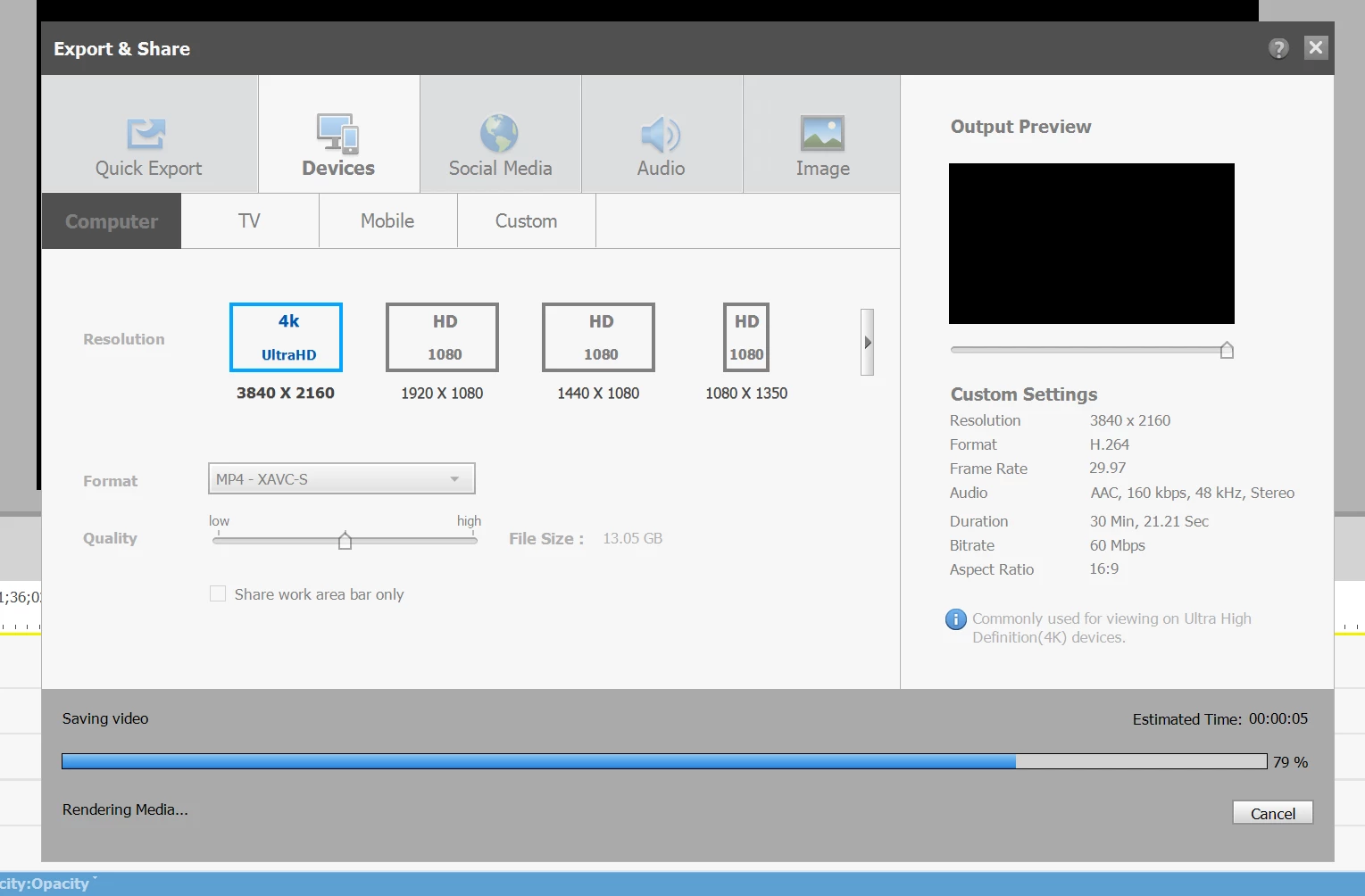
I have troubles with this project, it alwasys stucks with estimated time: 5 seconds
In advance, I'm sorry because I'm not a native English speaker, so maybe some expressions or words are not fitted.
My OS is windows 11, and I am using Premiere Elements 2023, and the version is 21.0.
My laptop has Core Ultra 7 155H and RTX 4050 Laptop.
The projects is so simple.
It starts with a title which is pre-made in Premiere. I just revised some texts.
And then, a 4K video file (12.9 GB, 30 minutes 53 seconds) is attached.
The original audio of the clip was deleted with Premiere, and some free music files from youtube were added as background music.
So, all things were set and I started exporting.
Without rendering process, it alwasys stucks at 5%, so the next time, I pressed render button and then I checked the timeline bar was changed to green, and then I restarted exporting, however, the result is displayed like the screenshot.
Should I wait or just give up?
 AdChoices