


Question
Repeated 'incompatible disc' message when trying to burn Blu-Ray
I just bought Premiere Elements 2020 for the purposes of being able to burn Blu-Ray discs using it. Now, all I get is an 'Incompatible Disc' message for the project. It occurs with any and all video file formats I have tried (MPEG2, AVI, M2TS). 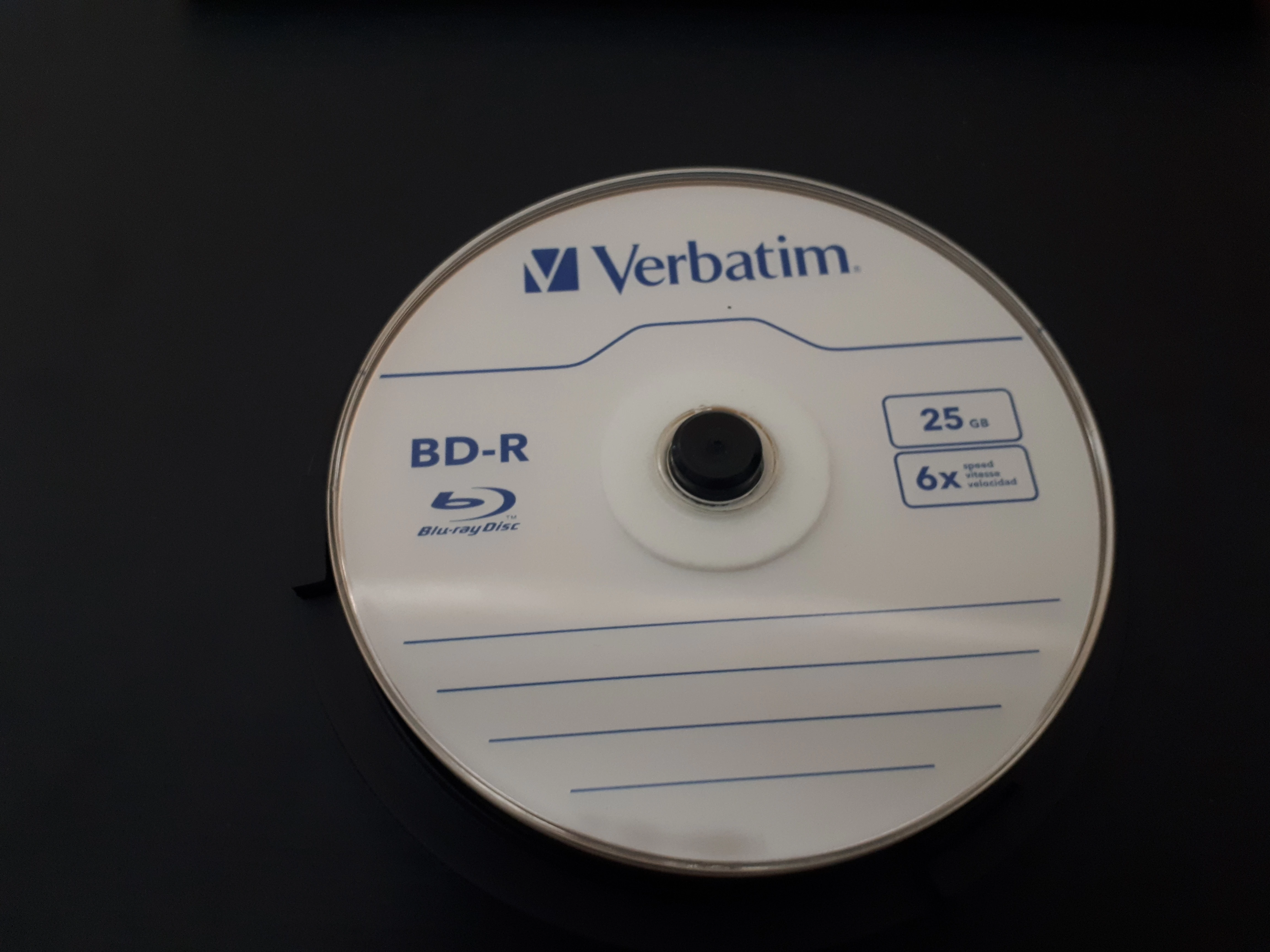
This is the type of disc I have been trying to use. It seems to be the ONLY one available locally for purchase.
Ideas? What do I need to fix? This software is brand new and I got it for being able to burn Blu-Rays as I cannot find other Blu-Ray burning software.
 AdChoices