


Participating Frequently
June 19, 2019
Question

Resolution and grainy projects...

  • June 19, 2019
  • 3 replies
  • 516 views

I am a total newbie to Premiere Elements and am not a media guru at all.  We have a horse breeding operation and I need to put together some handsome sales videos of the horses.   I am having problem with the resolution and smoothness of my projects.  Most of my video media comes from my Sony HD AVCHD.  When I import the videos from the camera the uploaded file is a .MPG file.  I have been told that that is not a compatible file for Premiere Elements 2019 and that I would need to convert the file.  So, I have downloaded EasyFab Video Converter.  Within that converter you can select for which video editor you are using.  I chose Premiere.
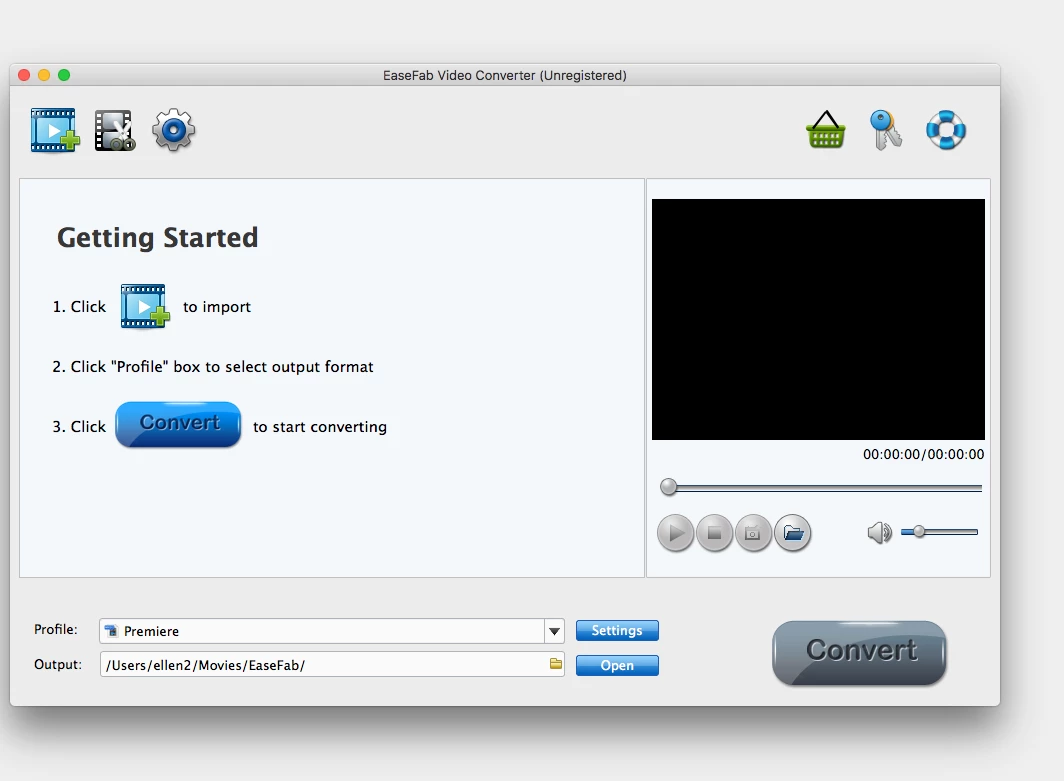
It converts the file and what I find is the same file extention...but with lower case .mpg instead of .MPG.  Then, when I create my videos the images are fuzzy with poor resolution.  Even the static photos have poor resolution.  See below.

https://www.youtube.com/watch?v=S0yy9eh8-Qkhttp://

Thanks so much for helping me figure this out!!

    This topic has been closed for replies.

    3 replies

    Legend
    June 21, 2019

    Well, it will get easier as you learn the most effective workflow.

    Which is why I post these tutorials and my books. Helping people get it right the first time so they can save lots of time and energy!

    Legend
    June 20, 2019

    I'd recommend shooting some video and experimenting with your workflow before you get into a big project.

    And check out my free 8 part Basic Training tutorials on YouTube! If you're new to the program, they'll help get you up and running!

    Participating Frequently
    June 20, 2019

    Thank you!  You have no idea the work that goes into just getting the footage with these horses.  I can't believe I am going to have to redo!!!

    Community Expert
    June 20, 2019

    Video files from a Sony AVCHD camera should be fine.

    My first guess is that you have the camera settings at less than the best.  On a Sony camera there should be a 1920x1080 at 60 frames per second setting.   You shouldn't need to convert. 

    What are the camera setting choices you have?  And, what settings have you used?

    Participating Frequently
    June 20, 2019

    Here are the settings I see on my camcorder.  Most of them were probably STD versus HD   But still, I don't think the video quality should be that bad...or should it?  I am not seeing a menu where I can select 1920X1080 60 frames/second.   Thanks for your help.

    Community Expert
    June 20, 2019

    What camera is that?  I might be able to look up the manual.  "Standard" was a quality level great for old tube TVs.  It will be "that bad" viewed on current screens.  You have to find the "HD" or High Definition settings.