


Known Participant
October 17, 2020
Question

Sharpness loss

  • October 17, 2020
  • 2 replies
  • 399 views

When I import the images and render the video, there is always loss of sharpness.

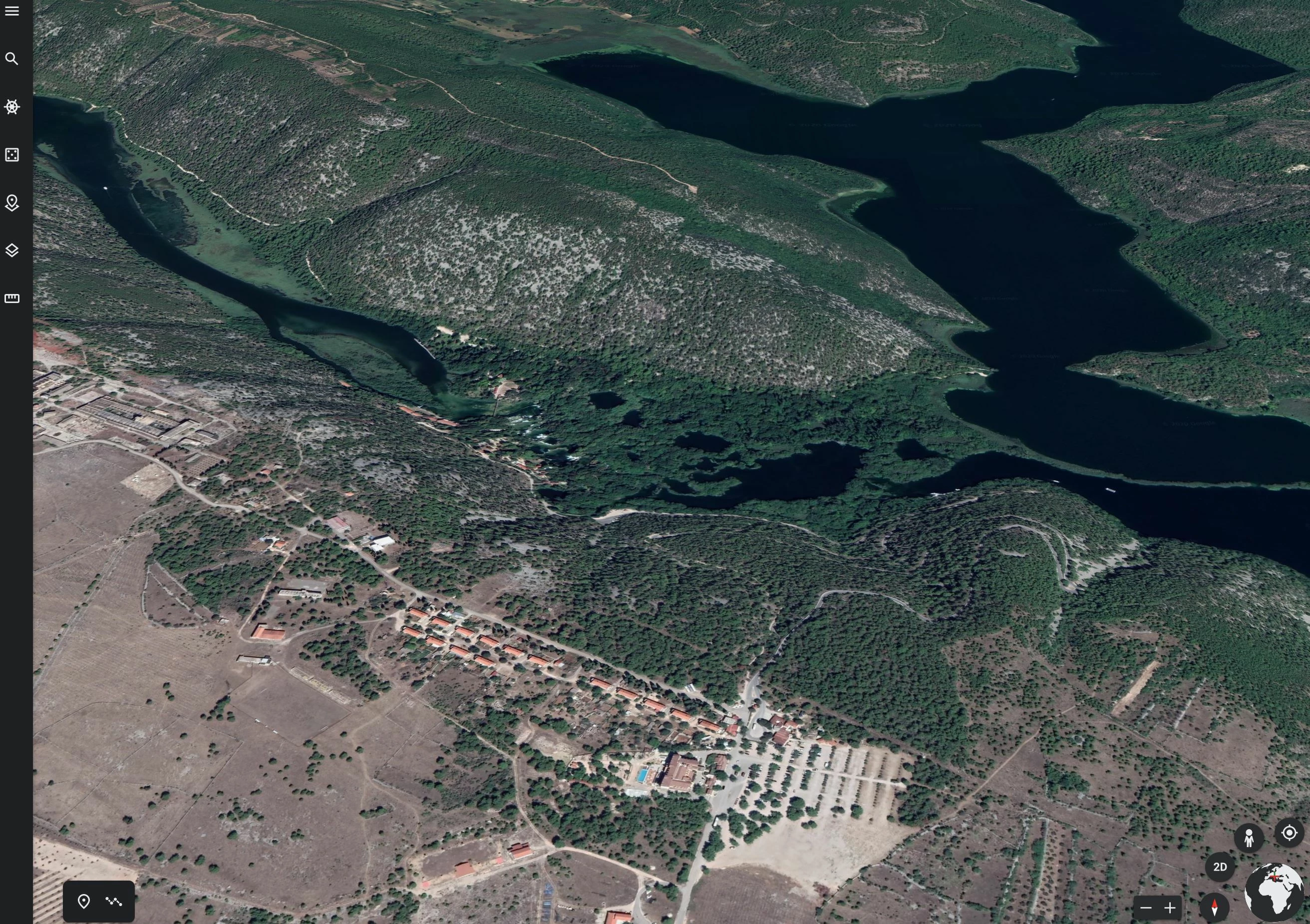
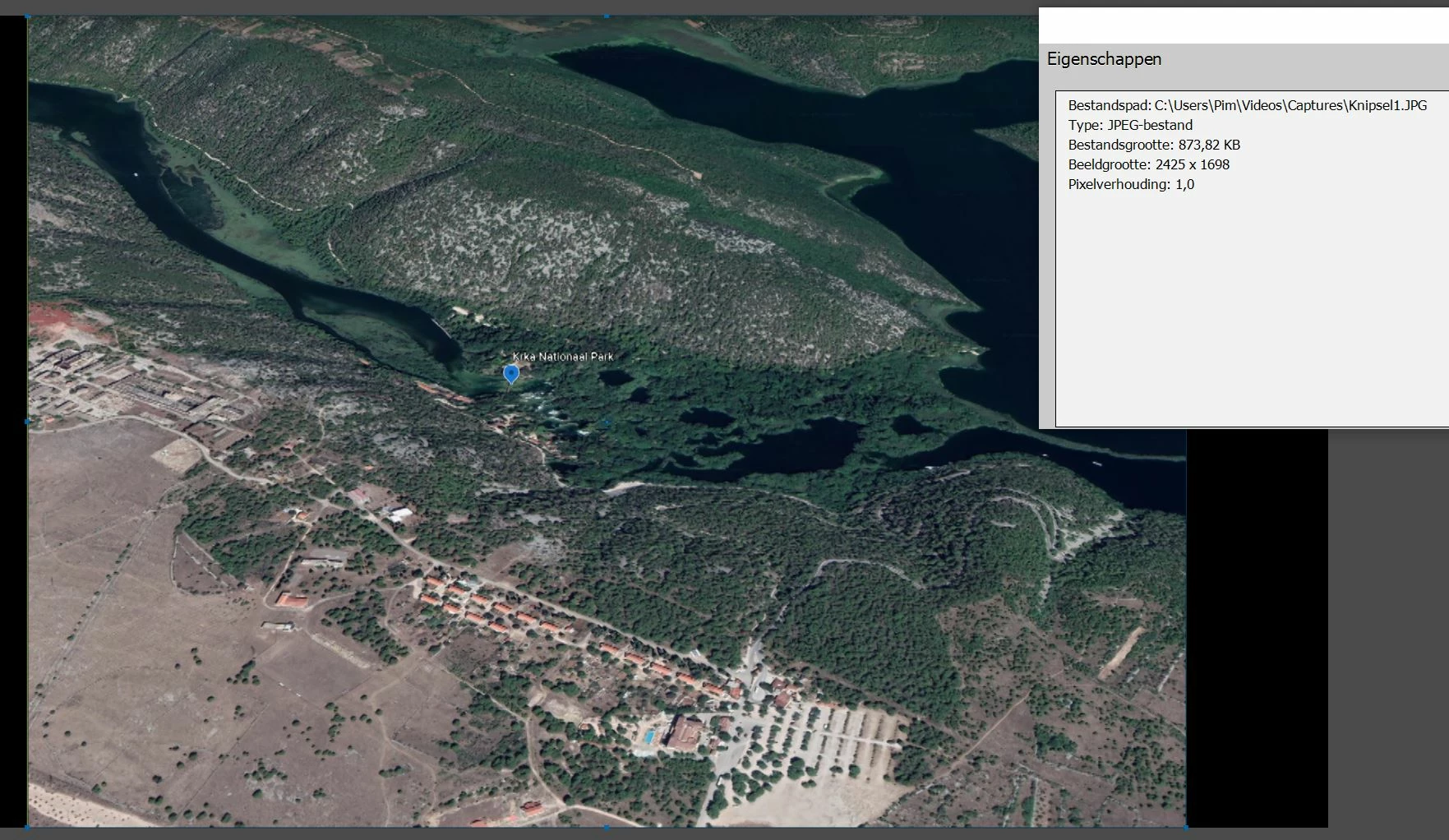
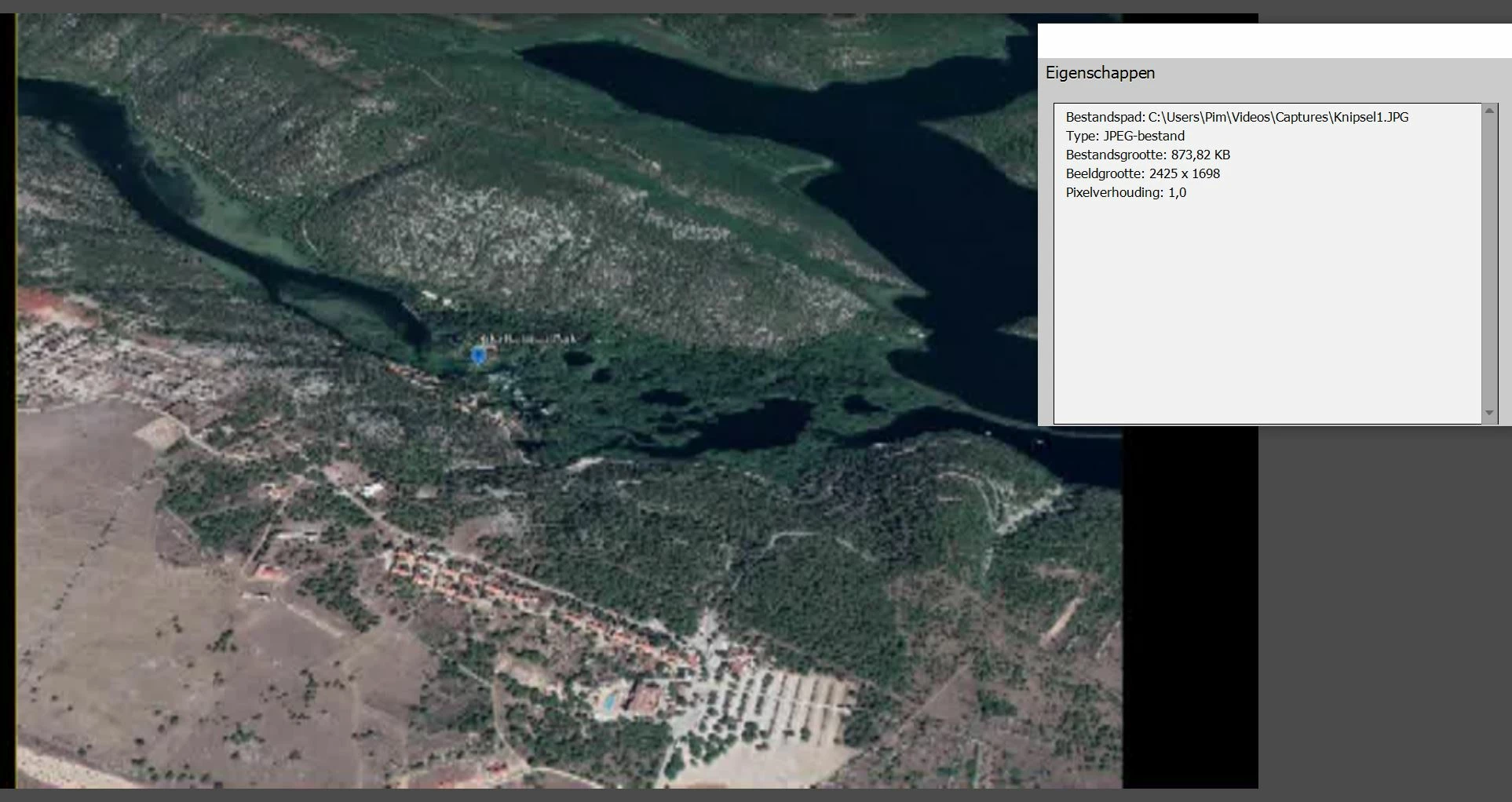
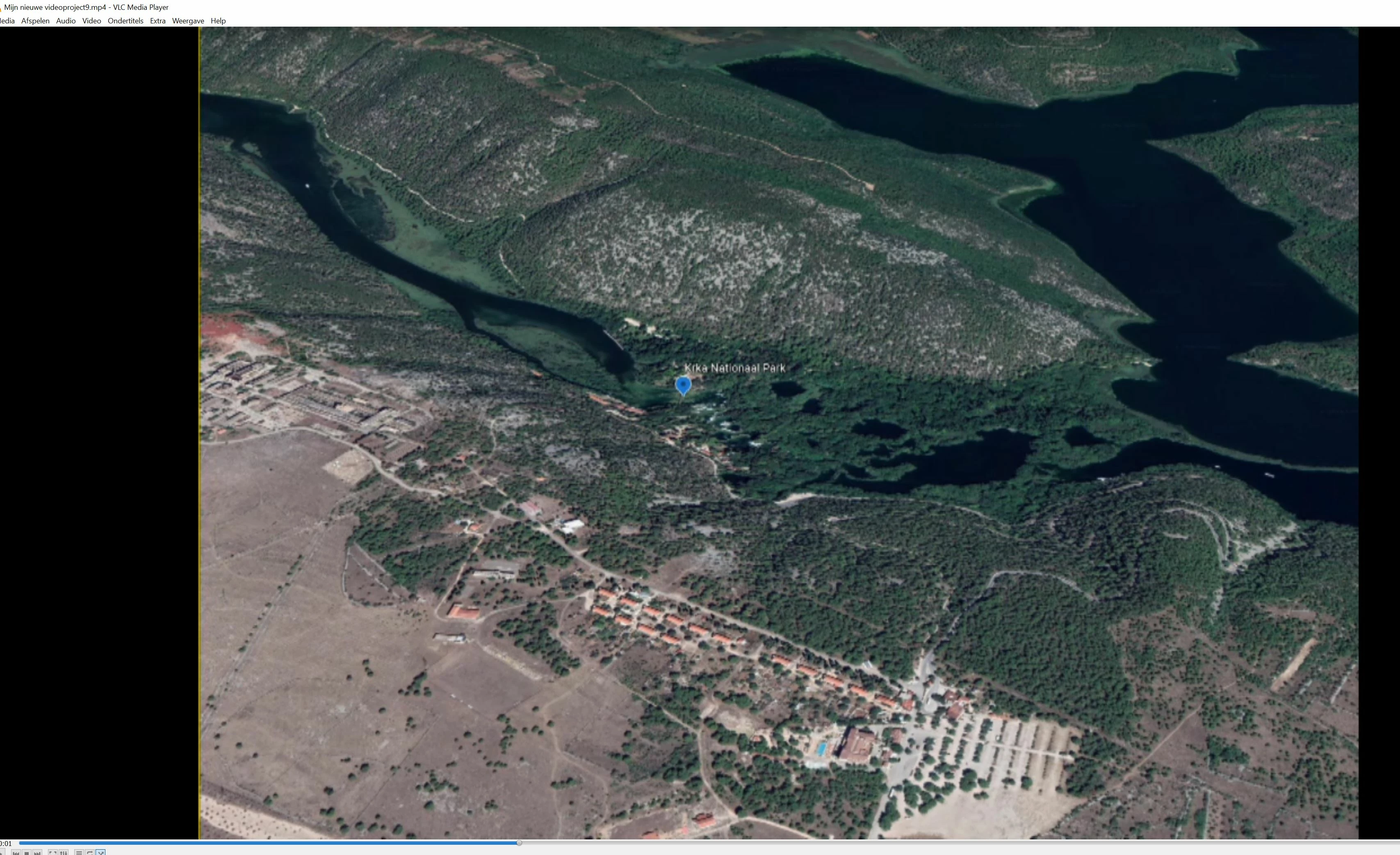
How can I keep my sharpness? See picture for the difference.

Google Earth (originel):
Before render (in Premiere):
After render (in Premiere) lost sharpness:
 

After export from Premiere (in AVI):
This topic has been closed for replies.

2 replies

Community Manager
October 17, 2020

@Pim5D31 

Your image resolution is 2425 X 1698 (Non standard resolution)

and Project setting has a resolution of 1920 X 1080.


Issue is there because of mismatch in project resolution and Image resolution.

You can try to create a project with higher resolution and also try to export in high resolution. It might resolve the issue.

Thanks, Gaurav
Legend
October 18, 2020

Again, it looks like you're judging the quality based on what you're seeing in the preview panel.

Have you tried outputting 1920x1080 MP4 and comparing it to your original photo?


As Gaurav says, there is a difference in resolution so it won't look as perfectly clear as your original photo. But a 1920x1080 video should look every bit as good as a 1920x1080 photo.

Pim5D31Author
Known Participant
October 18, 2020
 
Thanks for all the explanations. I judge the end result (after export) and nothing in Premiere itself. But I'm starting to get through with the resolution thanks to the tips. And not only for a JPG but also for a MOV or MP4. I now set all settings (also for Premiere in OBS) to 1920x1080.
 
 
Legend
October 17, 2020

Look under the Edit menu. What is listed on the General page under Project Settings? It is your project settings, not the resolution of your photos, that determine the resolution of your final video.


Also, where are you judging the sharpness? It is in the preview window of the program? That is just a preview and what it shows may not be what your final video will look like. 


The sharpness and clarity of your movie is a combination of a) the resolution of your original photo or video, b) your project settings, and c) the resolution of your final output.

Pim5D31Author
Known Participant
October 17, 2020

See supplemented info for the settings.
I assess the sharpness in the final result (after the export), but before rendering there is still a sharp image and after rendering it is no longer (also not after the export).


Project setings:


Details JPG (before loading in Premiere):