


Answered
Time Lapse of GoPro Images Not Working
Followed this tutorial:
I'm using Adobe Premiere Elements 2018
I imported 100 still images into Premiere Elements 2018 (taken from GoPro time lapse mode)
I selected all images. Dragged all to Video 1 in time line.
Clicked "Render"
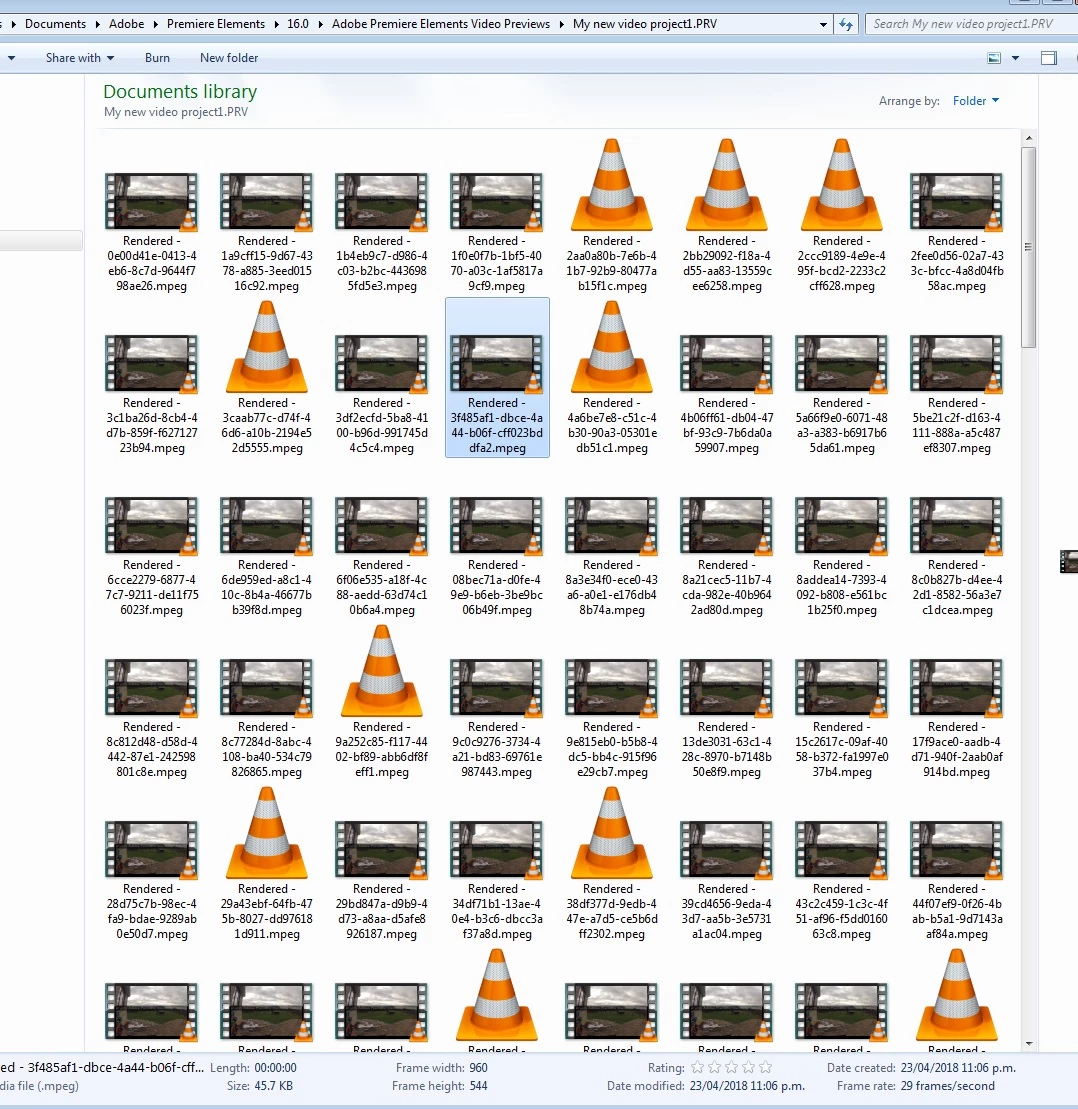
Only thing in the render folder is 100 videos of 00:00 length. Instead of one rendered video of all the images combined into a time-lapse video.
What is wrong?
How do you make a proper time-lapse move of still images in Premiere Elements 2018???
Photo attached shows the "rendered" output...
Thanks
 AdChoices