


Trial Watermark still present on purchased Premiere Elements 2021
Hi, I am making a project using Premiere Elements 2021 which I purchased on July 10, 2021. For some reason, everytime I open the program, the following pop up appears asking me to sign in. I follow the instructions by entering the serial number I received when I purchased the product, which I accessed from my account.
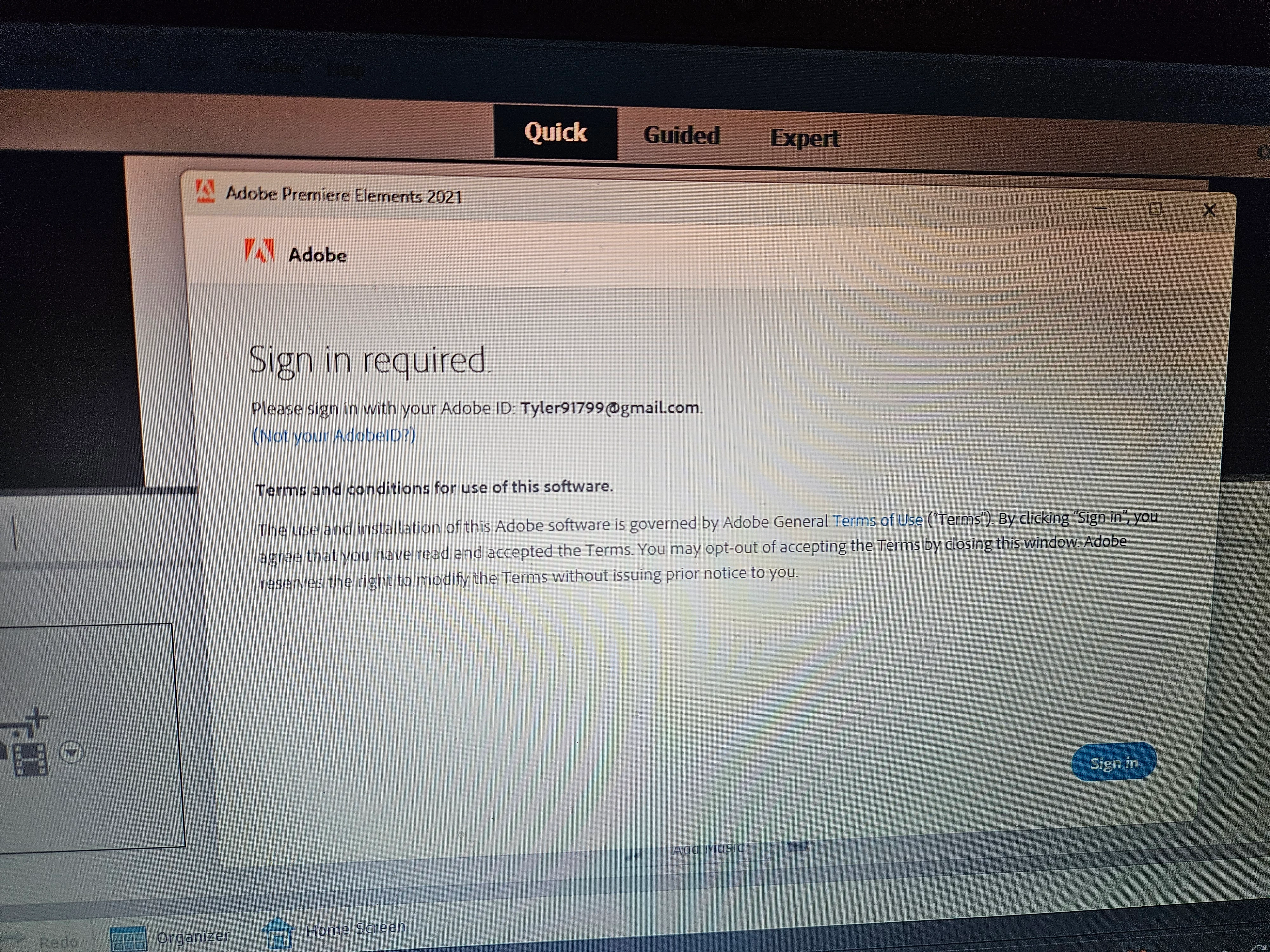
After doing this, the pop up dissappears, and I'm able to run the program like normal. But unfortunately, when I edit a project, the watermark that says "created using Premiere Elements trial version" still appears on the display screen as shown below. I have tried a couple of suggestions I found saying to deleting rendered files and re-render the project, as well as cleaning media cache files. Neither of these solutions seem to work. I am hoping I can get another solution to get rid of the watermark. It shouldn't be showing up after I put in the serial number. And the pop up prompting me to enter my serial number shouldn't be showing up everytime I open the program since I have already purchased it and have been using it for 2 years. Thank you for your time.
 AdChoices