
Question
Trying to bypass "Welcome / privacy settings" screen in Premier Elements 2021
Every time I boot up Premier Elements (2021), it makes me have to dismiss the screen shown below.
How can I get that to stop, and go straight to the editor?
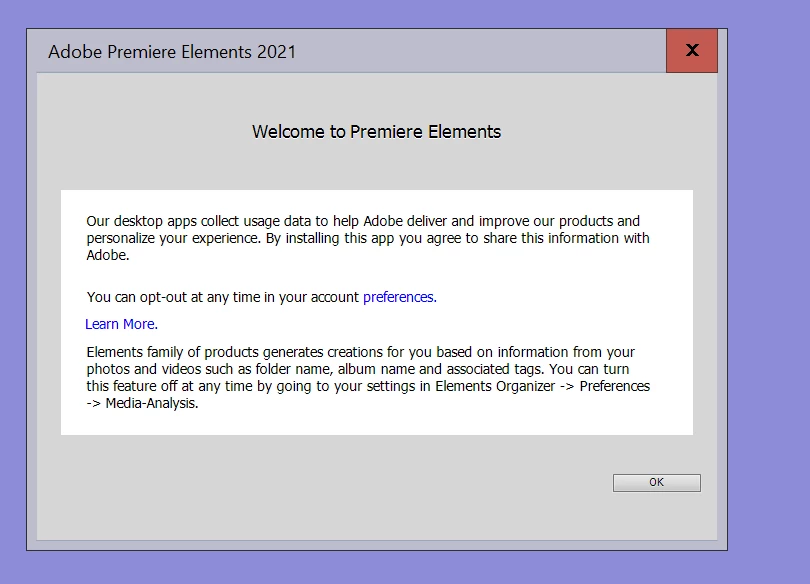

Every time I boot up Premier Elements (2021), it makes me have to dismiss the screen shown below.
How can I get that to stop, and go straight to the editor?
Already have an account? Login
Enter your E-mail address. We'll send you an e-mail with instructions to reset your password.


 AdChoices