


Urgent - Premiere Elements does purple and green glitch over my videos
Hi there,
I just purchased Premiere Elements. I started editing a video in the free trial version, and after getting most of the video edited I decided to purchase it to immediately get rid of the "free trial banner" across the video. However, when I received the full version, the video I was editing now has this purple and green glitch over it. 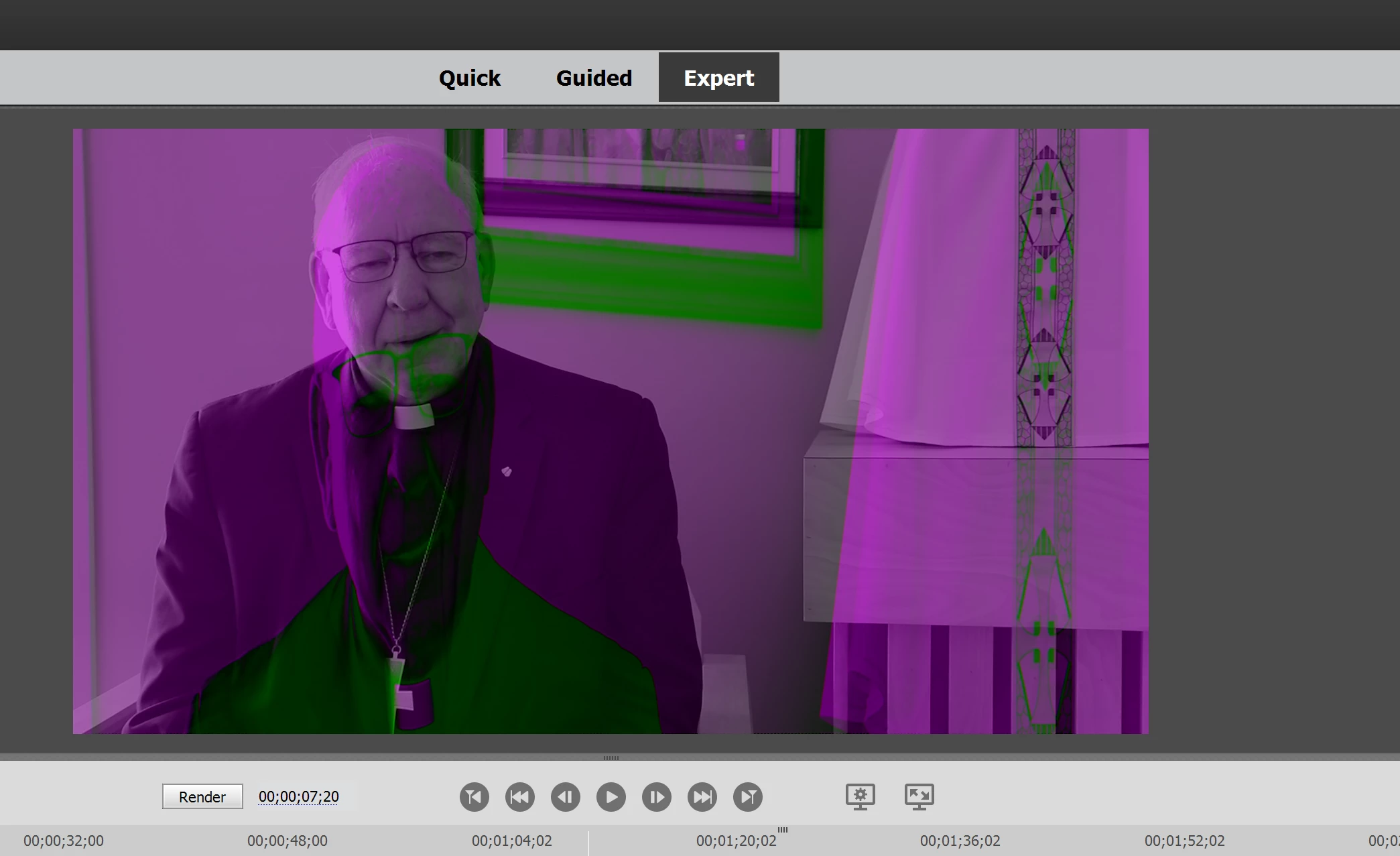
This was not present in the trial version. There are some fixes available for this in Premiere Pro, but I have found nothing to correct the problem in Elements. I checked my Windows Updates and everything appears up to date on my computer.
If I cannot get this problem fixed within the next 24 hours, I'm likely just going to demand a refund. I cannot use a program that brought this major of an issue within my first few minutes using it.
If you can help me that would be greatly appreciated.


 AdChoices