


Question
Using Premiere Elements 20 imported video clips have good sound but green bars are displayed
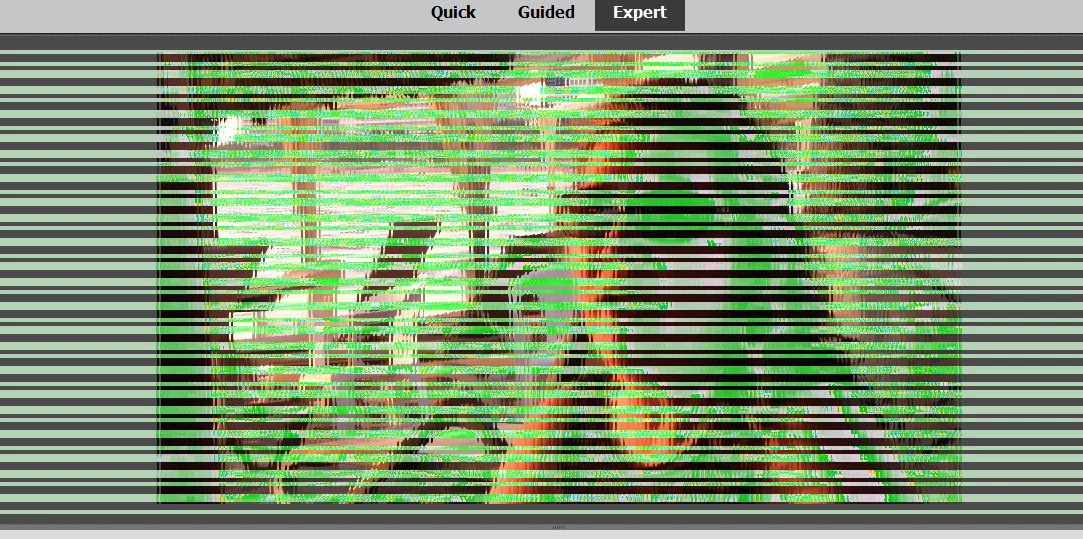
I am running Windows 10 on a Toshiba laptop. If I open MP4 clips using Media Player everything is fine. It is only when importing into Premiere Elements 2020 do the green stripes show up in the monitor (both for preview or from the timeline). From my forum search I see this has been reported before for both Elements and Premiere Pro. In these instances they said to back-level the graphic's version. The problem with that is that I am running an Intel HD Graphics 520 (version: 27.20.100.8281) with a date of May 19, 2020. I have created a lot of video without problems since this release. It would seam the fix or a better work-around needs to come from Adobe.
 AdChoices