Participant
June 15, 2024
Question

Video crop issue

  • June 15, 2024
  • 1 reply
  • 306 views

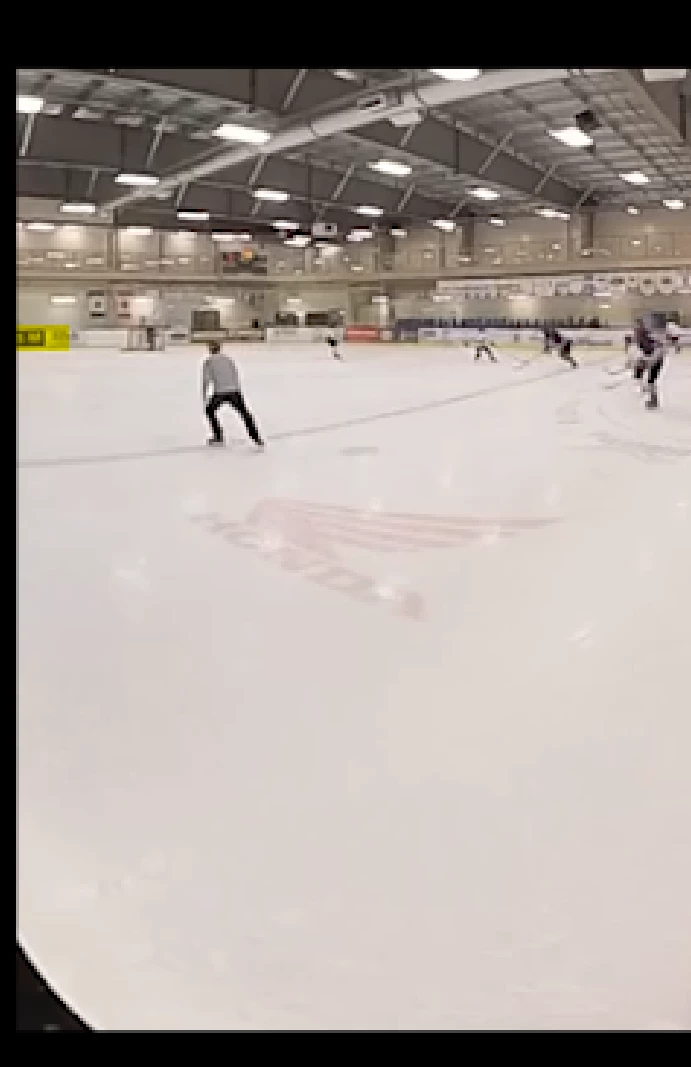
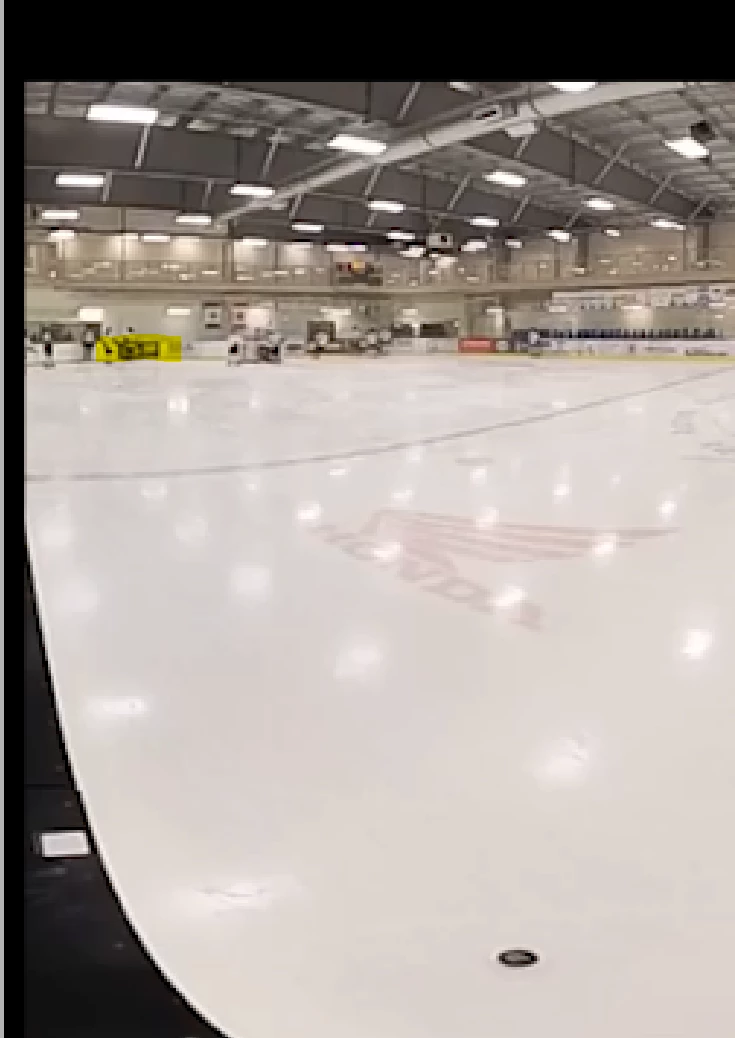
I tried to crop a video, and the result looks fine at the beginning of the first image. However, 15 minutes into the video, the second image shows what is cut off. The crop left is zero for both images. 


The program is Premiere elements 2023 and the video is a 1440x 720 360 video. 

Is there a known fix to stop the video from changing the crop position throughout the clip. the clip is

1 hour 43 min.


Thanks,

Joe


This topic has been closed for replies.

1 reply

Community Expert
June 15, 2024

Are you using the crop effect or changing the scale?   Is it one single, continous clip in the long video?   

UBU1980Author
Participant
June 15, 2024

I am using the crop effect. It is one single clip.

Ann Bens
Community Expert
Community Expert
June 15, 2024

Your issue might be that the clip is a 360 video.

Elements does not support 360 footage.

Use scale instead of Crop.