


Participant
November 21, 2023
Question

Video Importer function not importing from external HD

  • November 21, 2023
  • 2 replies
  • 189 views

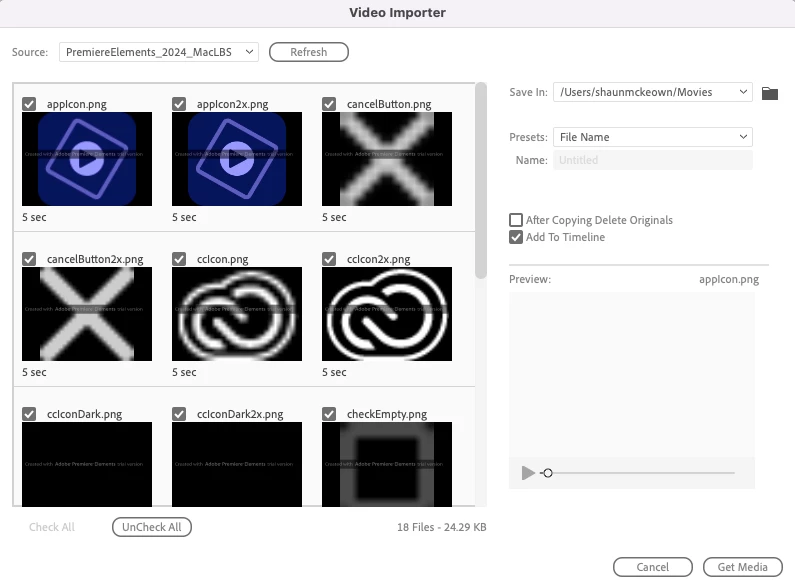
Trying to import mp4 files from an external hard drive plugged to my MAC by USB. When attempting to use the Video importer function it only gives me the option to use 'Source - PremiereElemente_2024_MacLBS'

Doesn't allow to find the external hard drive. See below.

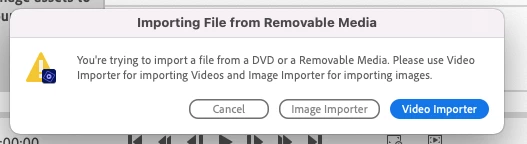
Have also tried importing via 'Files and Folders' but it gives me the below fail message and to use the Video importer function.

I'm failing on the 1st step of trying to makle videos....any assistance would be great? Thanks in advance.
This topic has been closed for replies.

2 replies

John T Smith
Community Expert
Community Expert
November 21, 2023

When you 'import' a file you are not actually importing the file to use on the timeline, the project file is making a 'pointer' to the file's location... so if/when you remove the external device the file does not stay on the timeline since it was never really physically IN the timeline, only a pointer to where the file resides


Trying to use an external device for video is a bad idea... and it MAY now be part of the program to reject an external device as the source of video on the timeline

Ann Bens
Community Expert
Community Expert
November 21, 2023

Are you able to copy the files from the external drive to a local drive with finder?