


Participating Frequently
April 14, 2021
Answered

Videos does not show full frame/screen

  • April 14, 2021
  • 1 reply
  • 2295 views

Hi!


I was wondering if anyone here can help me. I have noticed at problem, when I'm going to download my project. It creates a boarder or frame around it, so it doesn't show full screen...or full frame. Don't know how to explain it otherwise. This boarder/frame can been no matter what I do. I have tried to edit my video preferences, pixel and...well, all the logic things I could think of. It still does not show full frame or screen - which ever term is correct, and it's driving me crazy!
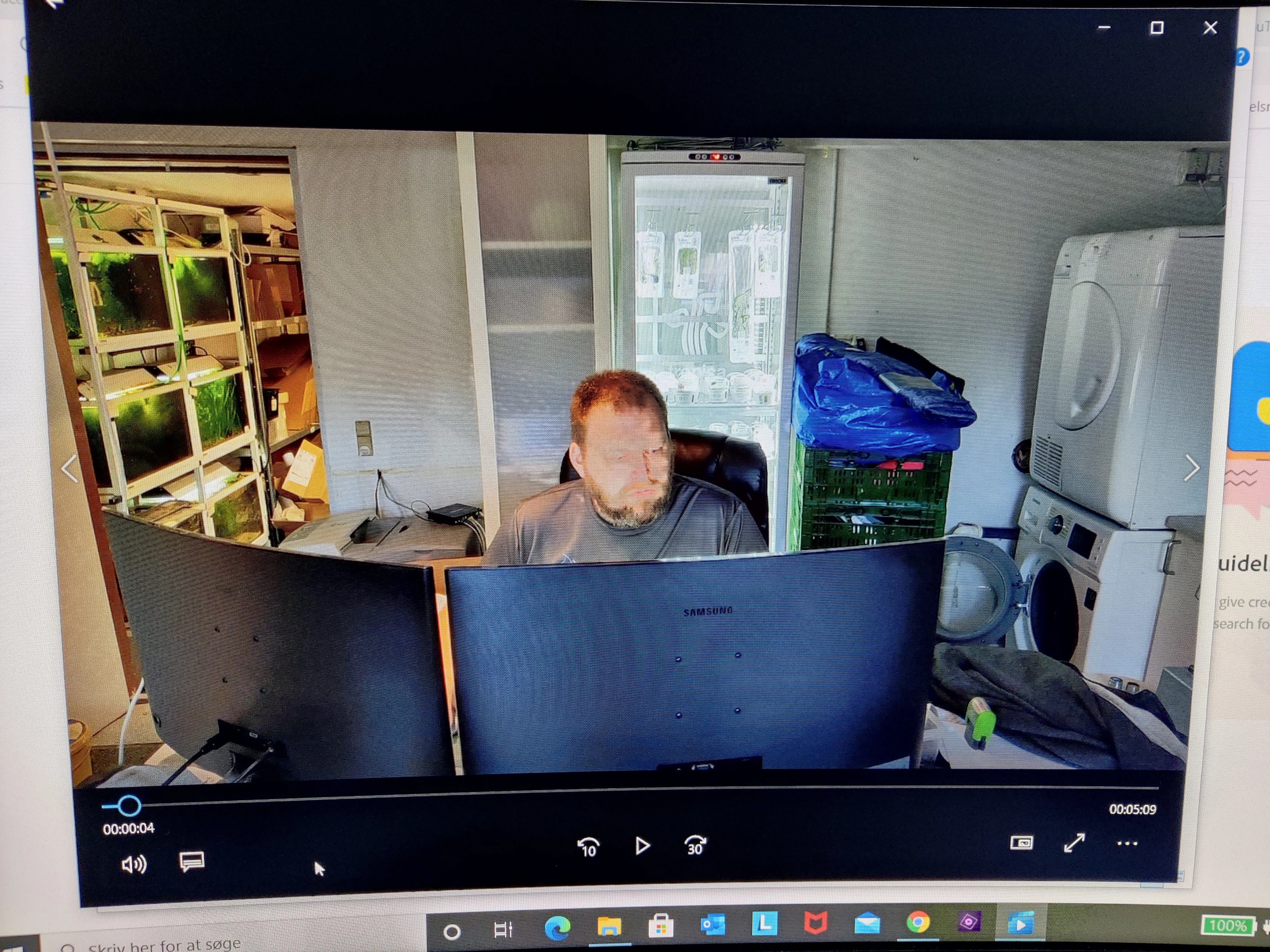
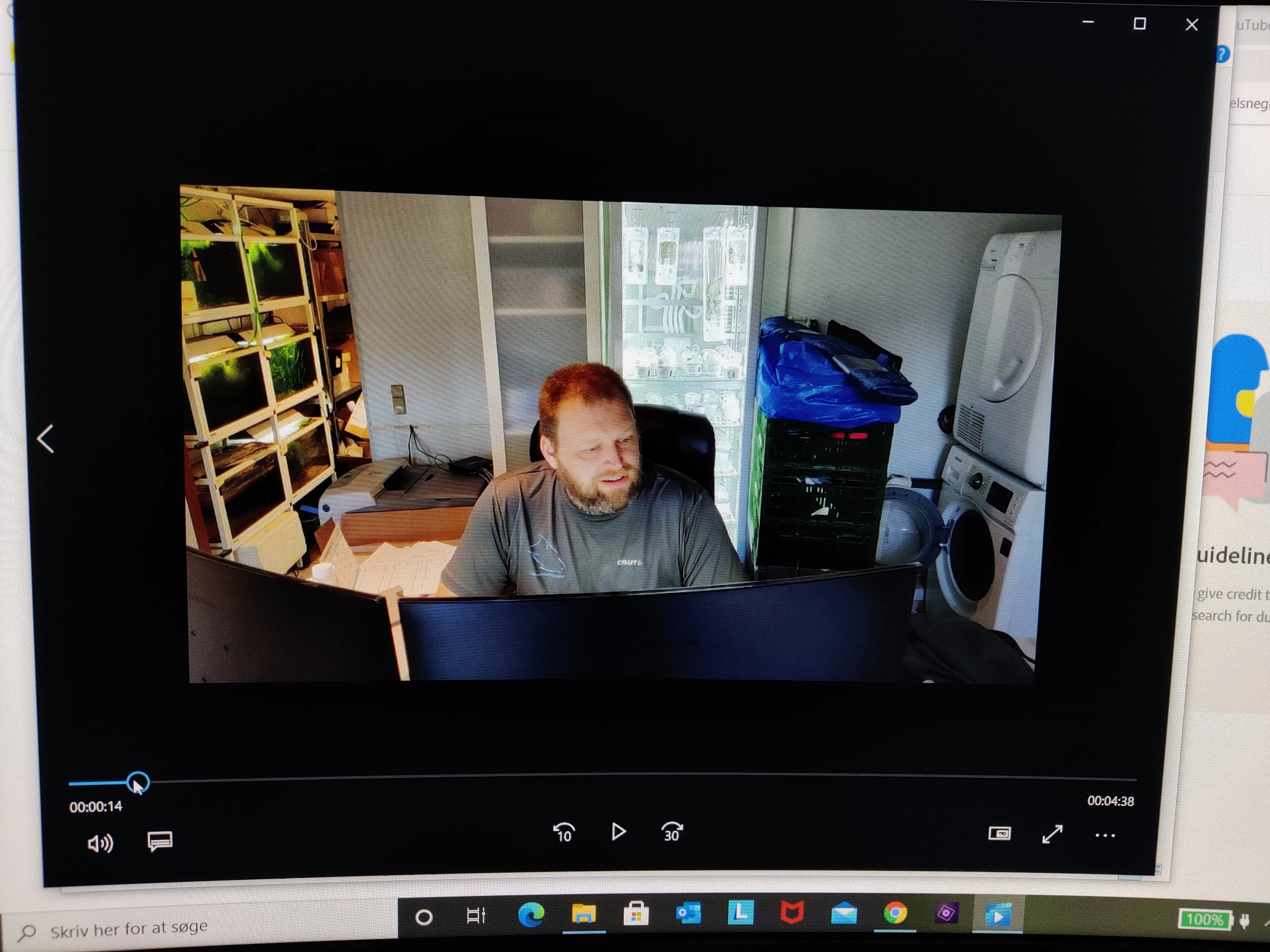
Before and after editing. I have done nothing but edited it a bit.⬆
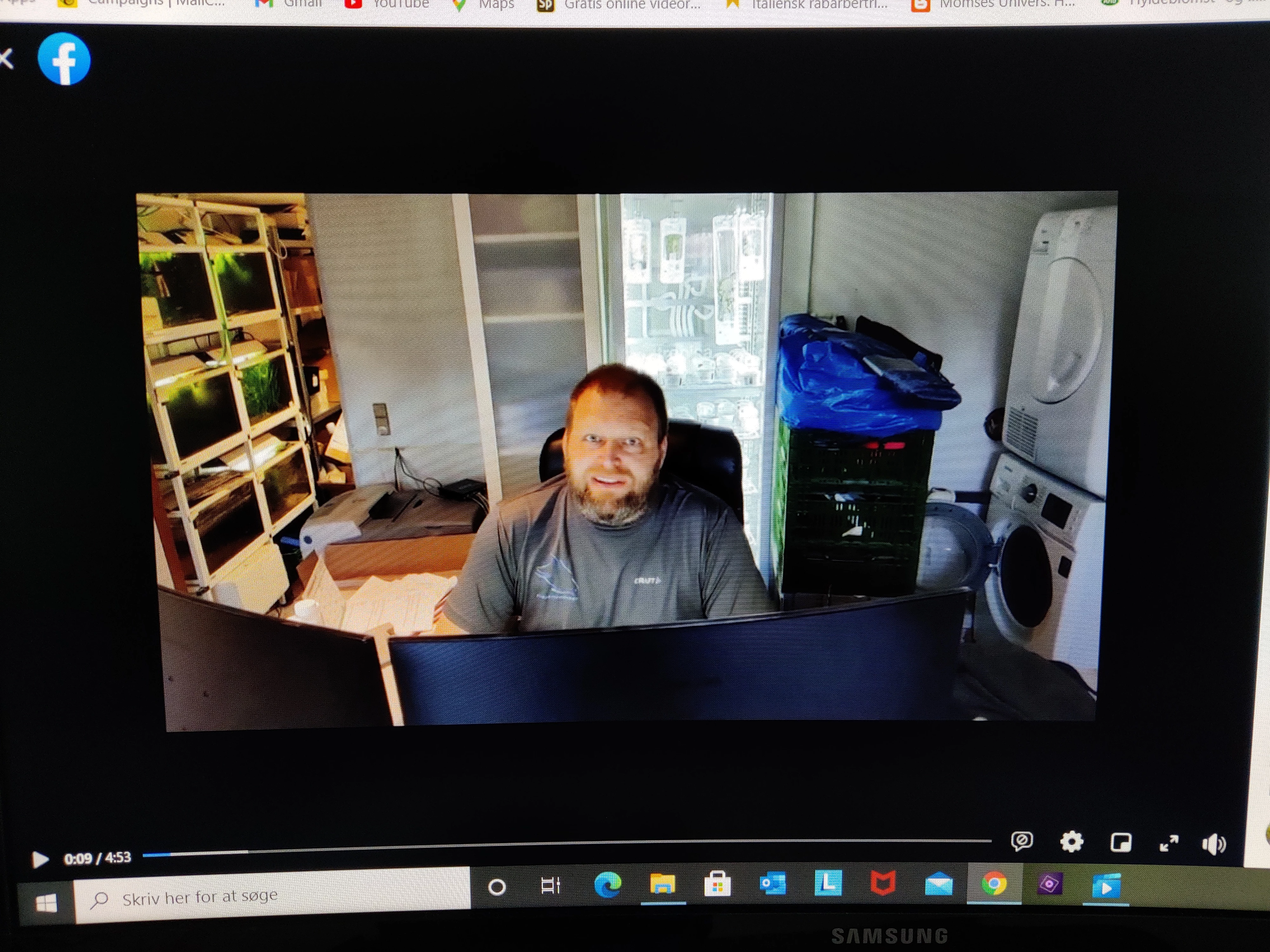
This is how it shows on Facebook.
As far as I know, the videos for my projects are recorded in HD.


Please, can someone tell me what to do??

Kind regards,

Gitte, Denmark

This topic has been closed for replies.
Correct answer Steve Grisetti

Only I can't edit the frame size...


You can't change your project settings from within the program. But I have a "hack" to work around that. As you can see from your screen shots, the project settings (640x480) are very different from your video size (1920x1080).


What is the first clip on your timeline? The program usually uses it to automatically set your project settings. If you are using something other than your mobile phone video as your first clip, that could be why the program isn't setting up your project correctly.


If that is the case, here's my "hack" for tricking the program into correcting its project settings:

1 reply

Ann Bens
Community Expert
Community Expert
April 14, 2021

Post screenshot:

clip properties

project settings/general

timeline monitor.

Gitte5C62Author
Participating Frequently
April 14, 2021

Sorry, I don't quite follow you?

Legend
April 14, 2021

Right-click on your video clips and select Properties. What is this video's resolution?


Then go to the program's Edit menu and open Project Settings. What is listed on the General page?


Also, what is the source of your video and how did you record it? Is it from a camcorder or some other device?


What you have is a mismatch between your video specs and project settings. We can explore why later. First let's determine what each is.