Answered
VoiceOver - Sprachkommentar
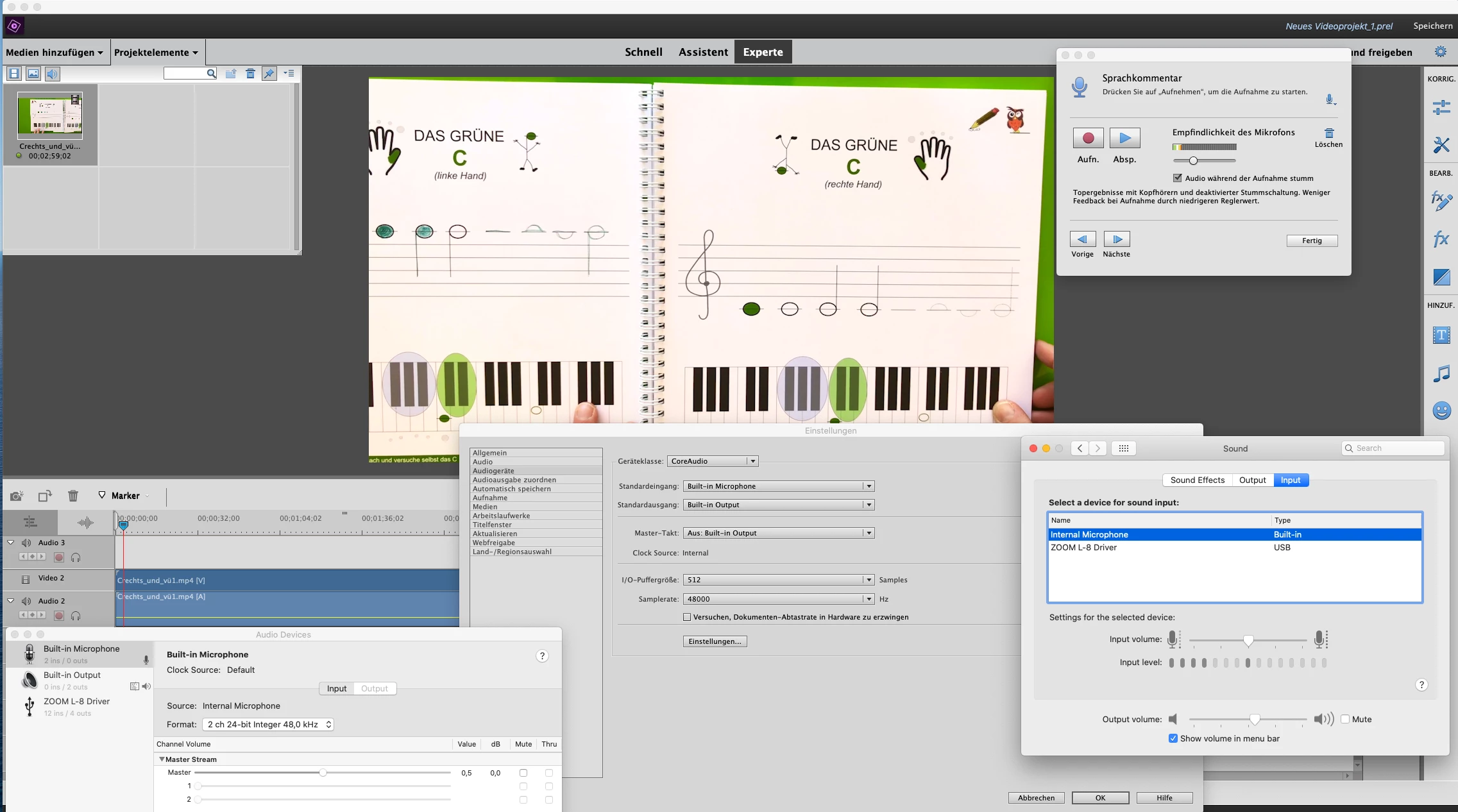
my voiceover doesn't work at all... I tried my own mic over audiointerface, and as well the built in mic.
no signal.
I'm using mac osx (catalina 10.15.7)
is there someone who can help me with this?

my voiceover doesn't work at all... I tried my own mic over audiointerface, and as well the built in mic.
no signal.
I'm using mac osx (catalina 10.15.7)
is there someone who can help me with this?
hi Bill, thank you for looking at the problem!
meanwhile I just realized that I had not granted permission to Premiere Pro to use the microphone. I went into my settings to check, and sure enough, the little box next to Premiere was unchecked. So now it's working... sometimes it's just the little things one doe not think about...
Already have an account? Login
Enter your E-mail address. We'll send you an e-mail with instructions to reset your password.


 AdChoices