


Participant
March 27, 2021
Question

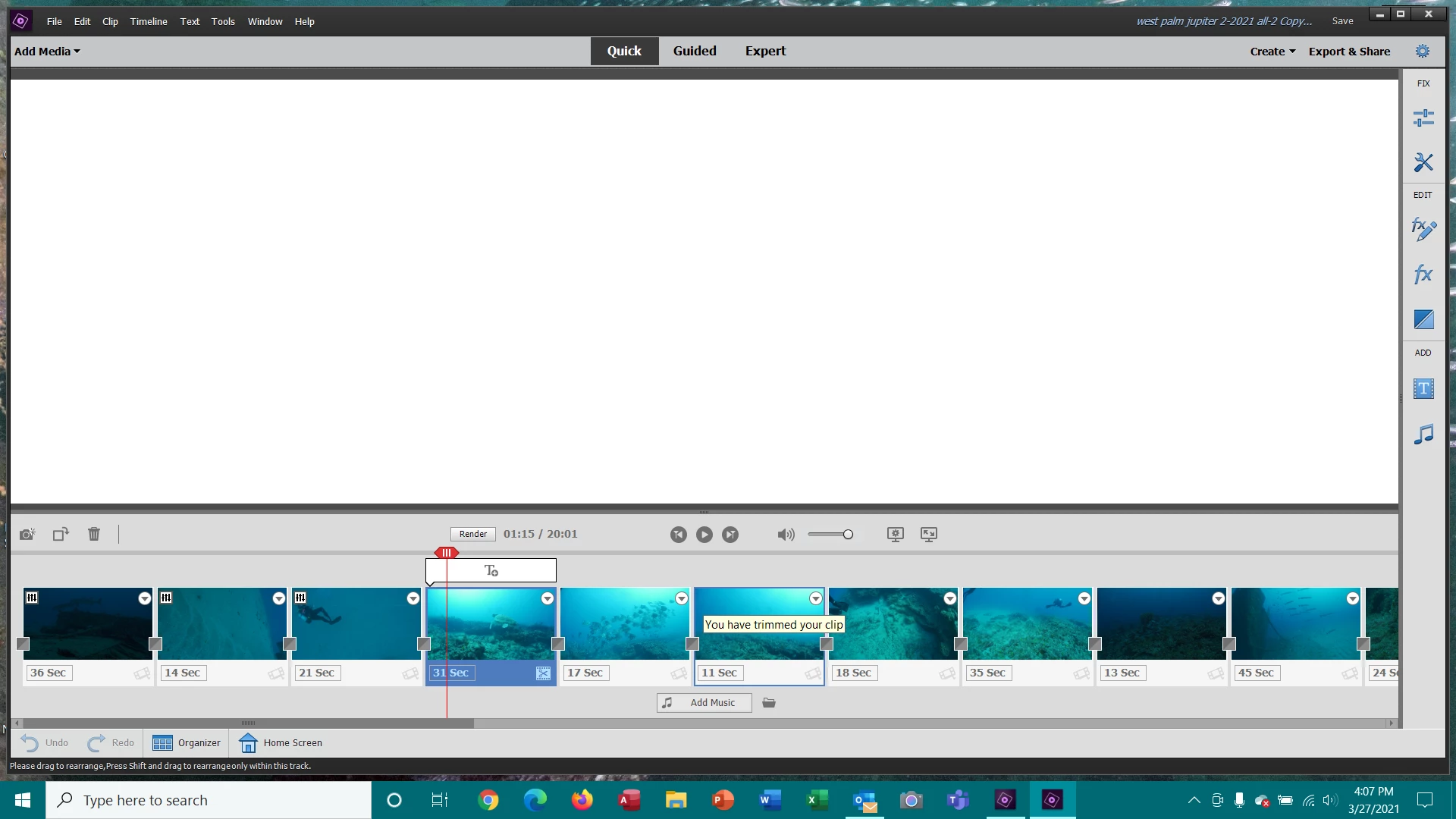
White screen where video should be.

  • March 27, 2021
  • 1 reply
  • 573 views

When I opened my Premiere Elements today to continue editing my video I just get a white screen in the video area although I can see all the video segments in the thumbnails. It was working yesterday. Screen shot below. Help.
 

This topic has been closed for replies.

1 reply

John T Smith
Community Expert
Community Expert
March 27, 2021

Mac or Windows, and exactly which version of the operating system?


I had a Windows update yesterday... did you?


Do not count on Windows to be fully up to date when it comes to device drivers
Go to the vendor site to be sure you have an updated driver for your graphic adapter
•nVidia Driver Downloads http://www.nvidia.com/Download/index.aspx?lang=en-us
••for Premiere Pro and MAYBE Premiere Elements use the STUDIO driver, not the GAMING driver
•••such as (MAY not be the latest) https://www.nvidia.com/en-us/drivers/results/170344/
•ATI Driver https://www.amd.com/en/support
There are also intermittent reports that the newest driver is not always the best driver due to driver bugs or compatibility issues, so you MAY need to try an earlier driver version

Participant
March 27, 2021

I had a security update to defender antivirus yesterday but the last driver update was over a month ago. However, I had a Cumulative Window 10 update that had just came in today. I installed it and Adobe Premiere now works OK.
Thanks,

Rick

John T Smith
Community Expert
Community Expert
March 27, 2021

One thing that I have noticed about Windows is that when an update is pending in settings I will sometimes have 'odd' things happen... as if Windows is 'stumbling' due to the pending update


So now, when something odd happens, I go to settings and check updates to see if something is pending an install and/or restart