Jan.G
Inspiring
Aug 13, 2022 2:09 AM UTC
Answered

Will Premiere Elements 2021 support Nvidia GTX 3050 Desktop? Best Regards

Will Premiere Elements 2021 support Nvidia GTX 3050 Desktop? Best Regards


Messages merged... please do not double post... Moderator

This topic is closed to new replies. Start a new post to keep the conversation going.
Jan.G
Jan.GCorrect answer
Inspiring
Aug 16, 2022 1:27 PM UTC

I think you might need a course in basic windows.

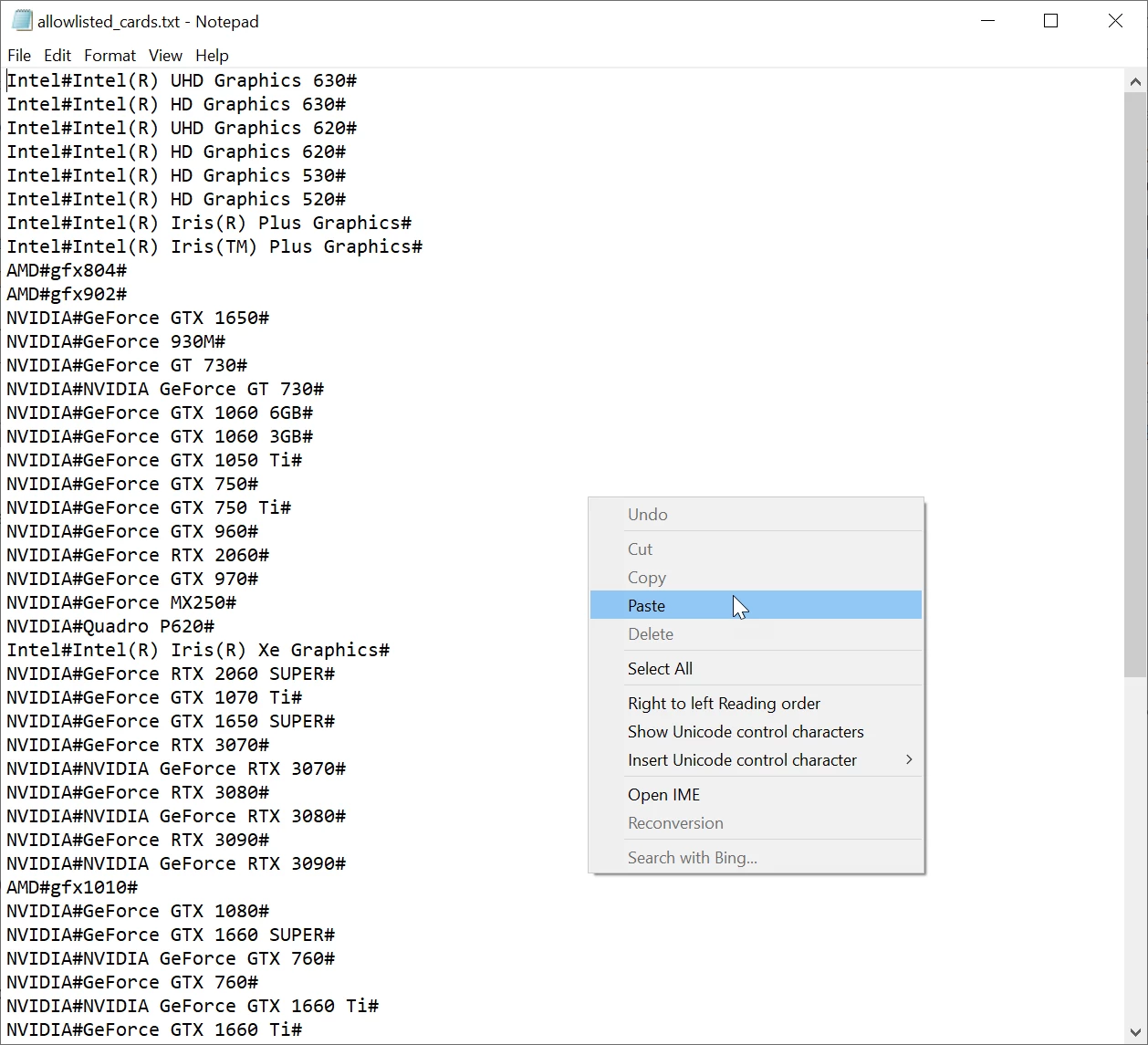
Copy/paste means you copy the line from the forum and paste it in the text file on your computer.


Hello, 
See screenshot: Paste is not displayed. Thanks and best regards!

11 replies

Ann Bens
Community Expert
Community Expert
Aug 13, 2022 2:49 PM UTC

Please do not double post.

Deleted your post from the Hardware forum (non related thread).

Translate
Jan.G
Jan.GAuthor
Inspiring
Aug 13, 2022 2:28 AM UTC

I mean, of course, RTX 3050

Translate
Ann Bens
Community Expert
Community Expert
Aug 13, 2022 9:39 AM UTC

2021 wont be updated for the card.

But you can do that yourself.


Go into the root of Elements

C:\ProgramData\Adobe\Premiere Elements\19.0\Online\Hw Acc Render\All_Lang\HW\Files\allowlisted_cards.txt

add the card to the text file exactly as shown below:


NVIDIA#NVIDIA GeForce RTX 3050#


Translate
Jan.G
Jan.GAuthor
Inspiring
Aug 13, 2022 11:40 PM UTC

Hi, could you please explain how to add NVIDIA#NVIDIA GeForce RTX 3050# to the text file?

Thank you and best regards!

Translate