


wbaker018
Participant
November 11, 2016
Question

Work Area Bar Gone?

  • November 11, 2016
  • 1 reply
  • 2363 views

I've been using Premiere Elements 14 for about a year now and its worked fine with only a few hitches but all of a sudden the other day this happened:

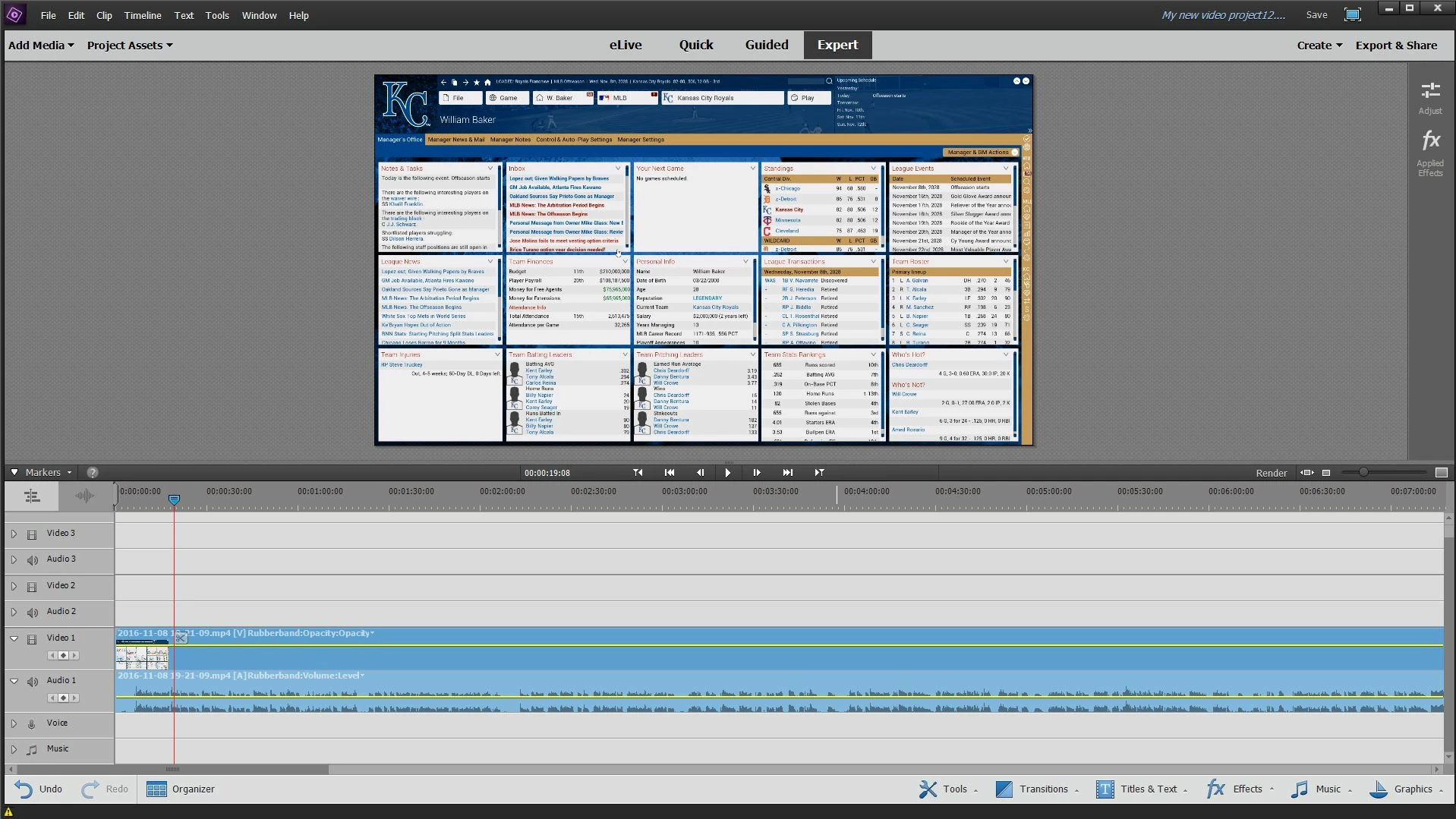
The work area bar disappeared. It's not that it got resized and now I can't find it. I've tried on multiple save files, different import files, no difference. The work area bar simply does not show up when I insert media. I have a screenshot showing what is happening.

This all of a sudden happened, as the last time I tried to edit a video it worked fine. Help greatly appreciated.
    This topic has been closed for replies.

    1 reply

    Adobe Employee
    November 11, 2016

    Hi William,

    It may have happened that the workarea bar outpoint was inadvertently set to the first frame in the timeline. In that case, please hover your mouse over the workarea bar section near the first frame and click drag the vertical bar (pointed out by the red arrow in the screenshot) outwards to the right side to set the outpoint of the workarea to your desired location.

    Thanks

    Aurobinda

    wbaker018
    wbaker018Author
    Participant
    November 12, 2016

    I moved that to the end of my clips but the work area bar did not appear nor would it render when I tried to.

    Ann Bens
    Community Expert
    Community Expert
    November 12, 2016

    Hit the Zoom Out   button and look for it all the way on the right for the end of the WAB

    It looks to me your WAB is stretched all over the timeline.

    Render as in making preview files or exporting.

    as for the former the is nothing to render as there is no colored bar over the footage.

    which means it can playback without any issue.