


Question
Workspaces button and entire workspaces section and top bar is missing in Premiere Elements 2026
Hello!
I've started my trial for Adobe Premiere Elements 2026 today because I wanted to try out the Lumetri color feature. However, I searched through the forum, all over google and everything tells me I should locate the workspaces button in the top right, or the color button in the top bar.
Both are missing entirely, I have searched all over the software for an entire hour, watched videos and screenshots but I can NOT find it. Can somebody please help me? I'm using Windows 11.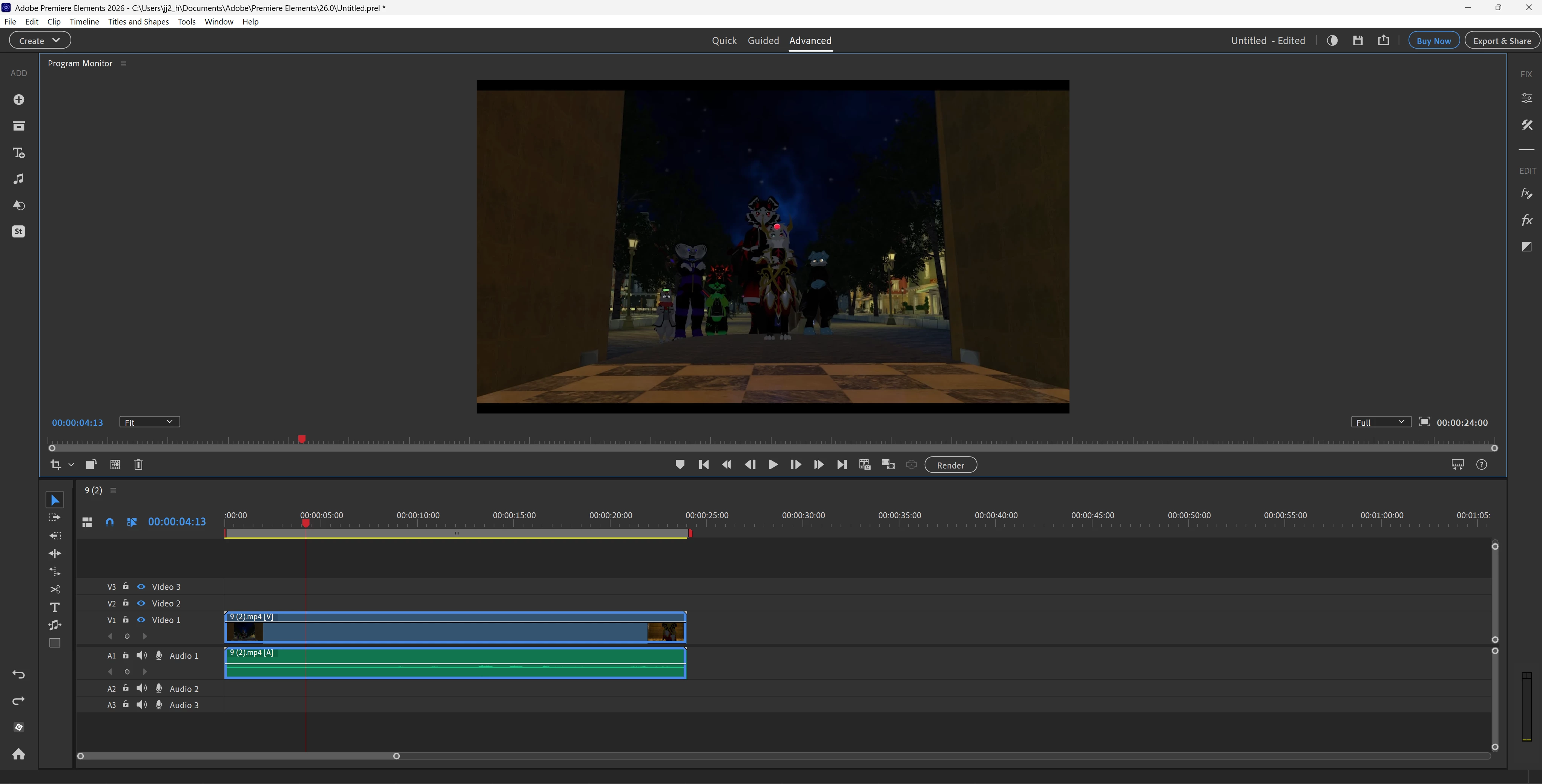
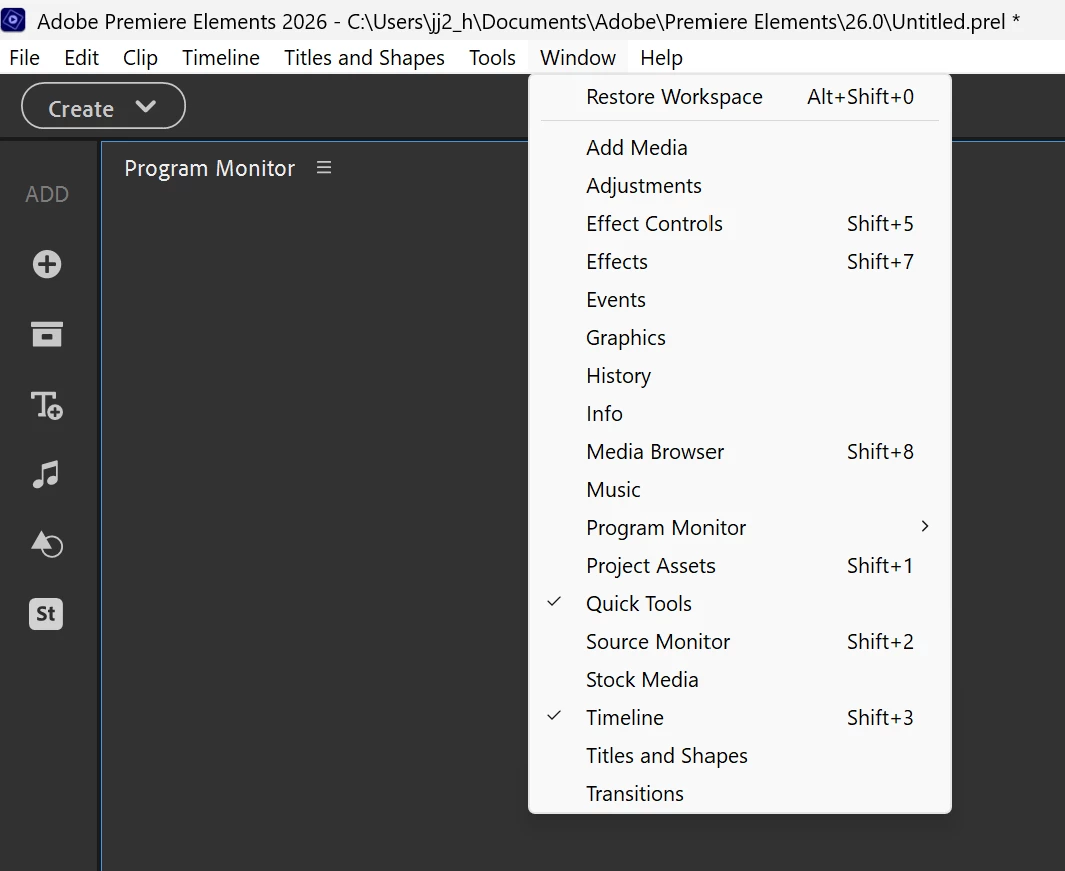
Title and text edited by mod: changed Premiere Pro to Premiere Elements.
 AdChoices