



911 Installation of the Premier Pro template to adobe rush (iPad 2018)
hey there
I just bought the iPad to try over the Adobe rush on the go, and since I have a lot of Templates (pproj I.e. premier pro templates) I really want to try them on the iPad on the go. The thing is that when I download sample file in a ziped format, with pproj extinction, I don’t know why but the system just doesn’t recognize it at all it’s just ? Symbol on the file. Theref I can’t open it with Adobe Rush. Although I really want to.
I also sometime purchase certain templates on Envato and I want some right away, but since I don’t even know how to install them properly on my iPad I can’t decide whether to buy or not.
Can you pls be more specific on the steps should I make to work with Premier Pro templates, what extinction should the file be, how to add them to adobe rush.
I’m familiar with adobe products and video rendering. I just want to try it with Adobe rush. it seems like a valuable app.
The printscreen is attached 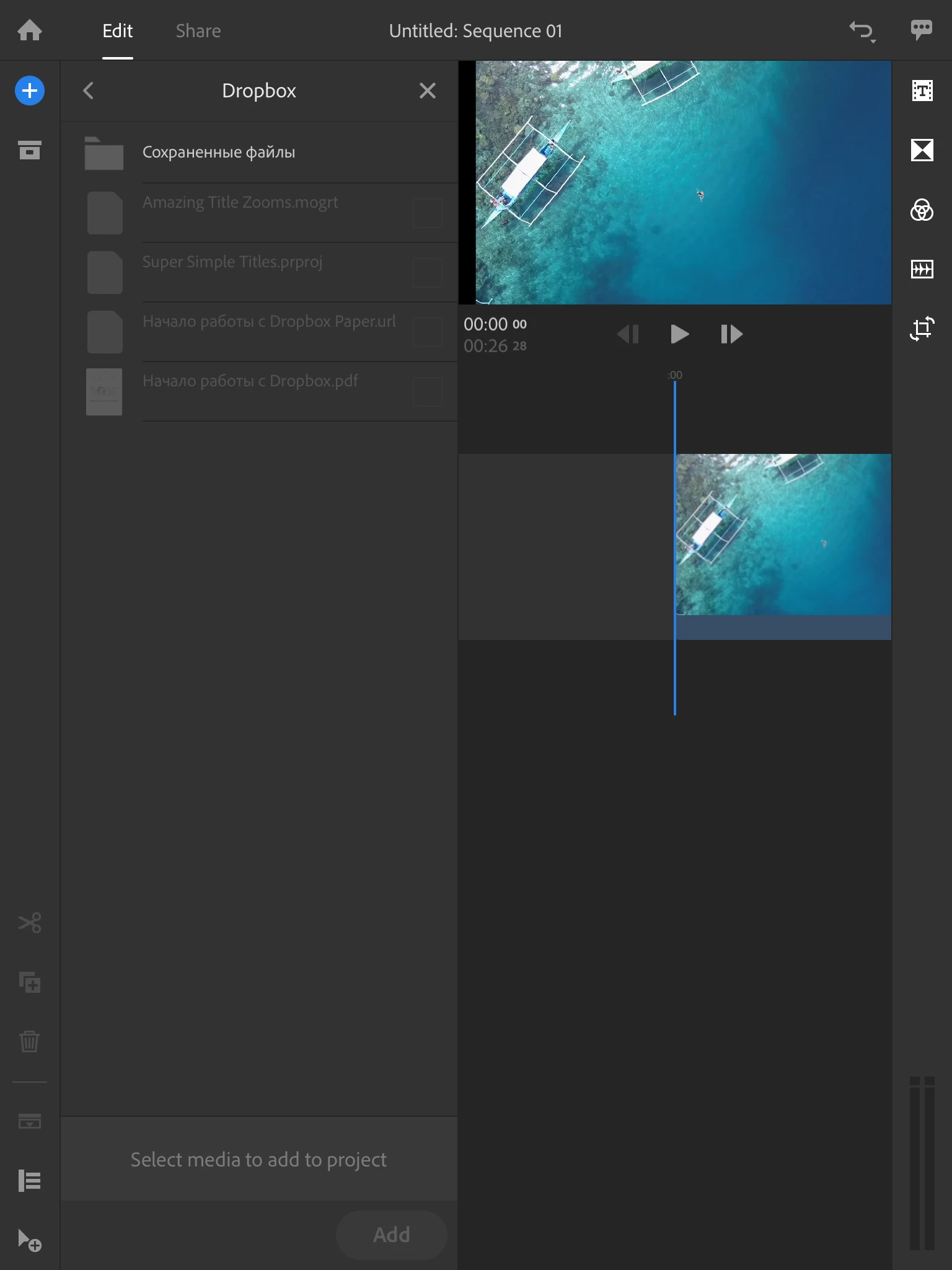
As you can see, the files are inactive from dropbox
Pls help.

 AdChoices