Hi Lilly,
Sorry. Your search uncovered a post that is over a year old had no solution. Sorry about that. Let's add one.
Previously, Rush had a dedicated title tool but it has been removed in the interim. The way the team intends for you to add titles is to pick a template and then "customize" it to your liking.
There are good ways to get started with this, but aren't really exposed in the Help documentation, and certainly fewer YouTube videos exist discussing this as this is more of a recent change. Let's see if I can help you get going.
To get started on creating a title from a template, I suggest doing the following:
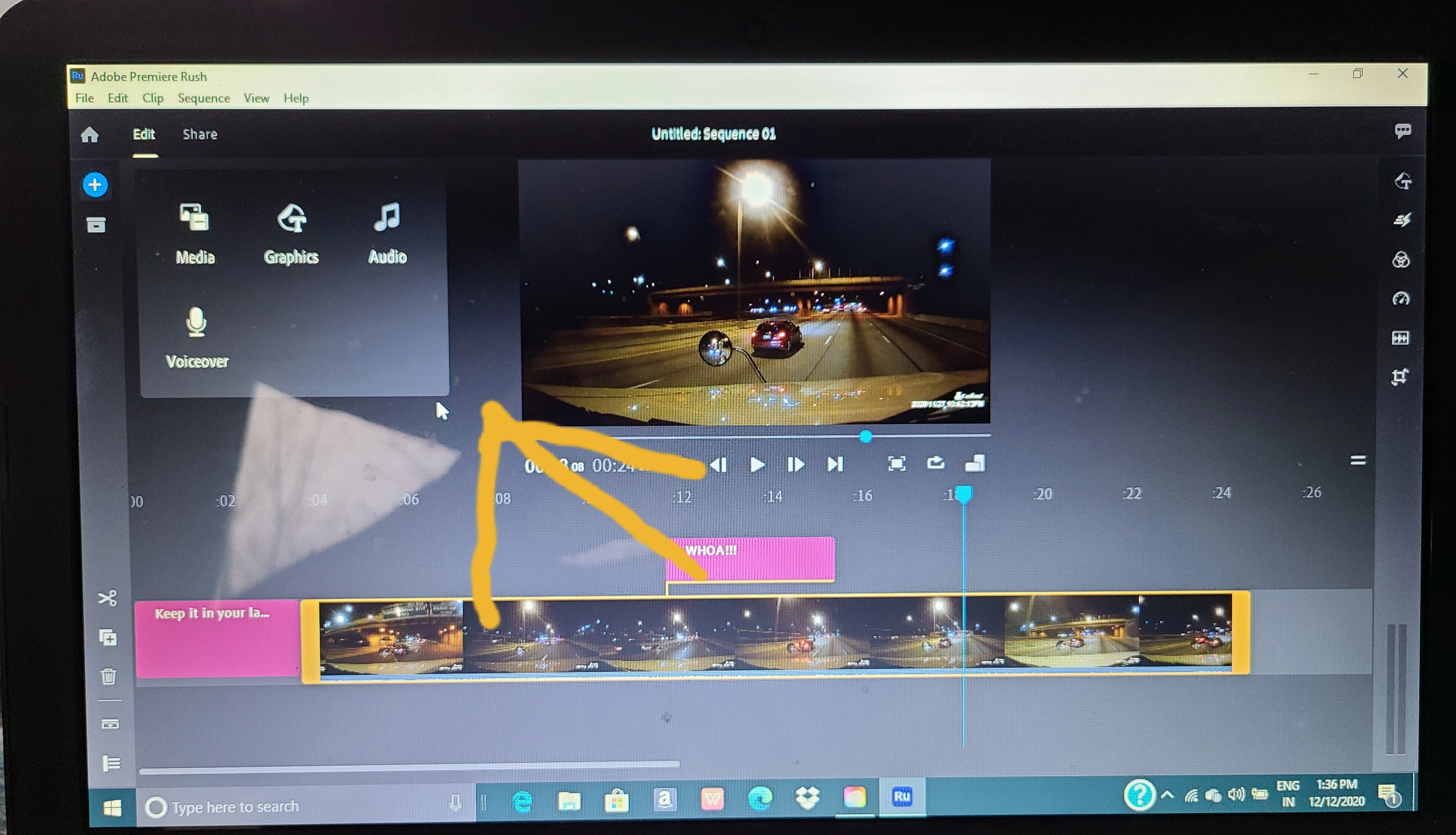
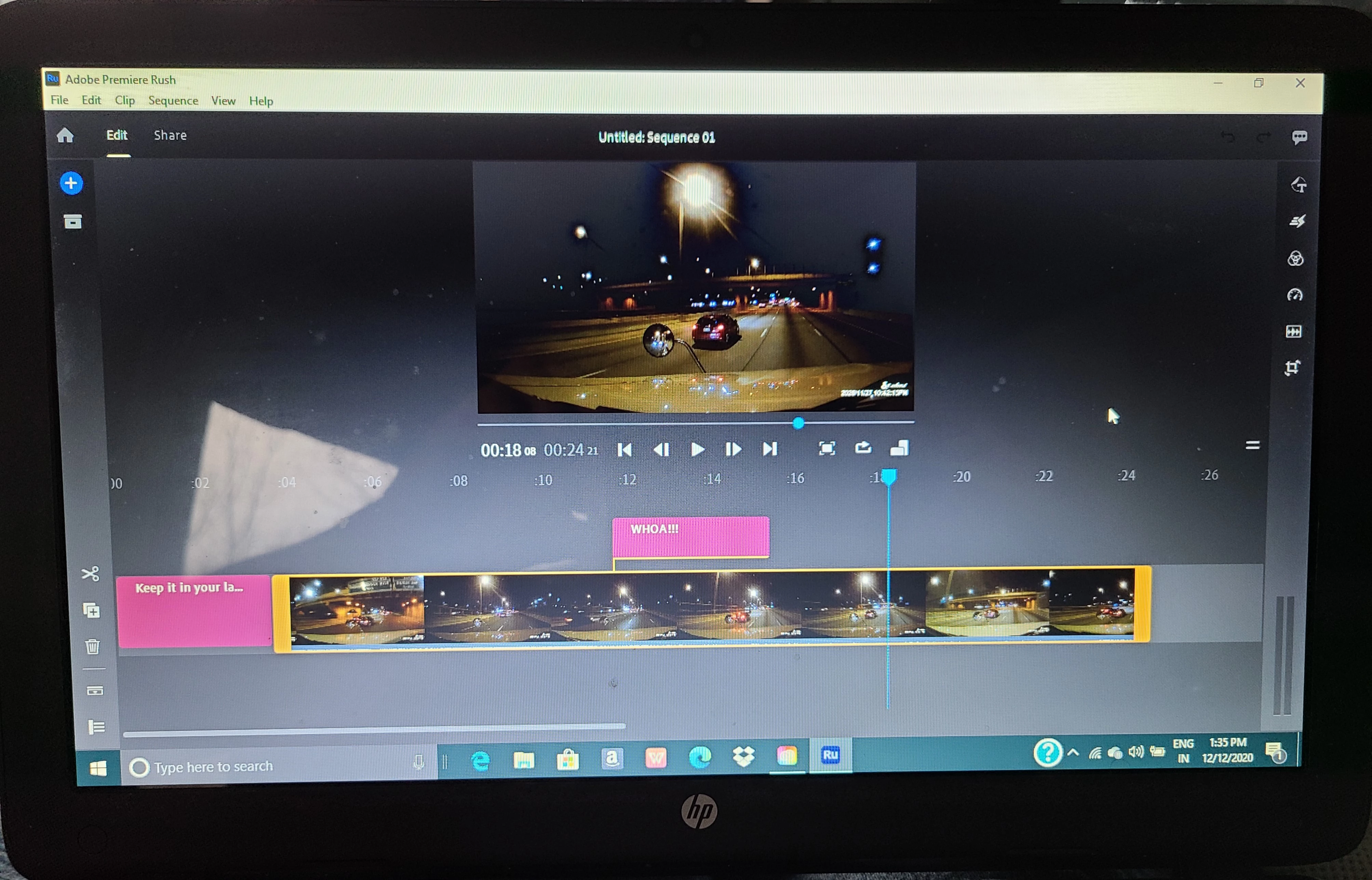
- Click the Graphics tool in the upper right corner of the interface.
- Click the "+" sign to "Add Graphic."
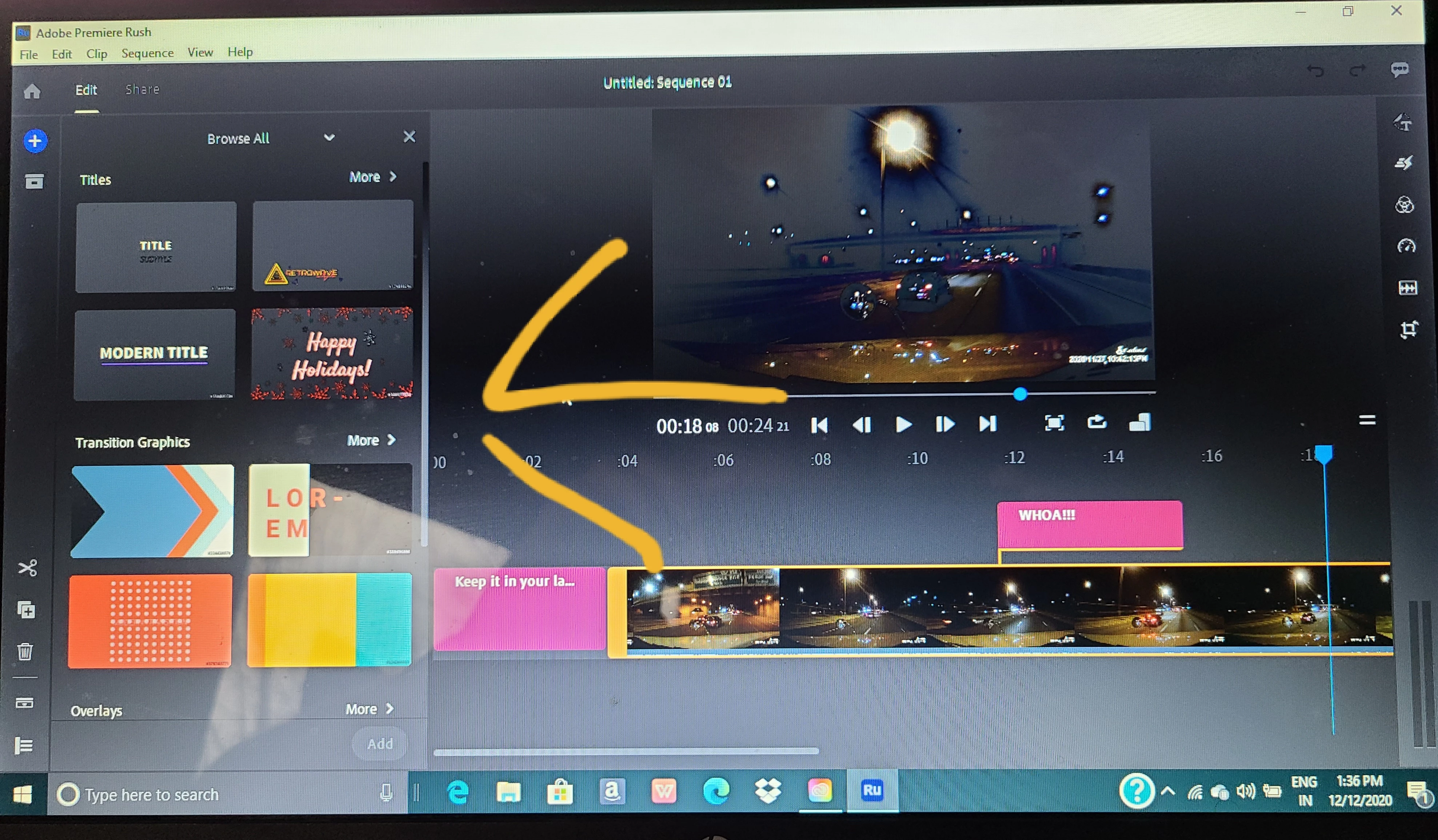
- The Graphics drawer slides open on the left of the interface.
- Click the arrow that says "More" in the upper right of the drawer.
- Type in the search term "Basic" in the search box.
- A variety of very basic titles appear.
- Drag the title closest to the one you wish to use as a title to the timeline and edit it to V2 accordingly.
- Tools are immediately exposed to customize this title. Adjust these controls to suit you.
Tip: If you do not see the title, make sure the playhead is parked on the title clip.
Let us know if this advice helped you.
Thanks,
Kevin



 AdChoices