


Answered
Adding two clips to a sequence?
From this thread:
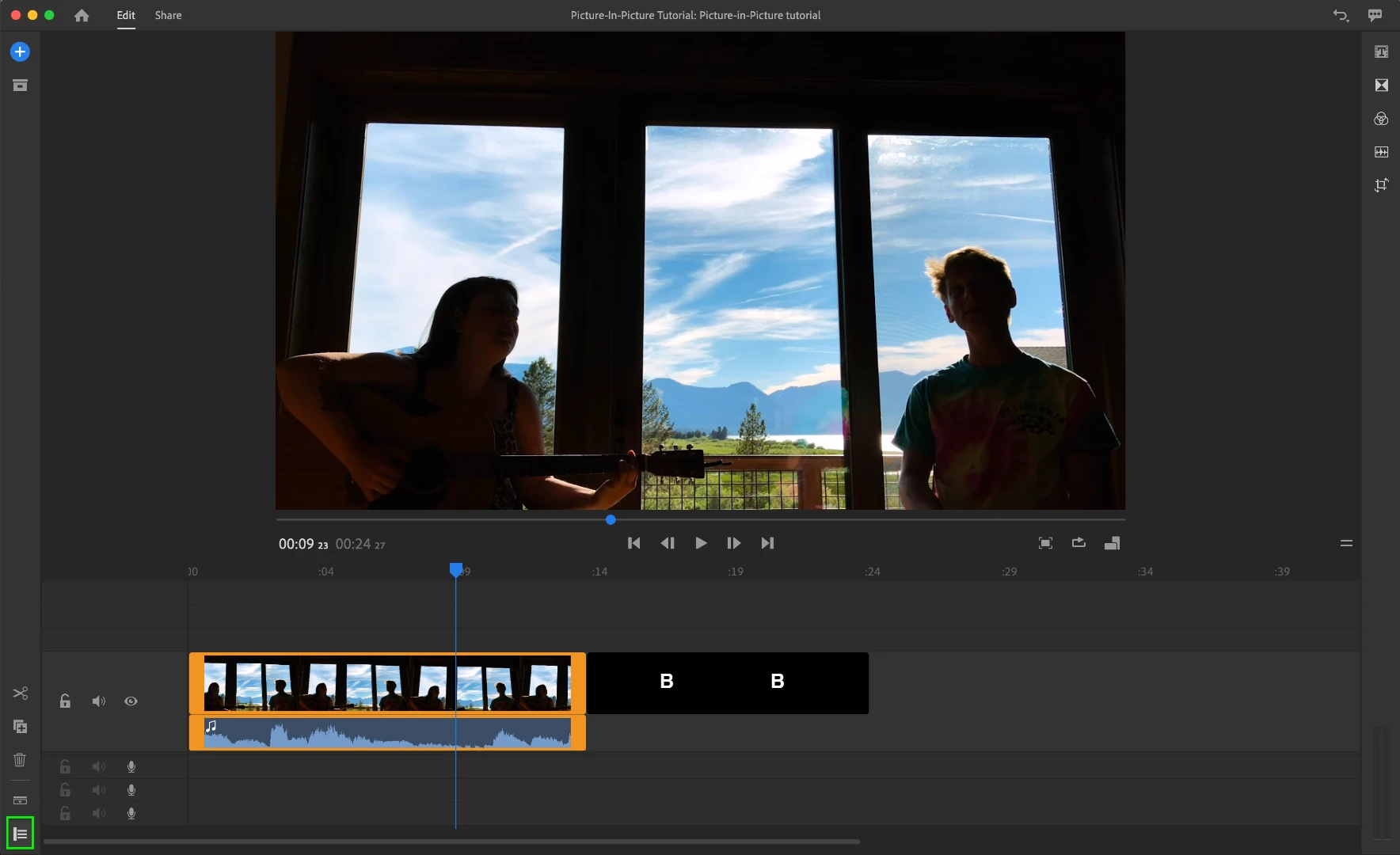
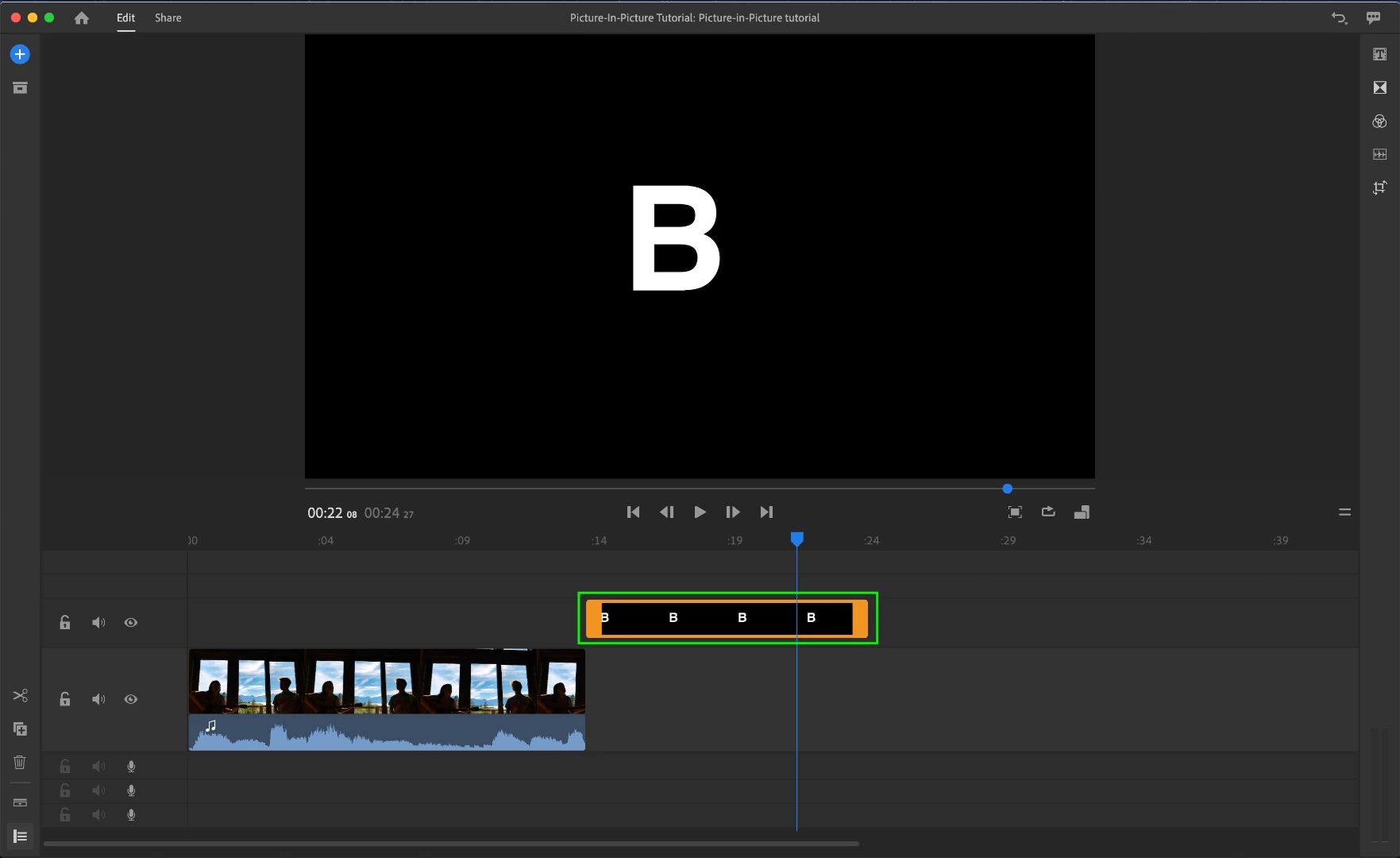
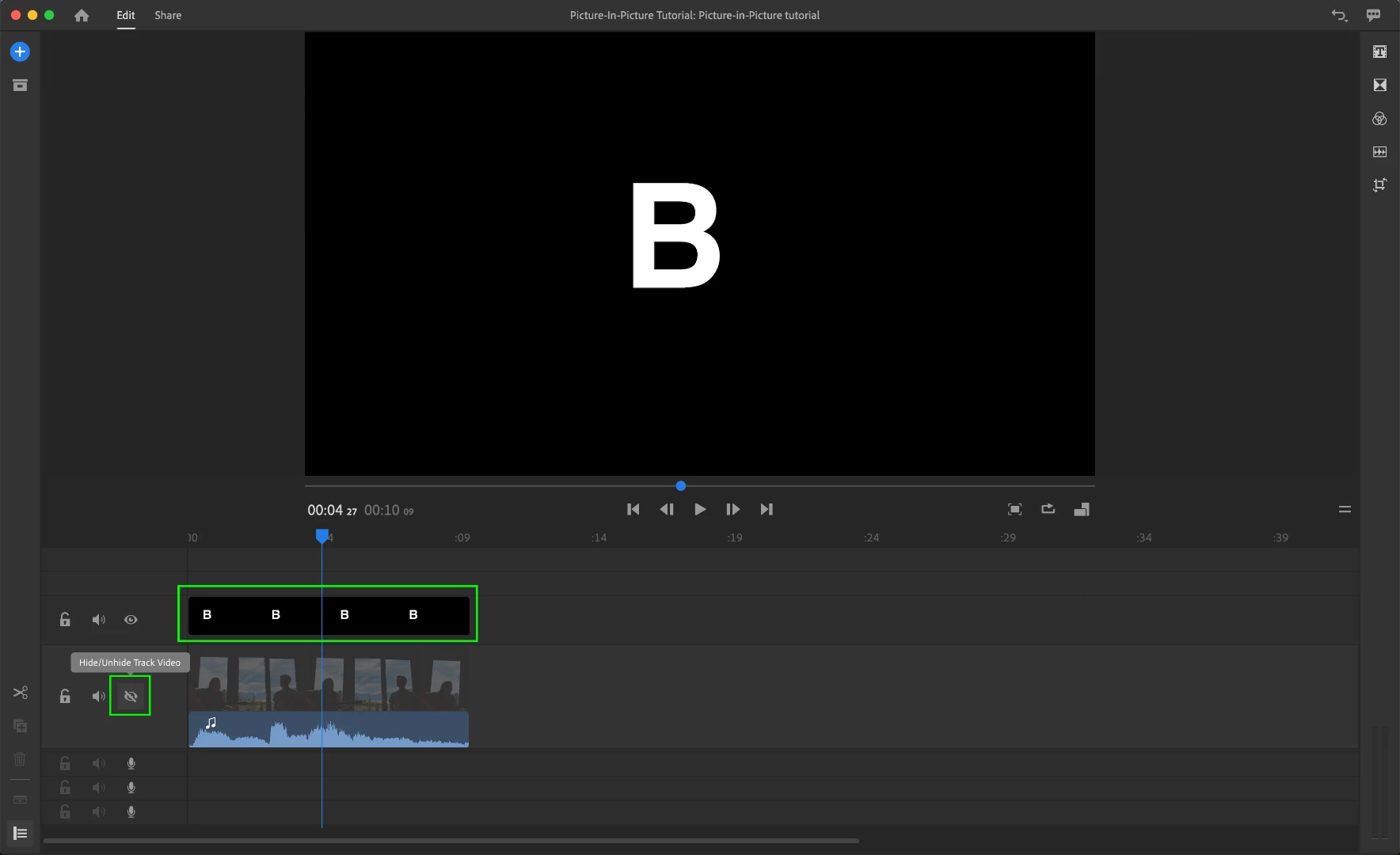
I'm trying to utilize the solution that Adobe describes at the very first/top response. It would be a simple workaround for the issue I'm encountering I'm just not certain as to how they're accomplishing it! If someone could explain to me how they're adding adding a second clip to the sequence but then only utilizing the video that would be greatly appreciated!

 AdChoices