

Question
Adobe Rush crashing and voiceovers not being saved
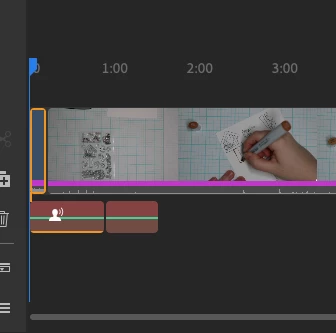
Since Jan. 9, 2025, Adobe Rush has been crashing, and the voiceovers do not get saved. I have changed the mic preferences and looked for other options, including completely shutting down and restarting my computer. Nothing seems to work. I have looked for updates and researched other solutions. Please help. I have attached screenshots so you can see the before when the voiceover is there, and the after of simply going to the home part of the software and going back to the video.
after
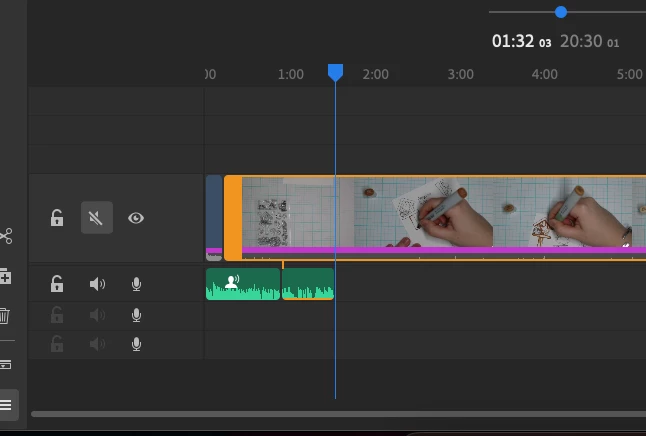
before


 AdChoices