


Question
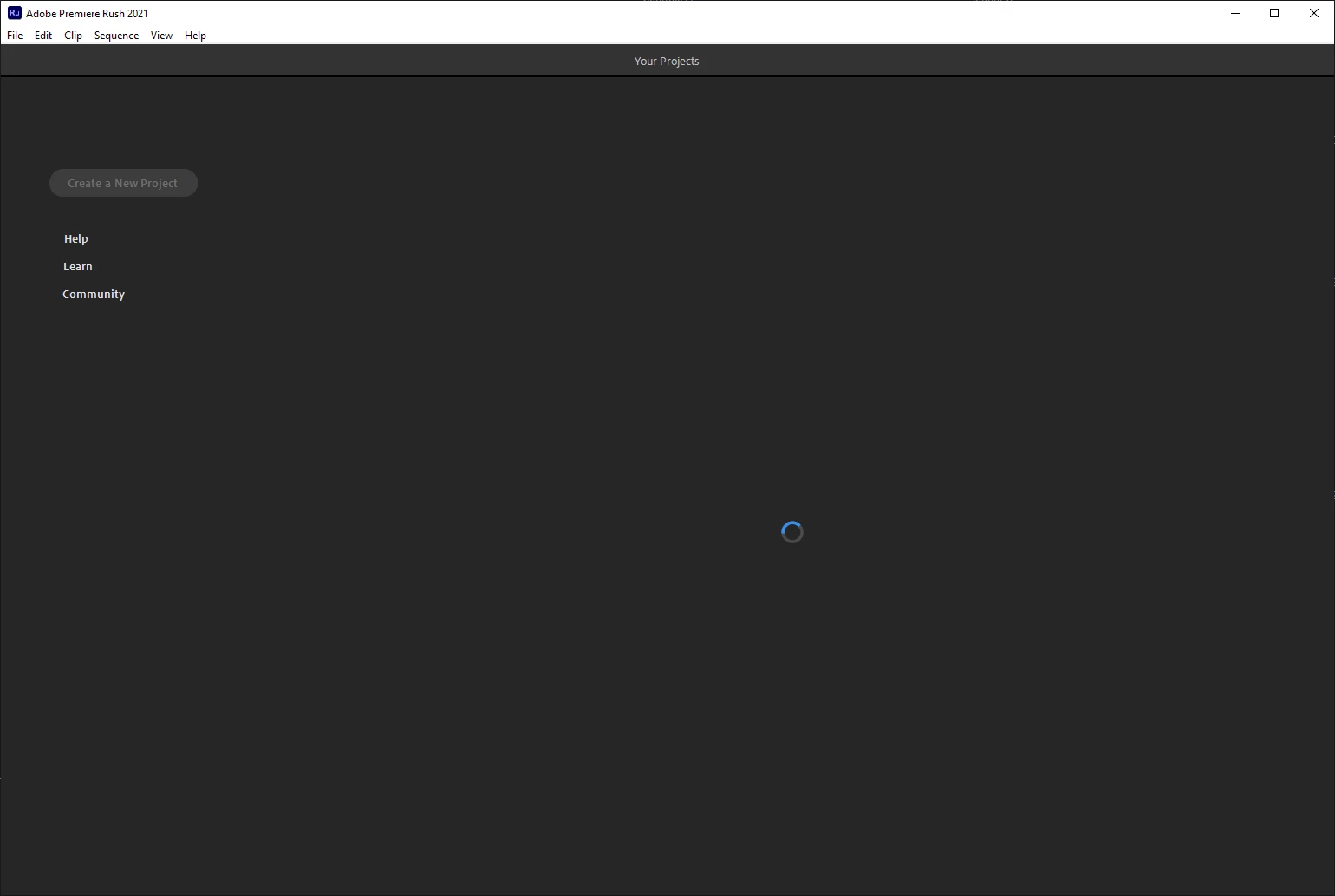
Adobe Rush stuck on loading projects screen
Hello, I updated to the latest version of Adobe Rush last night and now it's stuck on the loading screen and won't show any of my projects.
I've signed into the Adobe Rush app on my iPhone and it doesn't show any projects there either, only an "Adobe > Assets" folder.
I'm on Windows 10 and haven't made any other changes to the OS. It's frustrating because I had dozens of projects saved and I'll be annoyed if they are gone.
Screenshot of what I'm seeing:
 AdChoices