
Question
Audio not playing back and when it does, it doubles over previous pre-recorded segments in timeline
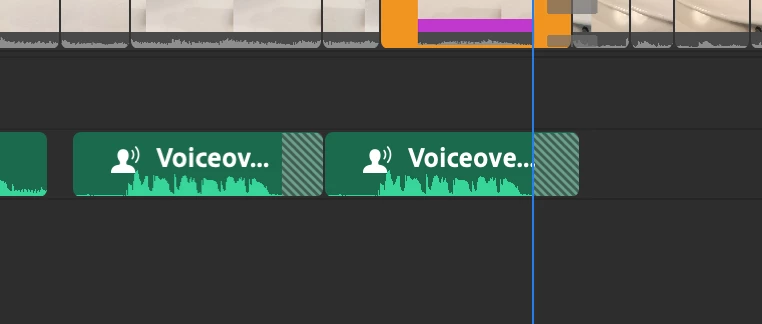 Hoping someone can help me make sense of this- I've never had a problem before today and this is progressively getting worse as the day goes on- it works then it doesn't. Audio is playing back 50% of the time and the bad green lines are showing up and then it doubles over/records and erases over previous voiceovers earlier in the timeline too! My creative cloud is also having trouble syncing then it's fine. I'm only using 6% of my Cloud so it's not that--- maybe a bad connection issue?
My MacBook Pro is really maxing out in storage capacity too... could it be related to that?
Any help is very very much appreciated. Thanks


 AdChoices