

Answered
backhround music
i bought premium to reduce background music and it doesn't work anymore. ipad version

i bought premium to reduce background music and it doesn't work anymore. ipad version
Already have an account? Login
Enter your E-mail address. We'll send you an e-mail with instructions to reset your password.

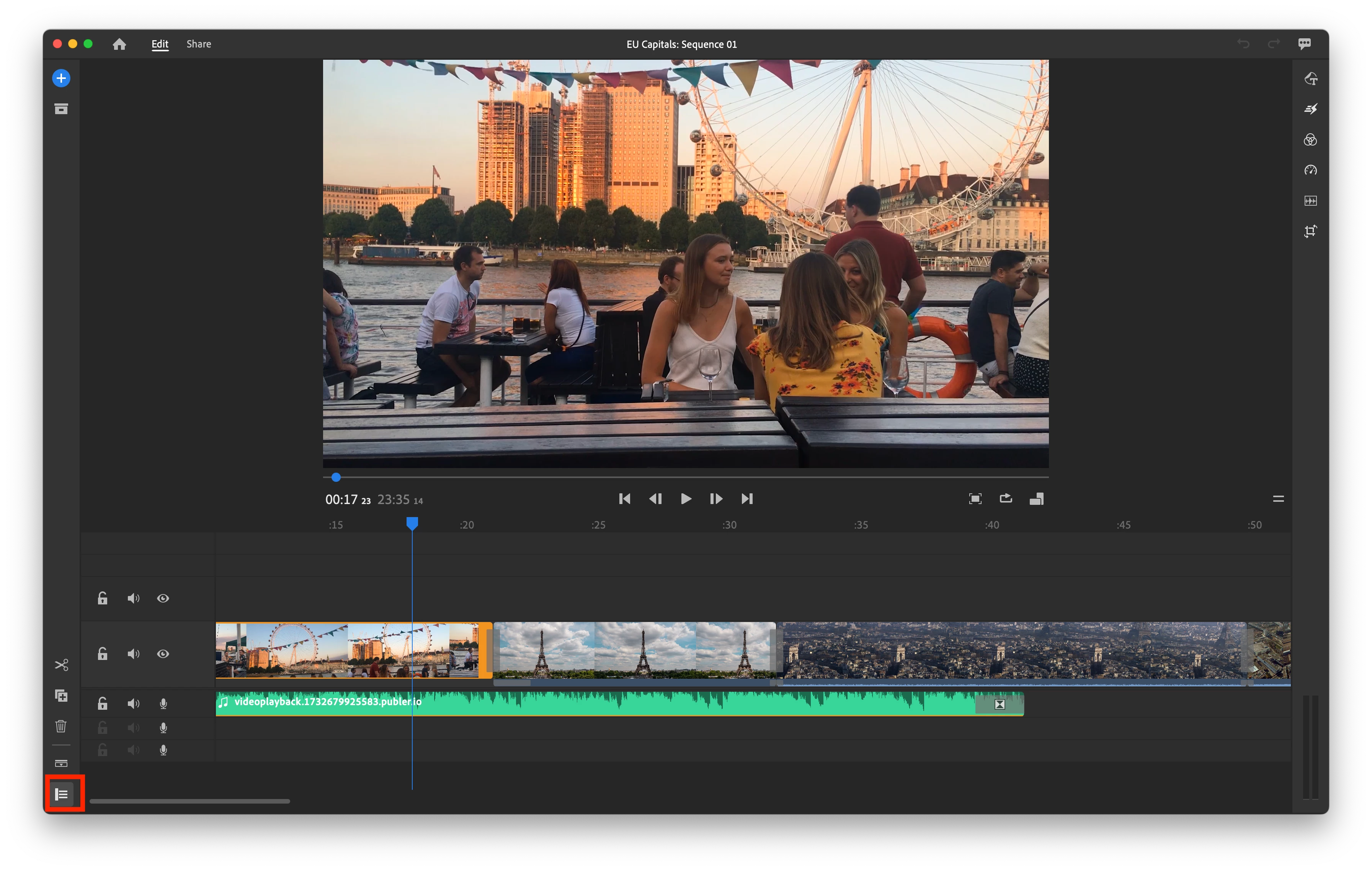 The only way to remove those render files and such inside the app is to physically delete the app and then reinstall it. I know! That should not be the method, but it's the only way I know. Make sure that you are in between projects when you do so. Sorry abou that.
 AdChoices