


Answered
Cannot choose custom save location with Windows 10
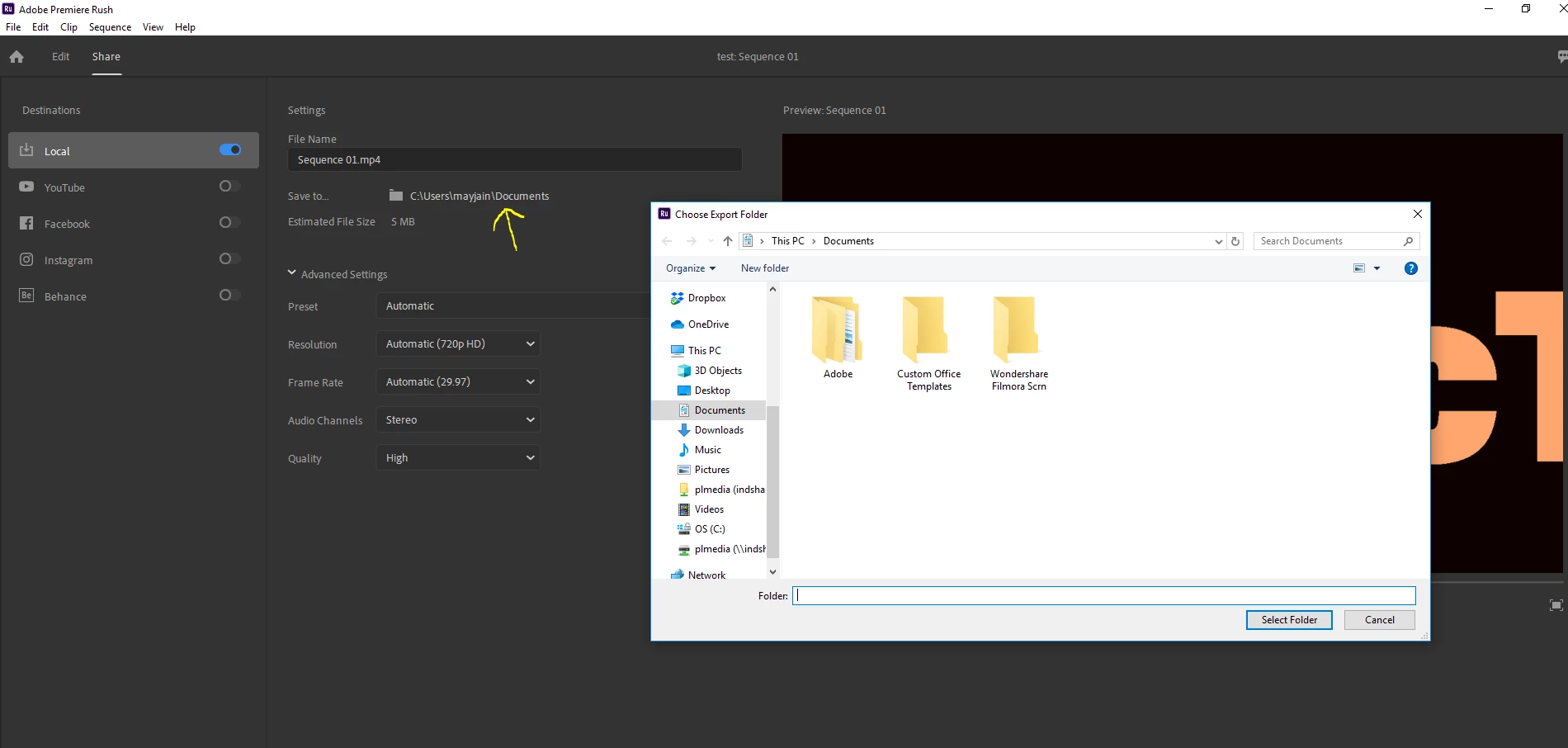
The instructions say to click "Share" (which works fine), then to click "Local" in order to choose a setting.
Nothing happens when you click on Local. The hover bar shows the location, but there is no way to edit it!
It doesn't seem to be a live link to anything. Seems like a bug. (Or am I missing something?)
 AdChoices