
Participant
May 27, 2025
Question

Cannot Export

  • May 27, 2025
  • 1 reply
  • 110 views

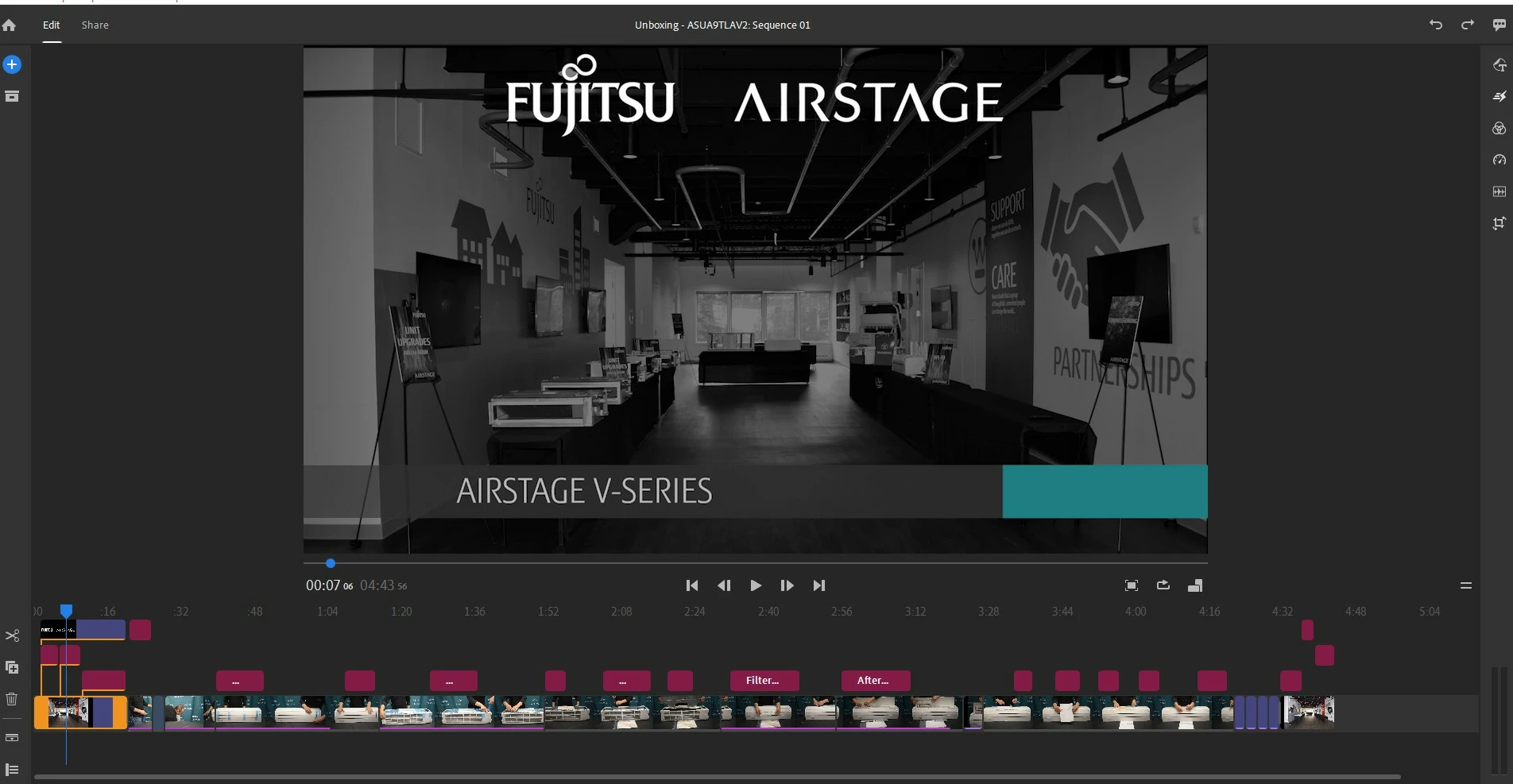
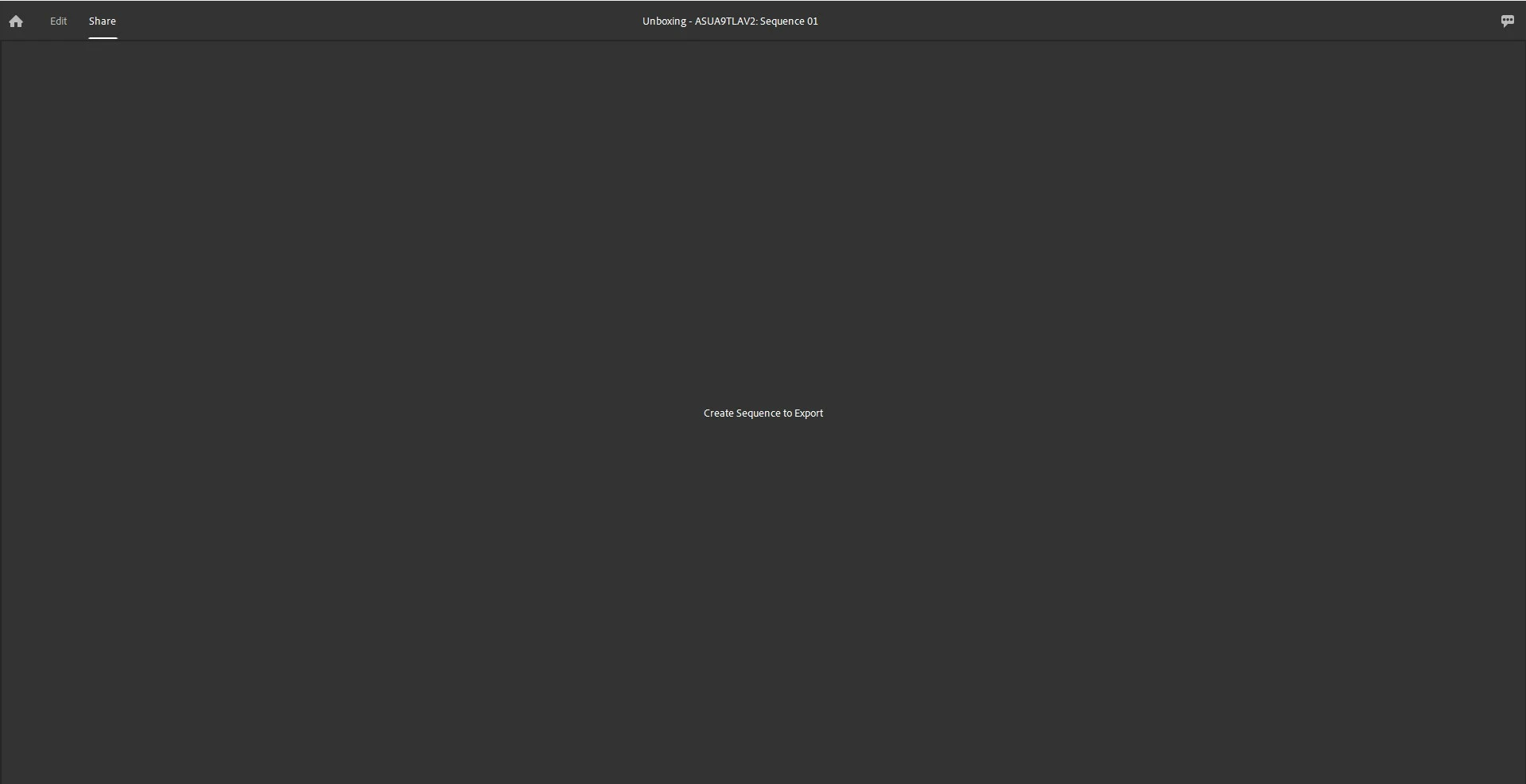
I am working on the Rush app via PC desktop and I'm finally done and ready to export my project however now, for no reason whatsoever, when I click and pan over to "Share" to export the project to a video file I get the below message. I've never seen this message before or had a problem in the couple years I've been using this. Someone, anyone, please assist...
 

1 reply

Kevin-Monahan
Community Manager
Community Manager
June 3, 2025

Hi,

Thanks for the post and screenshots. Not sure what's going on there. Rush might be having issues with the media cache and perhaps preferences. Press Alt/Option at launch for preferences. After clicking OK in the dialog box, choose Edit > Preferences or Premiere Rush > Settings. In the preferences, click the Manage Cache button. In the Manage Cache dialog box, delete all the cache. Click OK. Then, choose File > New Project. Create a Dummy project and Rush will open back to the project, where you can click on Home and return to your export job. See if it works afterward. Let us know.


Thanks,
Kevin


Kevin Monahan - Sr. Community & Engagement Strategist – Pro Video and Audio