
Participant
August 1, 2023
Question

Cannot open videos

  • August 1, 2023
  • 1 reply
  • 130 views

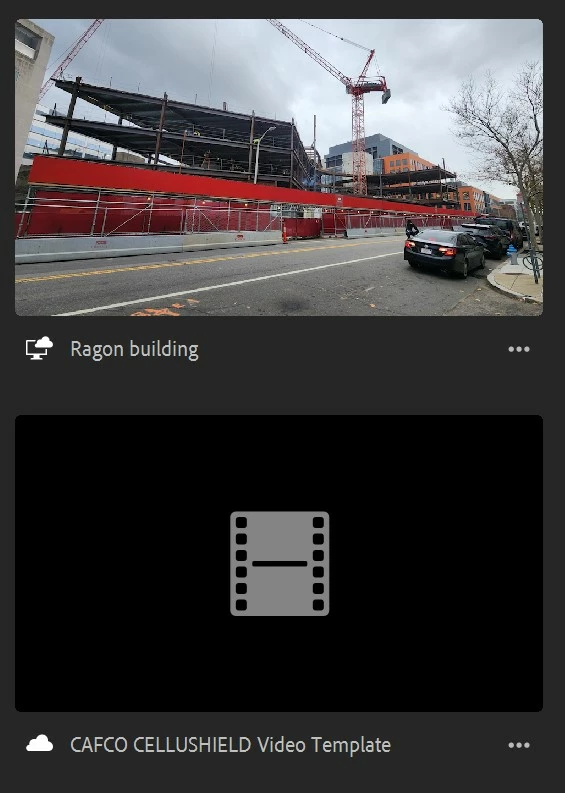
My premier rush account will load and open to the home page. But when I click on one of my video files, it takes me to a blank black screen and will not load. I have uninstalled, reinstalled, checked my storage, duplicated the videos, turned on sync, turned off sync......nothing is working! Please help, I have over 50 videos I cannot access because they will not open or load.  


Windows 10 11th Gen Intel(R) Core(TM) i7-11800H @ 2.30GHz 

16.0 GB RAM

OS is 19044.3208
 

This topic has been closed for replies.

1 reply

Kevin J. Monahan Jr.
Community Manager
Community Manager
August 1, 2023

Hello @Katelyn31404096m0ga,

I read about your problem. I wonder what happened here. Did you move the media to another drive? Were the projects started on another device? What happened since these files were working on this machine? What subscription to Rush do you have? Let us know. Very sorry for this issue.


Thanks,
Kevin

Kevin Monahan - Sr. Community and Engagement Strategist – Adobe Pro Video and Audio
Participant
August 2, 2023

I never moved the files. They were all housed in the same file folder. If I had control where the file would save it would be no issue. If it goes to the cloud it doesn't save. I have the most current rush.