Answered
Cant change font on premiere rush.
Cant change text fonts on premiere ruah. I change it, but i returns to the same font.

Cant change text fonts on premiere ruah. I change it, but i returns to the same font.
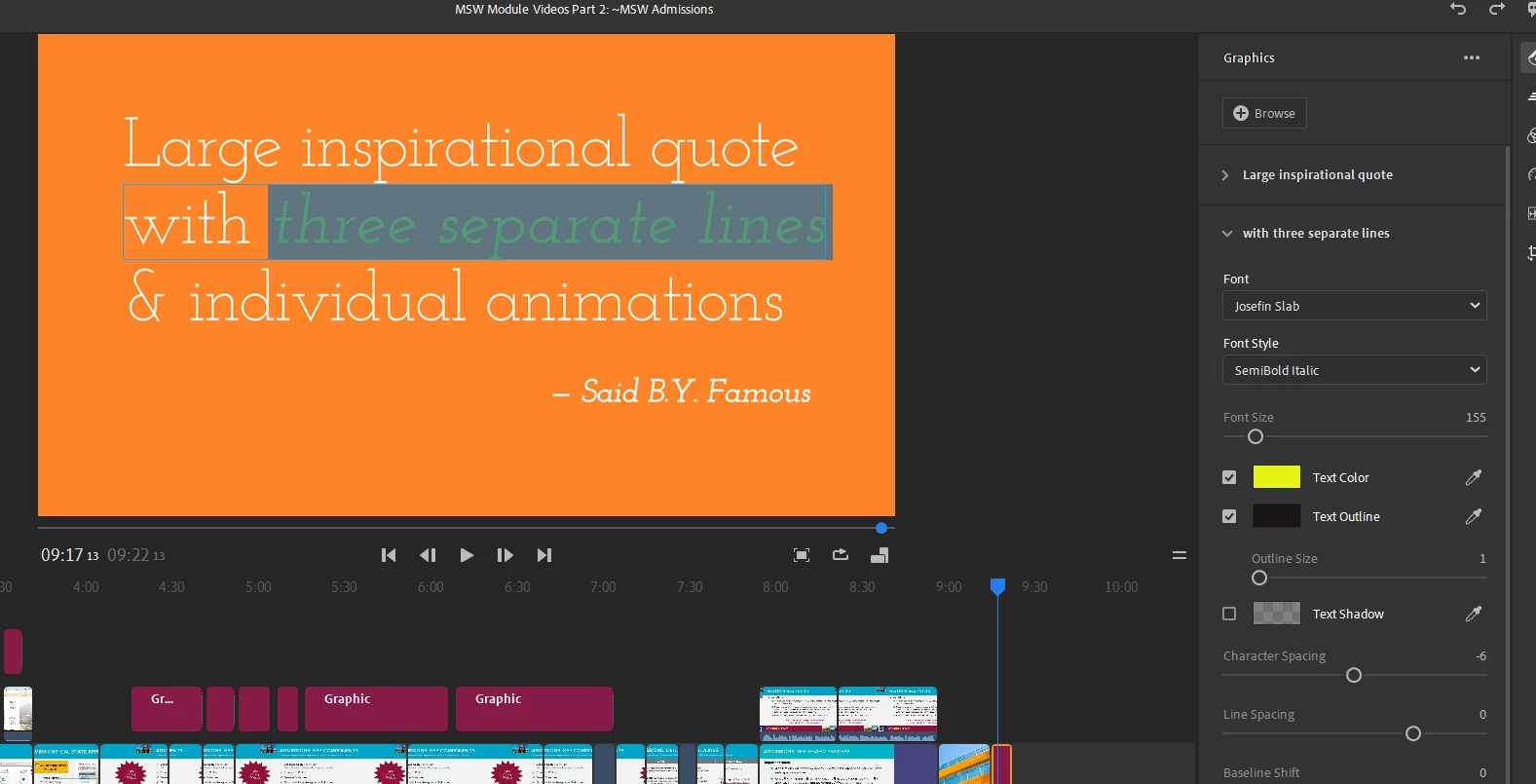
Not sure if everyone is aware, but yes, you can change fonts on SELECTED text (you can even select different colors, fonts, sizes, etc. within the same line of text) - the key is to make sure you have actually selected the text you want to change, and not go by the outline that simply identifies the block of text within the Graphic element (called a "mogrt", short for "motion graphic template").
First, select the mogrt from the Graphic panel:
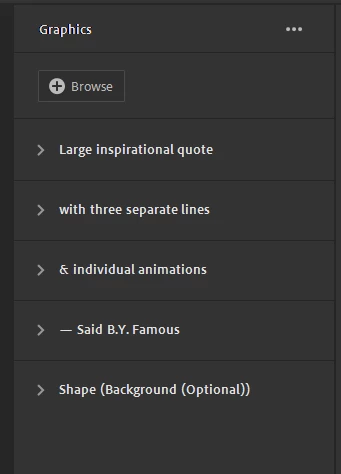
and then choose the item containing the text you want to edit:
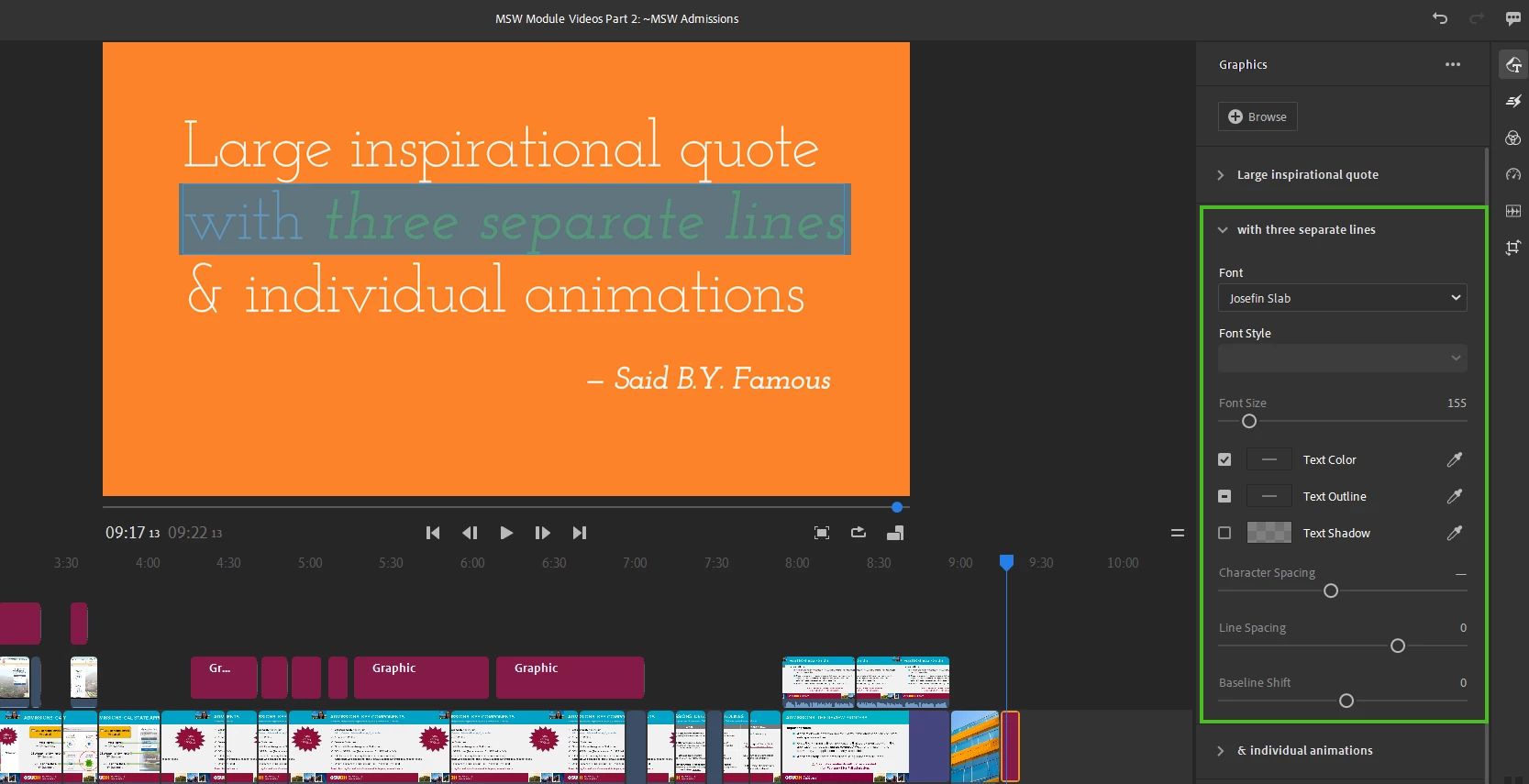
Just selecting the section on the side should be enough to allow you to make edits, but you can then make even finer edits by selecting the specific content in the preview that you want to modify further:
To see it in action, watch the video here:
https://youtu.be/VP181l2pPNw?sub_confirmation=1
Hope this helps! (And if it does, please mark this as a "✔ Correct Answer"!)
Already have an account? Login
Enter your E-mail address. We'll send you an e-mail with instructions to reset your password.


 AdChoices