Participant
September 14, 2021
Question

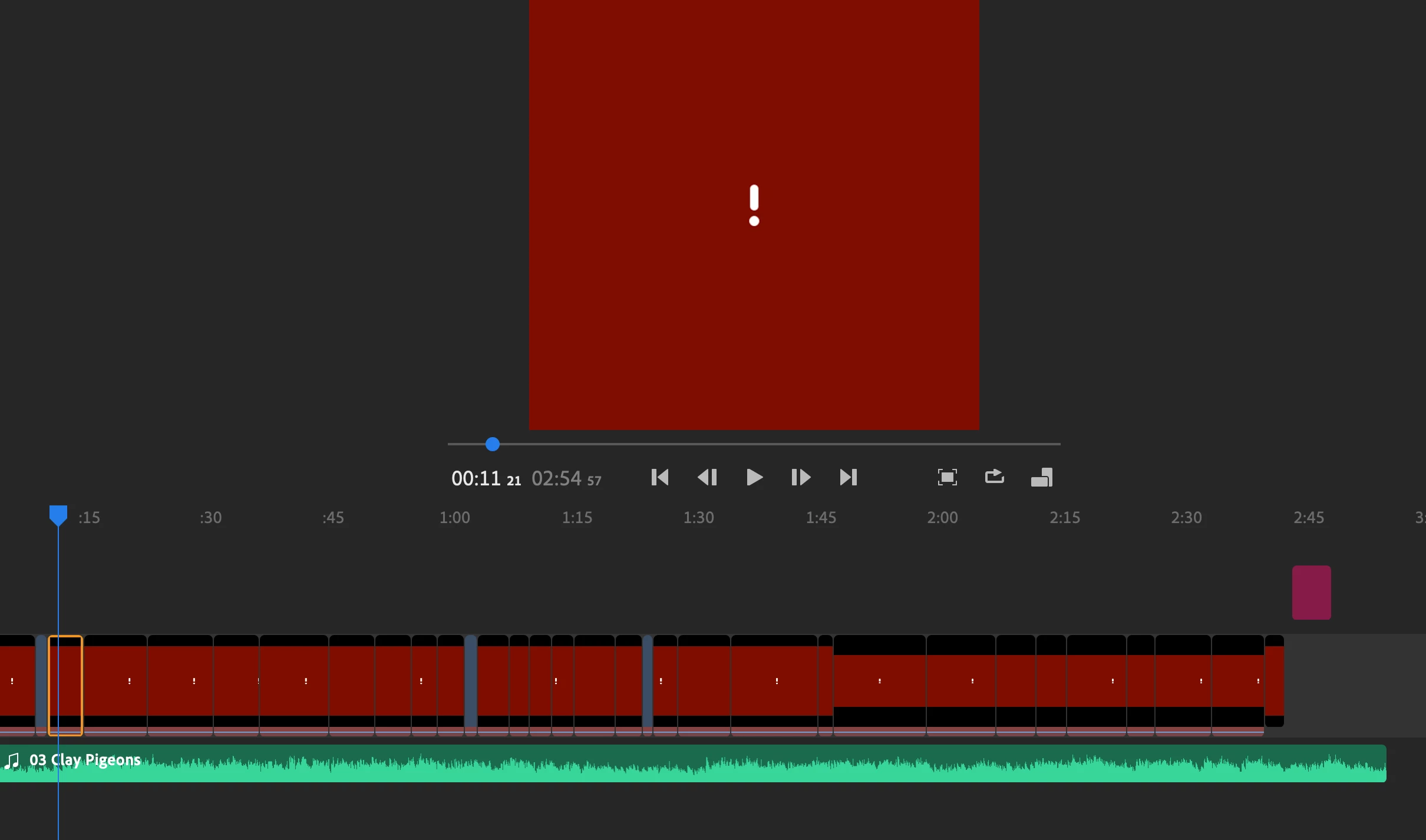
clips won't load

  • September 14, 2021
  • 3 replies
  • 248 views

I was making a video and got it done and then exported it, But when i wnet back to look at the video none of the clips load on the application. 
This topic has been closed for replies.

3 replies

petergaraway
Adobe Employee
Adobe Employee
September 15, 2021

Hi there! 


A few things to try 


  1. Make sure the Creative Cloud app is open, and file sync is enabled 
  2. If your media is on an external drive, make sure it's still connected 
  3. If 1 and 2 do not solve this issue, right-click on one of your clips in the timeline, select connect from the menu and navigate to where your media is kept, and re-link it. 


Let us know if that helps or not. Thanks!


Peter   

Participant
September 15, 2021

hi did you sort out this problem i have just come up with the same thing but only four of my clips 

Ann Bens
Community Expert
Community Expert
September 14, 2021

Moved from Premiere Pro to Rush forum.
