

Creative Cloud Sync Assets Folder organized in strange way causing files to not be found on PC
Hi, this could be normal but I'm not sure so I'm addressing it here, my adobe assets folder in the cloud is organized in this strange way, with random different folders with random letters and numbers
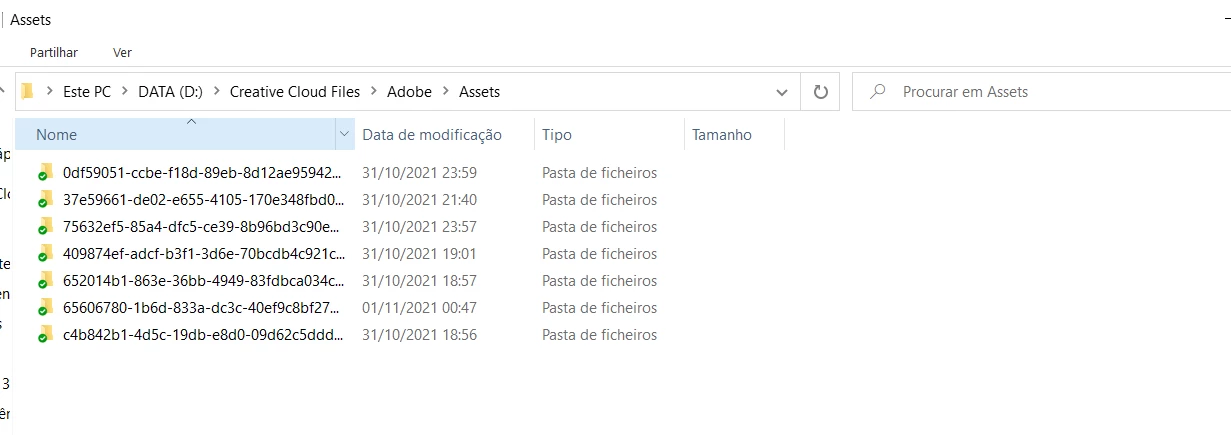
and within these folders there are more folders, goes as follows: "Storage > Emulated > 0 > Download" and only there are the files.
I'ts strange and unnecessary and another thing, I also believe it is causing problems in syncing between when I edit on the phone app and then want to resume on the PC. Some media files are not located automatically, only when I click "Find and Connect" and search for the same name in that folder and manually click it.
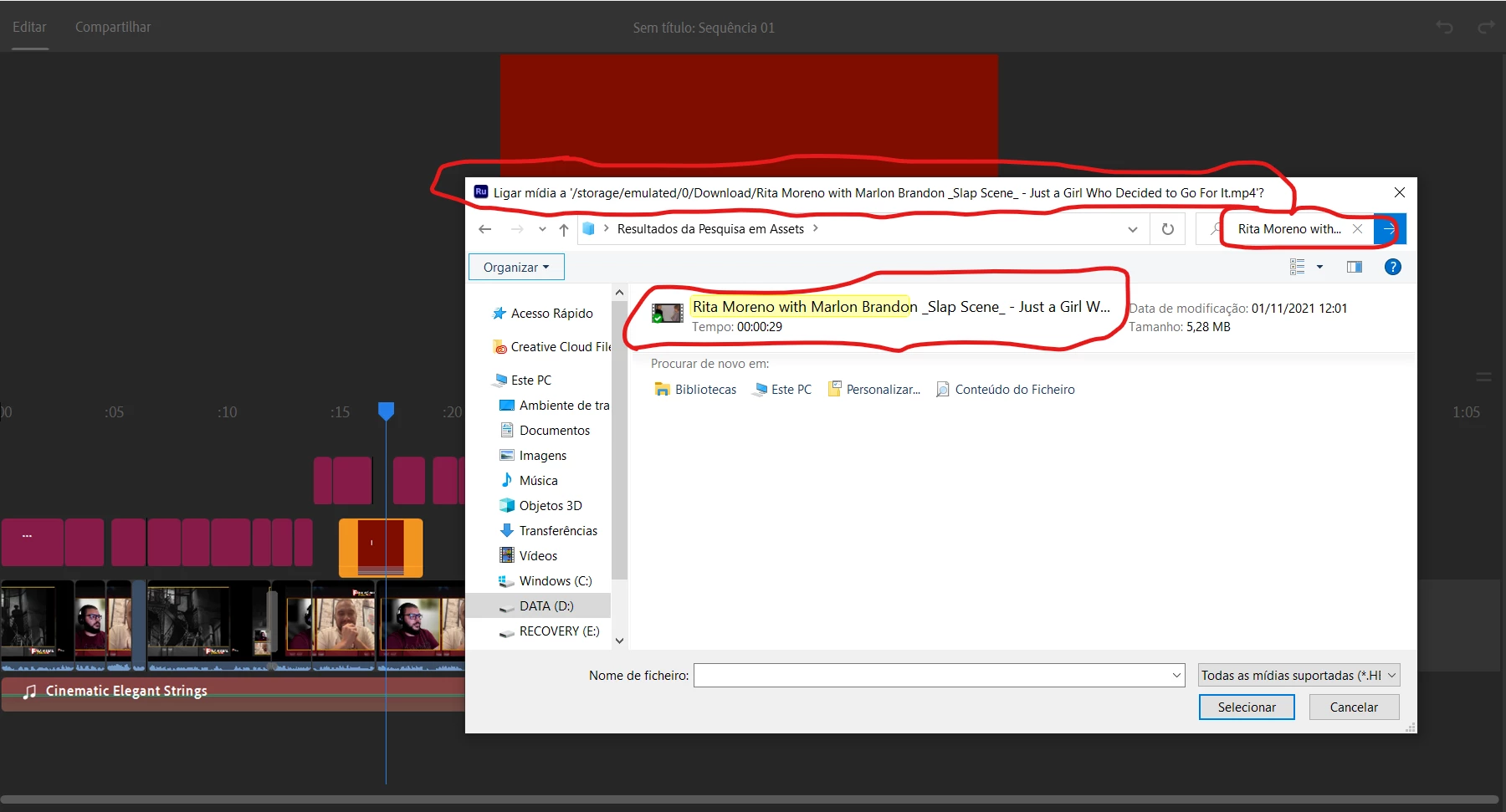
I think it's also important to note that I started using Premiere Rush on mobile only and only recently have been trying to get the best out of the adobe work flow and jumped on Premiere Rush/Pro on PC to rusume editing on PC. So these mess is possibily caused by the Rush android app. Help please.


 AdChoices