

Participant
March 16, 2020
Question

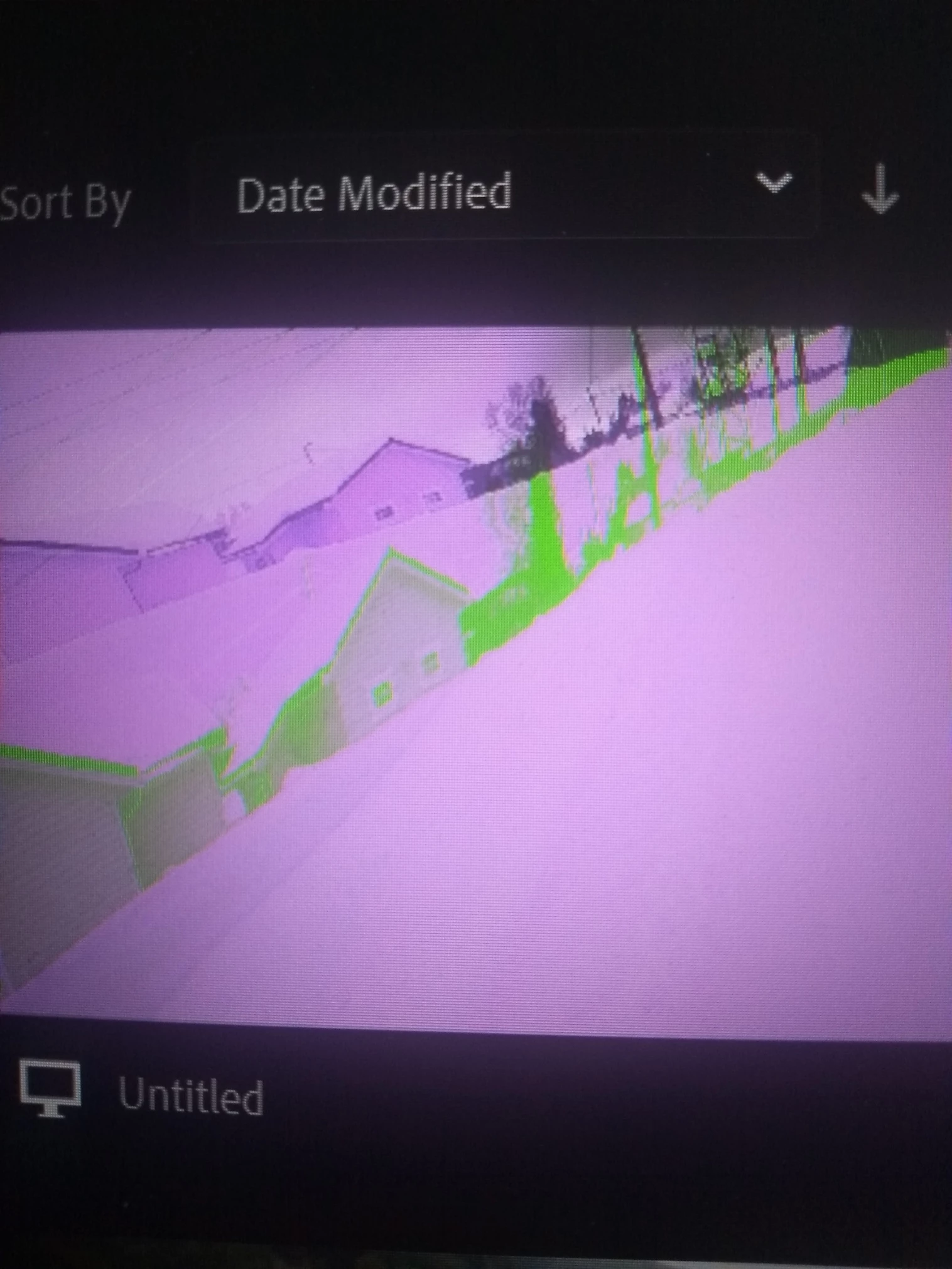
Feil farger og merkelige skygger ved import fra Gopro 8

  • March 16, 2020
  • 1 reply
  • 374 views

Forsøker å redigere video fra gopro 8, men fargene og bildet deler seg , se bildet . hva er galt?

This topic has been closed for replies.

1 reply

Kartika Rawat
Community Manager
Community Manager
March 18, 2020

Hi paul_kristiano83083239!

Welcome to the Rush Community. I see that you're getting an issue while importing GoPro 8 files. We would need more info to troubleshoot the issue.

Here's a link to the article that shows some suggestions to fix a similar issue. Please take a look: https://helpx.adobe.com/in/premiere-pro/kb/green-purple-streaks-premiere-pro.html

Let us know, we're happy to assist.

Thank you,

Kartika


Participant
March 19, 2020
Hi
The serial nr of my program is 1.5.2 Build 536.
I only have problems with files from my gopro 8 camera.
Versjon
02.12
OPERATIVSYSTEM
Edition
Microsoft Windows 10 Home (64-biters)
Versjon (Bygg)
1909 (10.0.18363)
Enheter og drivere
PROSESSOR
Intel(r) Core (tm) i5-8250U CPU @ 1,60 GHz
GRAFIKK
Intel(r) UHD Graphics 620
AUDIO
Intel(r) Skjermlyd
Realtek HD-lyd
NETTVERK OG I / O
Realtek PCIe GBE Family Controller
Intel(r) Dual Band Wireless-AC 7265
Microsoft Wi-Fi Direct Virtual Adapter # 2
Intel(r)
Kartika Rawat
Community Manager
Community Manager
March 19, 2020

Thanks for sharing the info. What type of files are you trying to import (codec/format, frame rate, frame size)?

Which GPU driver version is installed on your system? 

https://www.intel.in/content/www/in/en/support/articles/000005589/graphics-drivers.html

Let us know, we're here to help.

Kartika