Participant
October 15, 2024
Question

Frustration with Adobe Premier Rush

  • October 15, 2024
  • 1 reply
  • 107 views
Can I please get a response on this.  I've been waiting for help now for a couple of days.
 
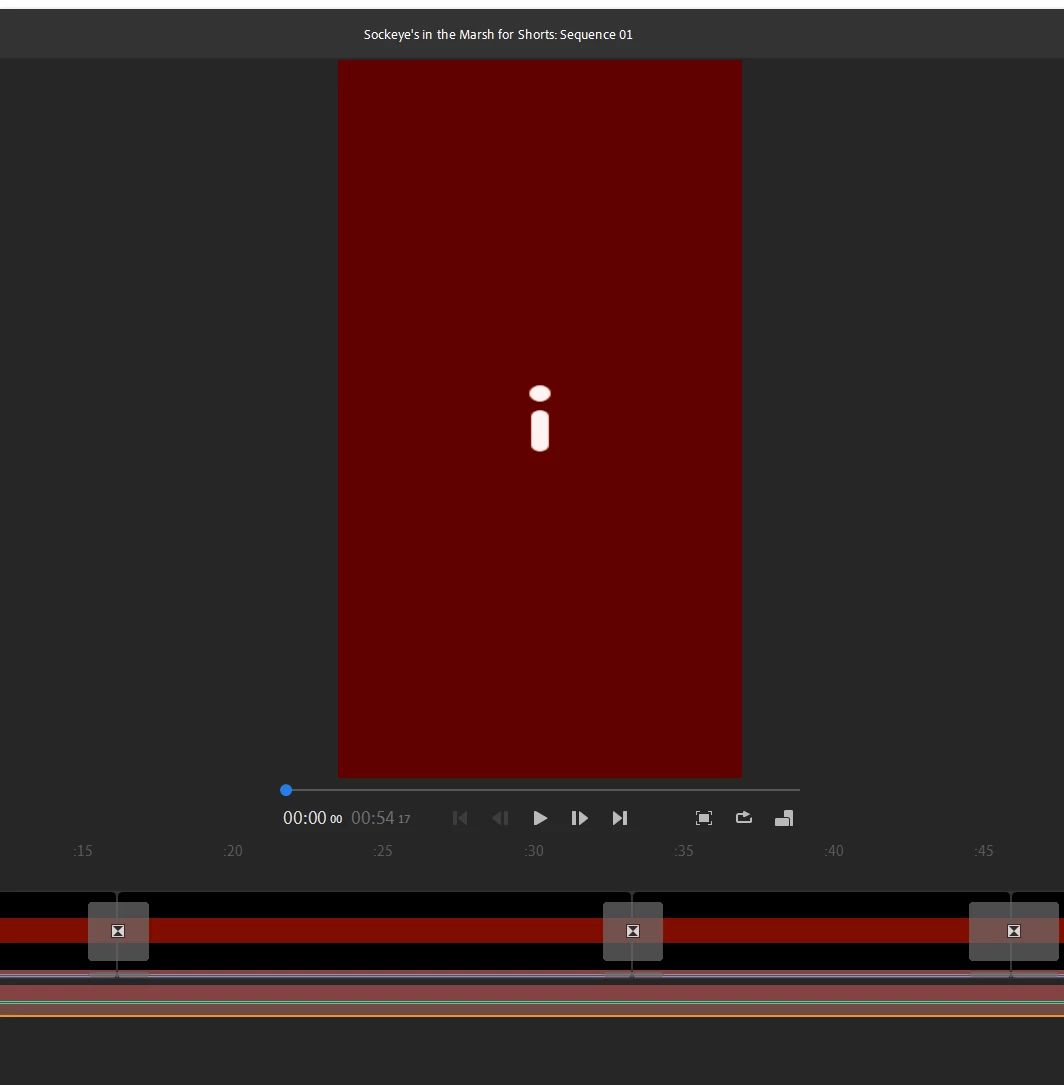
In Adobe Premier Rush, this red screen/exclamation mark appears when I try to open my projects.  It happens on most of my projects.  Also, when I open a project where I can actually see the video, the audio has been wiped out.  See first attachment.
 
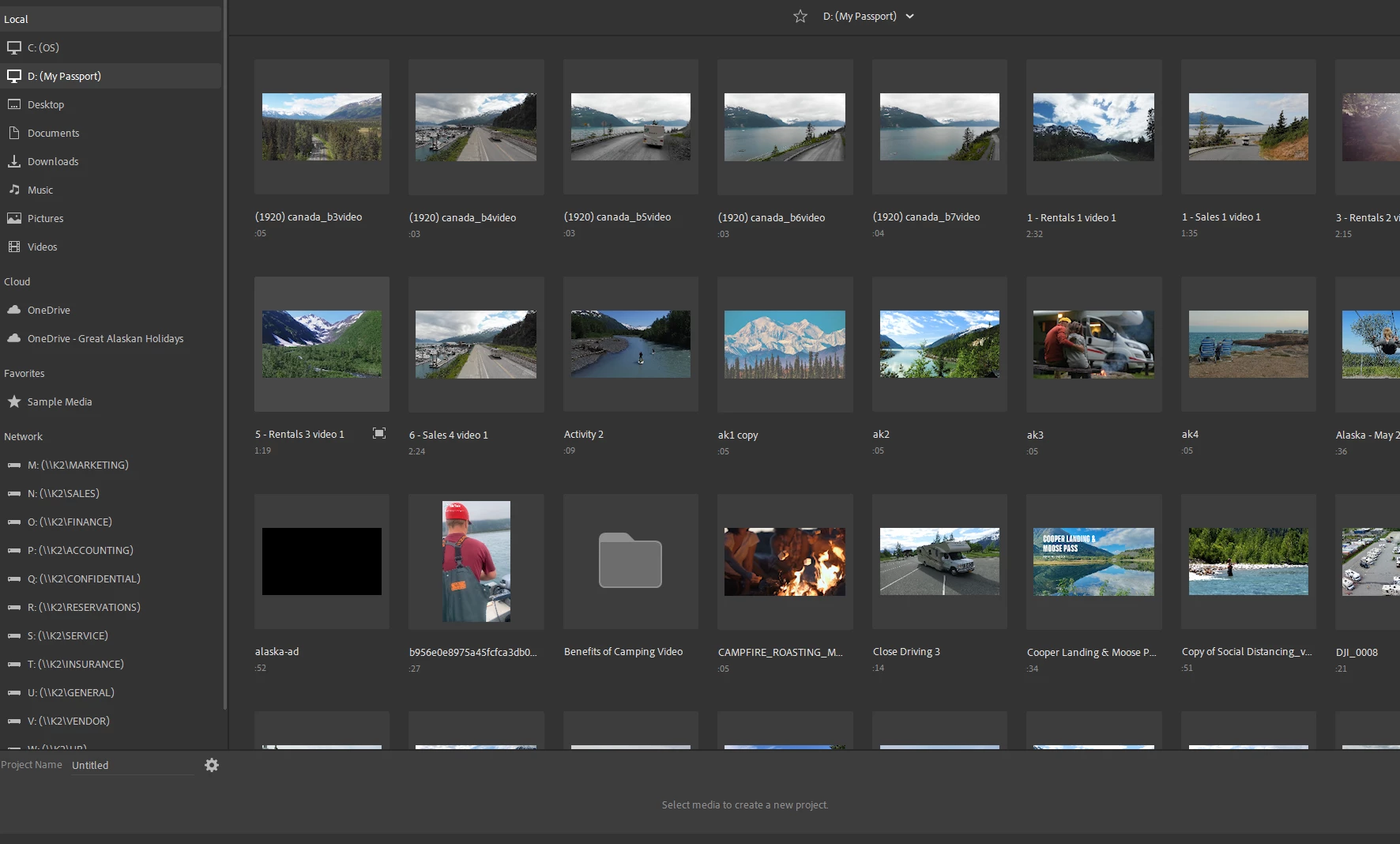
Also, when I try to load an asset from another source (ie, external hard drive, documents, whatever) it only shows me one screen worth of choices, and won't allow me to scroll through the other files.  See second attachment.
 
I've been very patient, but I need help right now!!!  
This topic has been closed for replies.

1 reply

Kevin J. Monahan Jr.
Community Manager
Community Manager
October 15, 2024

Hi @Great Alaskan Holidays,

Thanks for the message. It looks like you are in an enterprise environment. The issue may be related to file-sharing and where your application is installed. One common culprit is OneDrive.

Though I don't have much experience with such a setup, you might try to see if Rush is selected for backup by OneDrive, which can cause issues. If so, see if you can disable OneDrive for Rush. If you place media on the 😧 drive, ensure that OneDrive is not accessing that folder either. See if that might work for you. You may need the advice of your IT Admin to troubleshoot this issue, too. I hope the advice helps. Let me know how it goes.


Thanks,
Kevin

Kevin Monahan - Sr. Community and Engagement Strategist – Adobe Pro Video and Audio