
Participant
October 1, 2023
Answered

Help! Premier Rush and Pro Inverting Video Clips.

  • October 1, 2023
  • 1 reply
  • 350 views

Hi, 

I edited a video yesterday in Premier Rush and exported it. The video is a podcast with two people speaking side-by-side (split-screen recording). Toward the end of the video, suddenly, the two people switch places. I did not press the flip horizontal button. Why is this happening? I have a deadline tomorrow, and I need to fix it, but have no idea how. I opened a copy in Pro, and it still does the same thing.

I tried to correct the error using the "flip horizontal" button in transform. But, while that puts the participants back to their original places, it flips the participants themselves so the microphones are on the opposite sides!
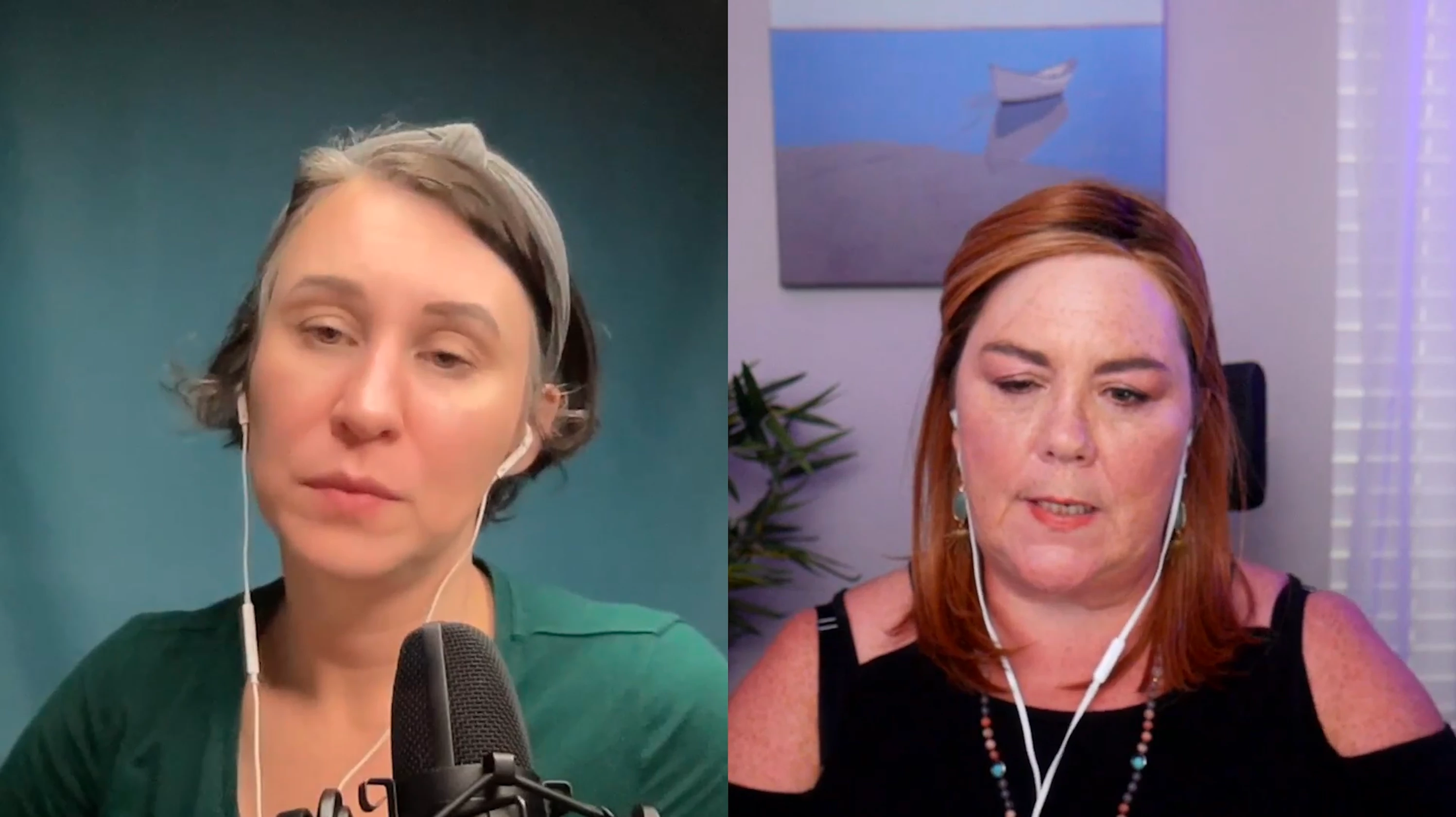
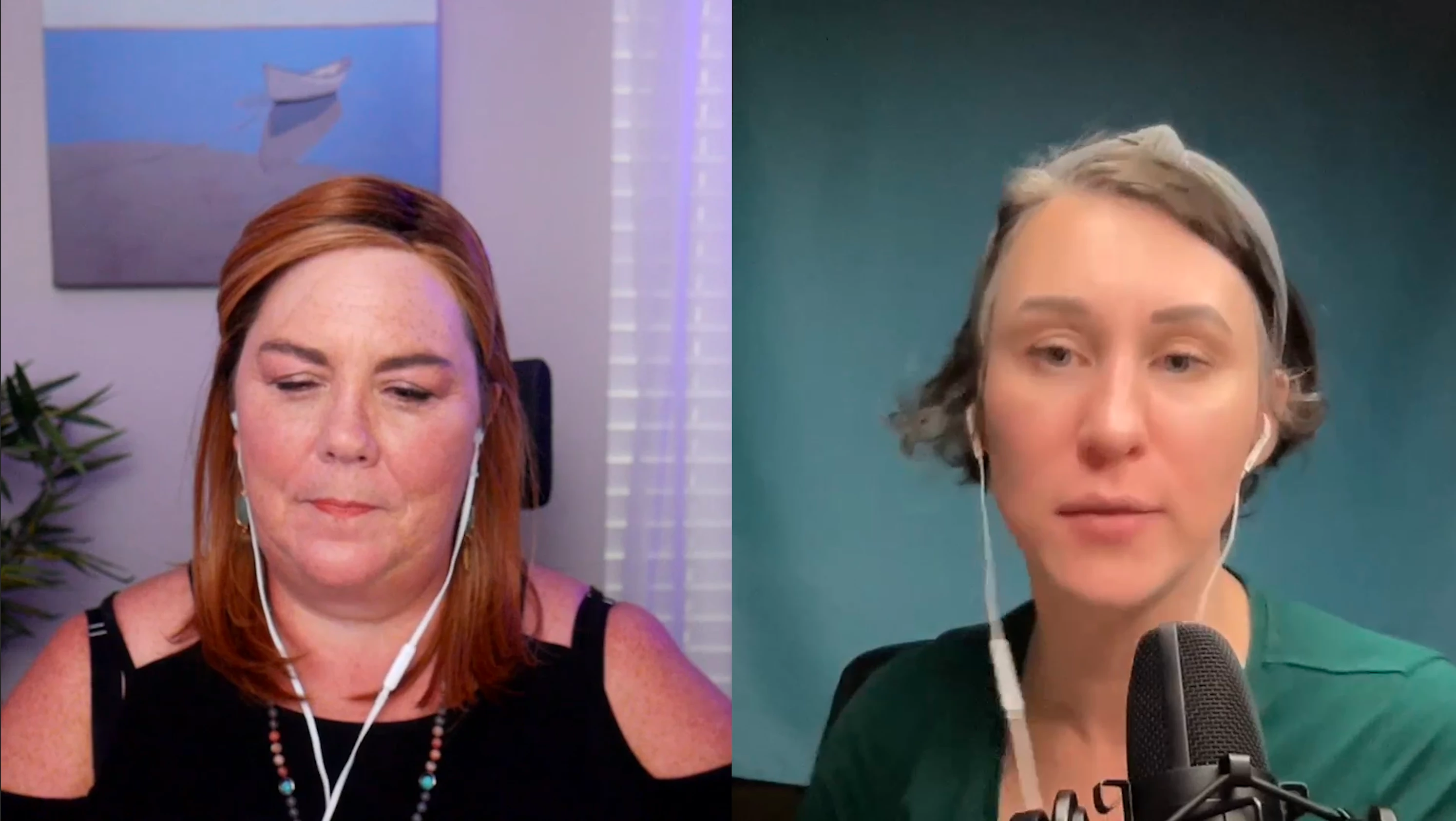


Any help would be greatly appreciated.

This topic has been closed for replies.
Correct answer Juicy Jiggy

Nevermind. I resolved this issue. Please delete.


1 reply

Juicy JiggyAuthorCorrect answer
Participant
October 1, 2023

Nevermind. I resolved this issue. Please delete.

 
Kevin J. Monahan Jr.
Community Manager
Community Manager
October 2, 2023

Thanks for letting us know, @Juicy Jiggy. What did you do for the fix? The community loves to hear the solutions! Above all, glad you are back on track.


Best Wishes,
Kevin

Kevin Monahan - Sr. Community and Engagement Strategist – Adobe Pro Video and Audio
JonKathryn
Participant
September 2, 2024

I found the same problem with my GH5 but I think it was because I recorded video while the camera was set to picture mode,  aperture priority.  When it is in video mode facing the person being recorded the picture is flipped left to right, but the end recording isn't.  I hope that helps in some way.