

Question
How do I fix video proportions in Rush? (Context: video is "stretched" too wide)
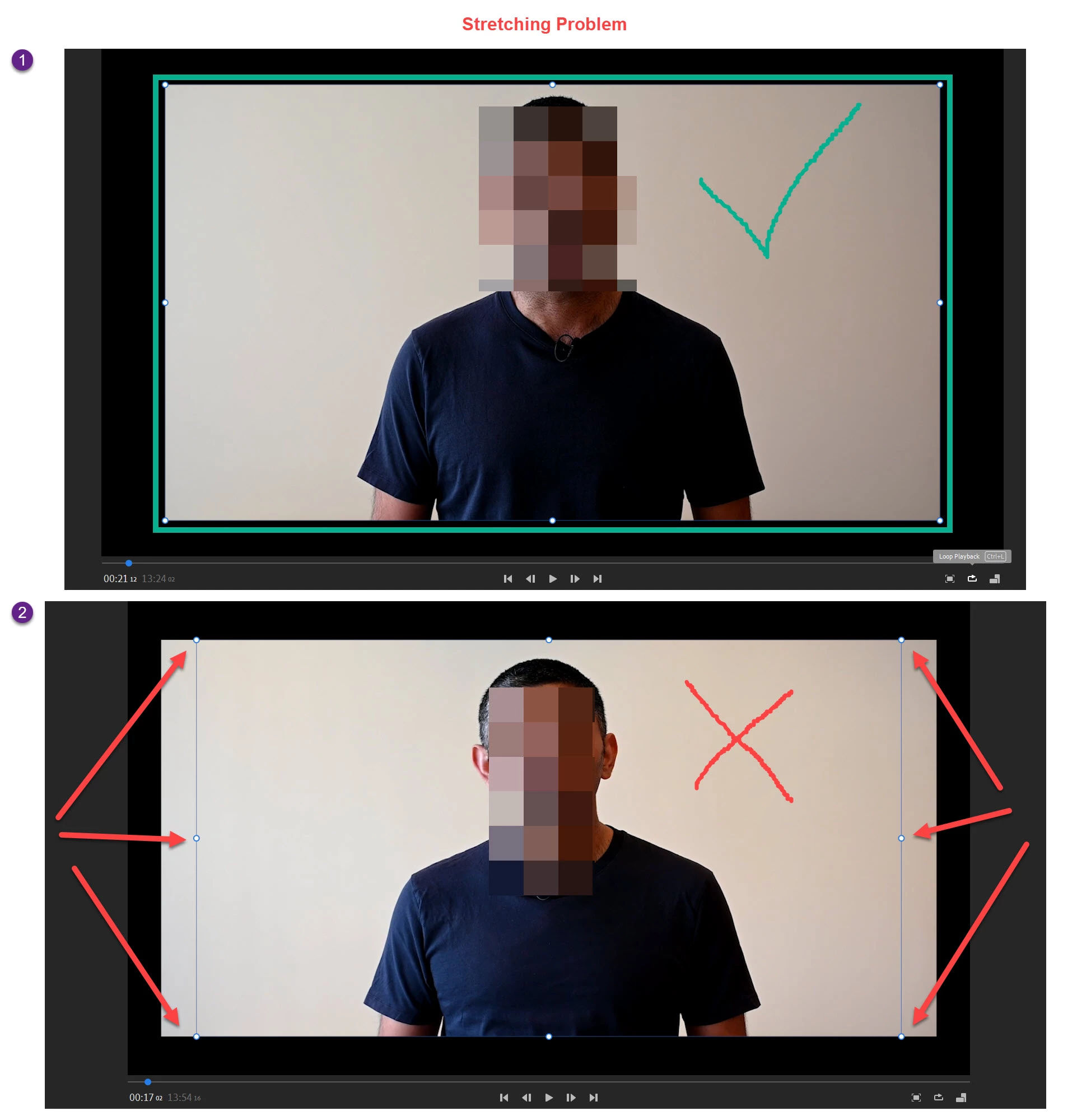
I've made nearly 20 videos for my online course and one of them has stretched the video of me. I finally figured out the one difference between this and the other 19 videos and it has to do with the dots around the edge of the video (as you can see in the bottom of the screenshot, the incorrect one has the dots slightly inwards).
Can you please help me to understand how I can fix this so that it includes the whole video? I need to apply the changes to each clip on the timeline too! (Also, I have no idea how this problem occured, did I press something accidently?)


 AdChoices