
Participant
February 20, 2022
Question

How do I get rid of this gap between timelines?

  • February 20, 2022
  • 1 reply
  • 315 views

I accidentally dragged a photo outside my timeline and created another one, I deleted the photo but the timeline is still there. Here's what it looks like:
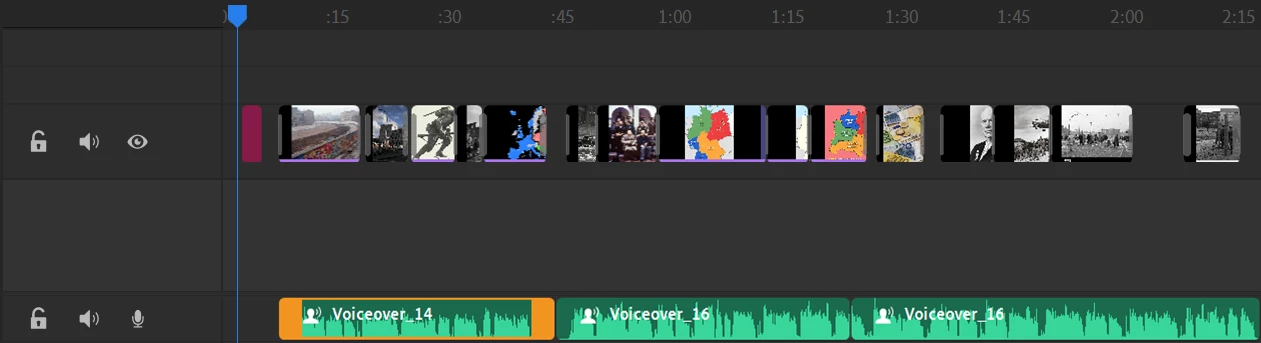
Anyone have a fix for this? I've tried deleting it but the option is greyed out.

This topic has been closed for replies.

1 reply

anissa_thompson
Community Expert
Community Expert
February 21, 2022

We're not exactly sure what it is you want to do: restore the photo to the timeline, or make the items on track 2 your primary content and tighten it up?


If it's the later, you can select any/all of the clips on the second video track and drag them to track 1, move them around, etc. 

Let us know if there's something else you want to do!

Hope this helps! Make sure to press "✔ Correct Answer" on this post if this answers your question. Happy Creating!Anissa • @anissat
Participant
February 21, 2022

I can drag each clip to track one individualy, but it seems like selecting multiple to drag isn't working.