
Participant
June 2, 2022
Question

How to add text to video Version 2.3.0

  • June 2, 2022
  • 2 replies
  • 704 views

Hi there,


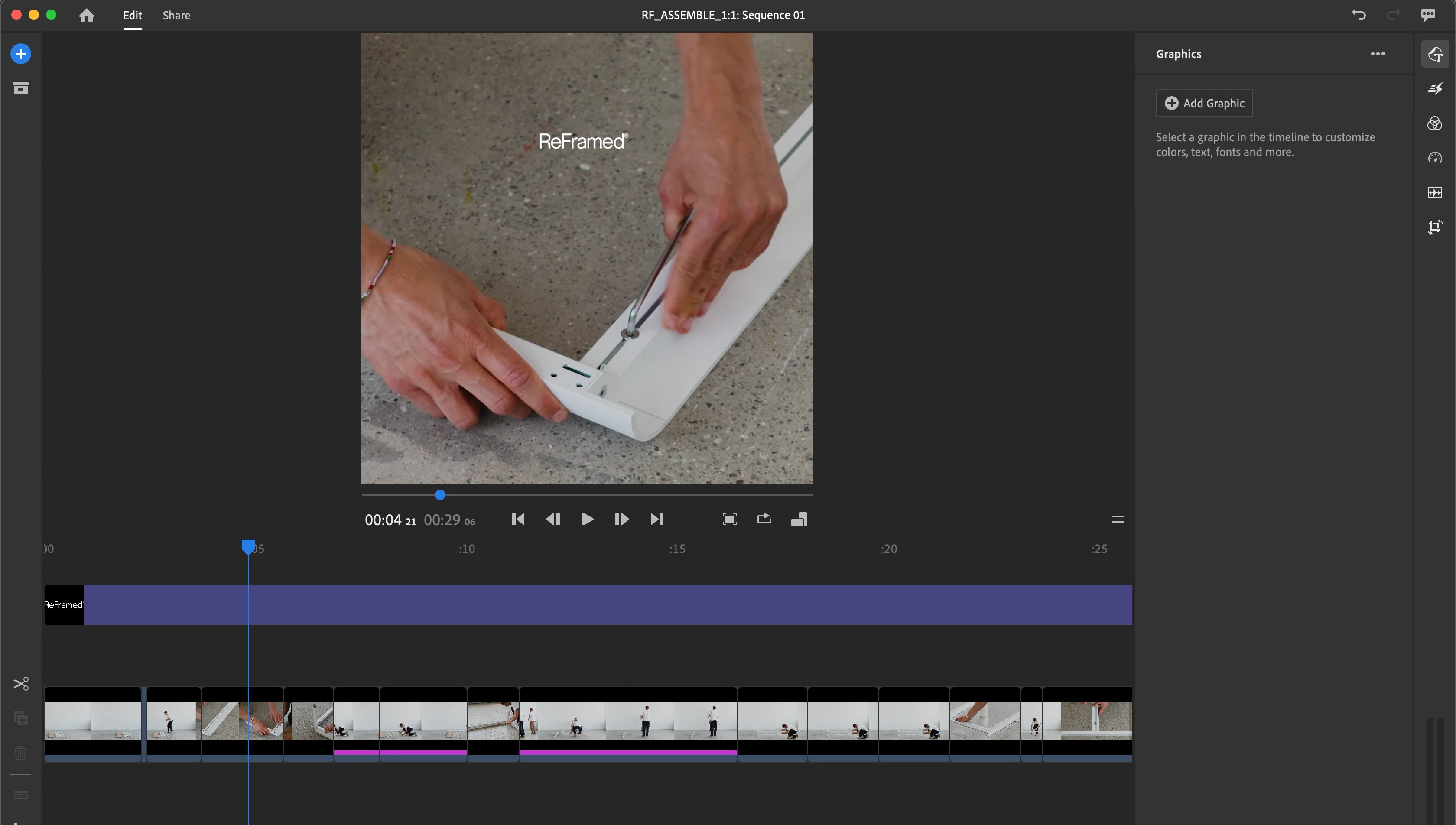
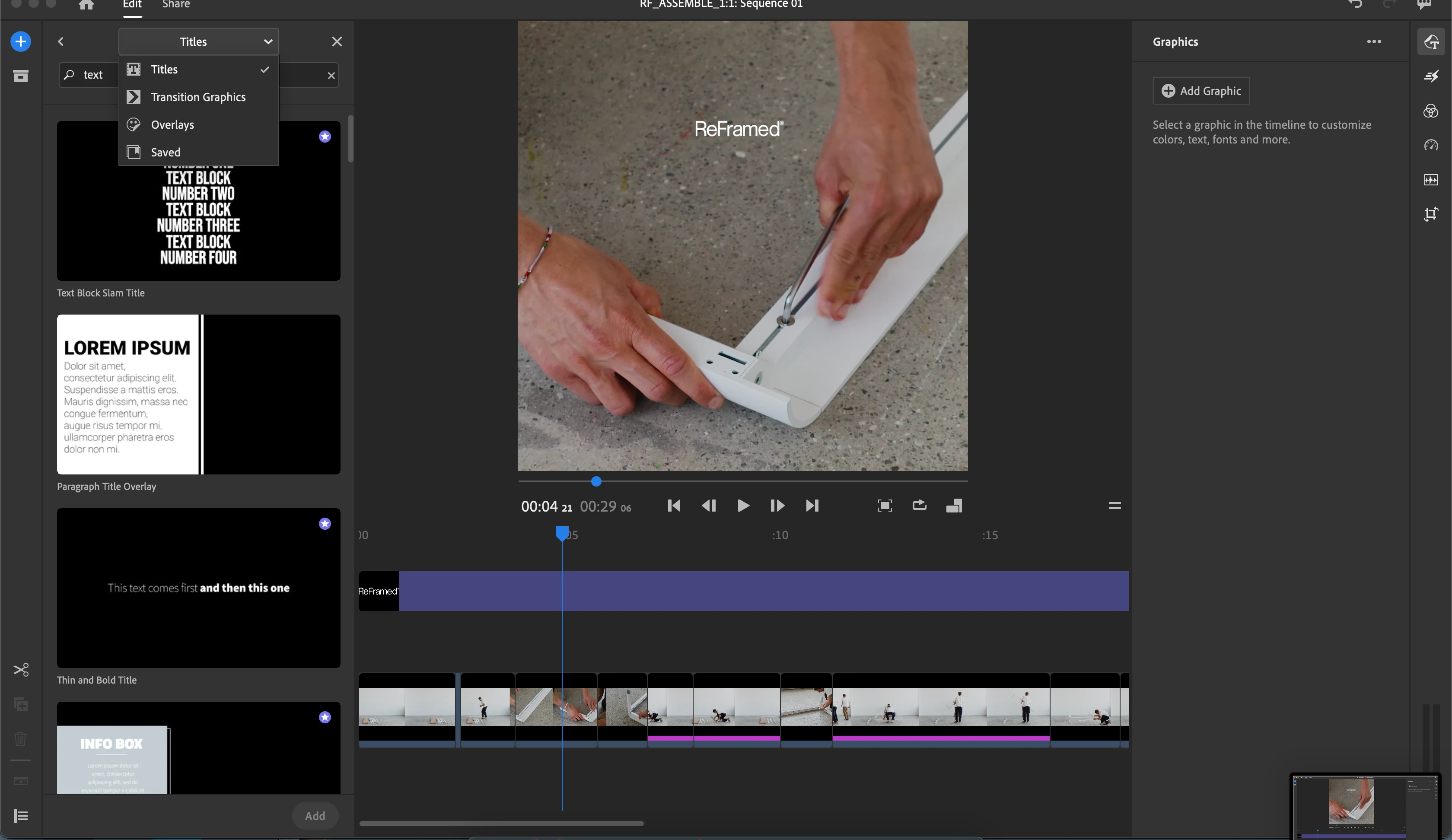
I've now used ours to try add a standard text field to the video I am editing, but I can't find it. To me, it only seems like it is possible to add titles that already contain animations, etc. whereas I only want to have a regular text field. 


It some of the previous versions the text field appears in the editor, just as seen here: https://gadgets360.com/how-to/features/premiere-pro-how-to-add-text-adobe-cc-windows-mac-2389511
This topic has been closed for replies.

2 replies

Kevin-Monahan
Community Manager
Community Manager
August 5, 2022

Hi Nate,

There is no native text tool. Use a template and then stylize it. I often start with the "Basic" templates (use the search feature for that), and then you have the tools you can use in the Graphics panel. I hope that helps.


Thanks,
Kevin

Kevin Monahan - Sr. Community and Engagement Strategist – Adobe Pro Video and Audio
Ann Bens
Community Expert
Community Expert
June 2, 2022

Moved thread from Premiere Pro to Rush forum.

Participant
August 4, 2022

Great. So is there an answer to the question? I'm experiencing this issue with Rush as well.