Participant
March 21, 2020
Question

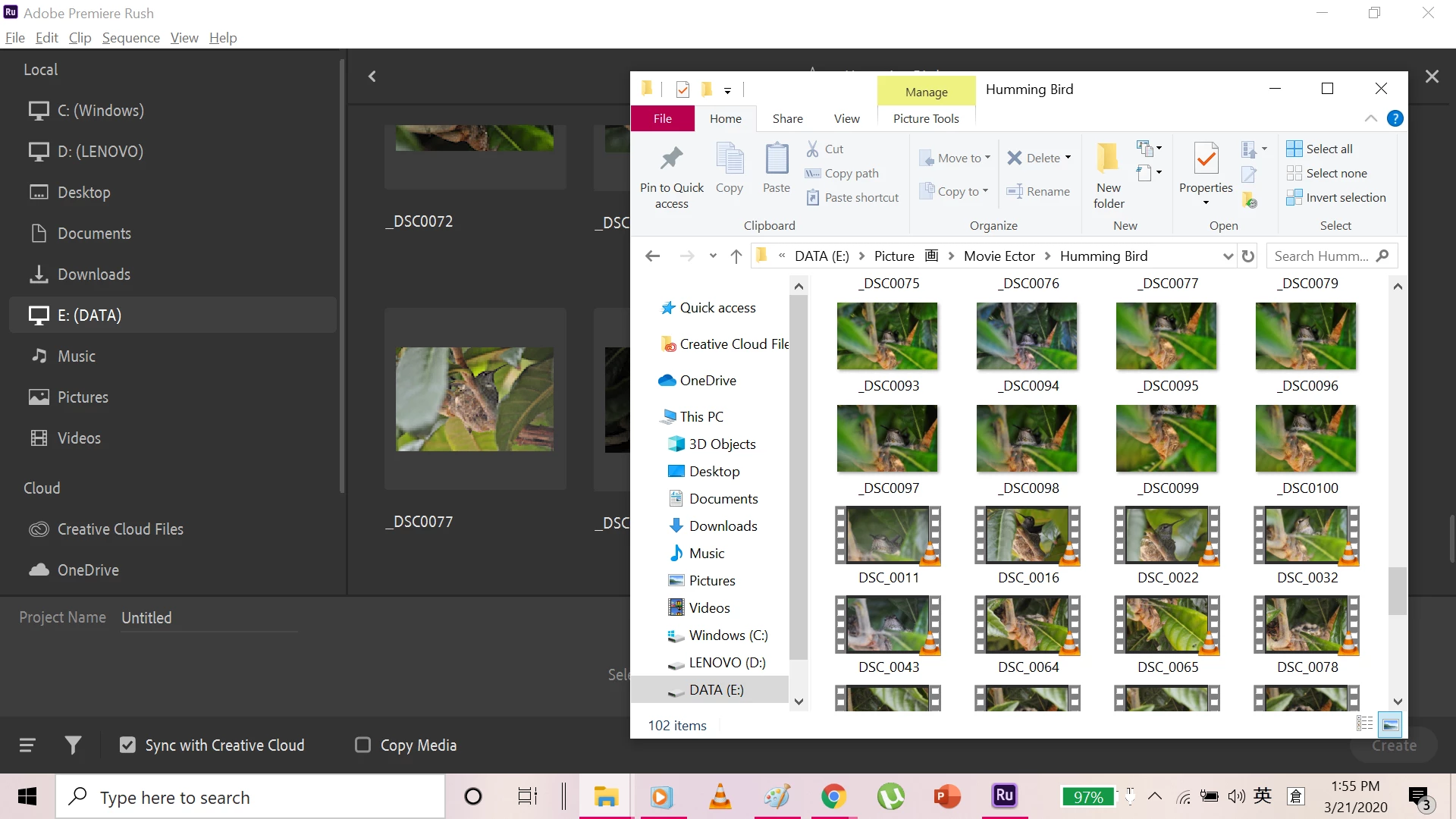
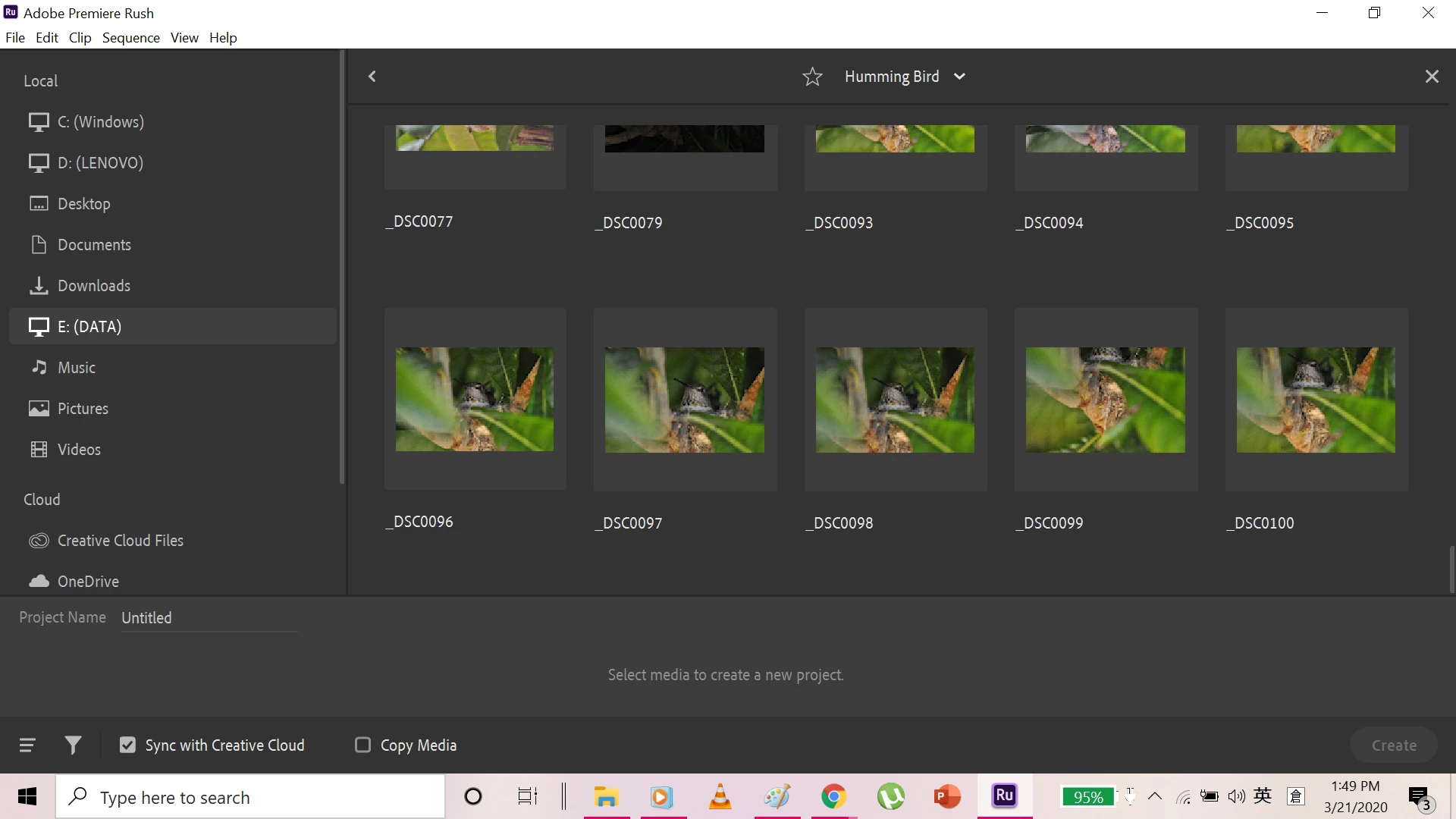
I can't see my videos that recorded from my DSLR in Premiere Rush...
  • March 21, 2020
  • 2 replies
  • 784 views


I don't know what can I do................... My DSLR support NTSC or PAL boardcast format, but I don't think that it's the reason.


Would someone help me? If you need more information or screenshots, just tell me!!! Thank you so much.

This topic has been closed for replies.

2 replies

Kartika Rawat
Community Manager
Community Manager
March 24, 2020

Hi Otaku_knights!

Thanks for the screenshots. I can see you're having trouble with importing your files recorded from the DSLR. Could you provide more information with us to determine the issue?

I am sharing a link that directs you to the Rush supported format. This will help you to see if there's a support issue: https://helpx.adobe.com/in/premiere-rush/help/import-footage.html#file-format-support

Let us know, happy to help.

Kartika

Participant
March 25, 2020

Hi Kartika,

The version I am now using is Version 1.5.2 (Build 536)


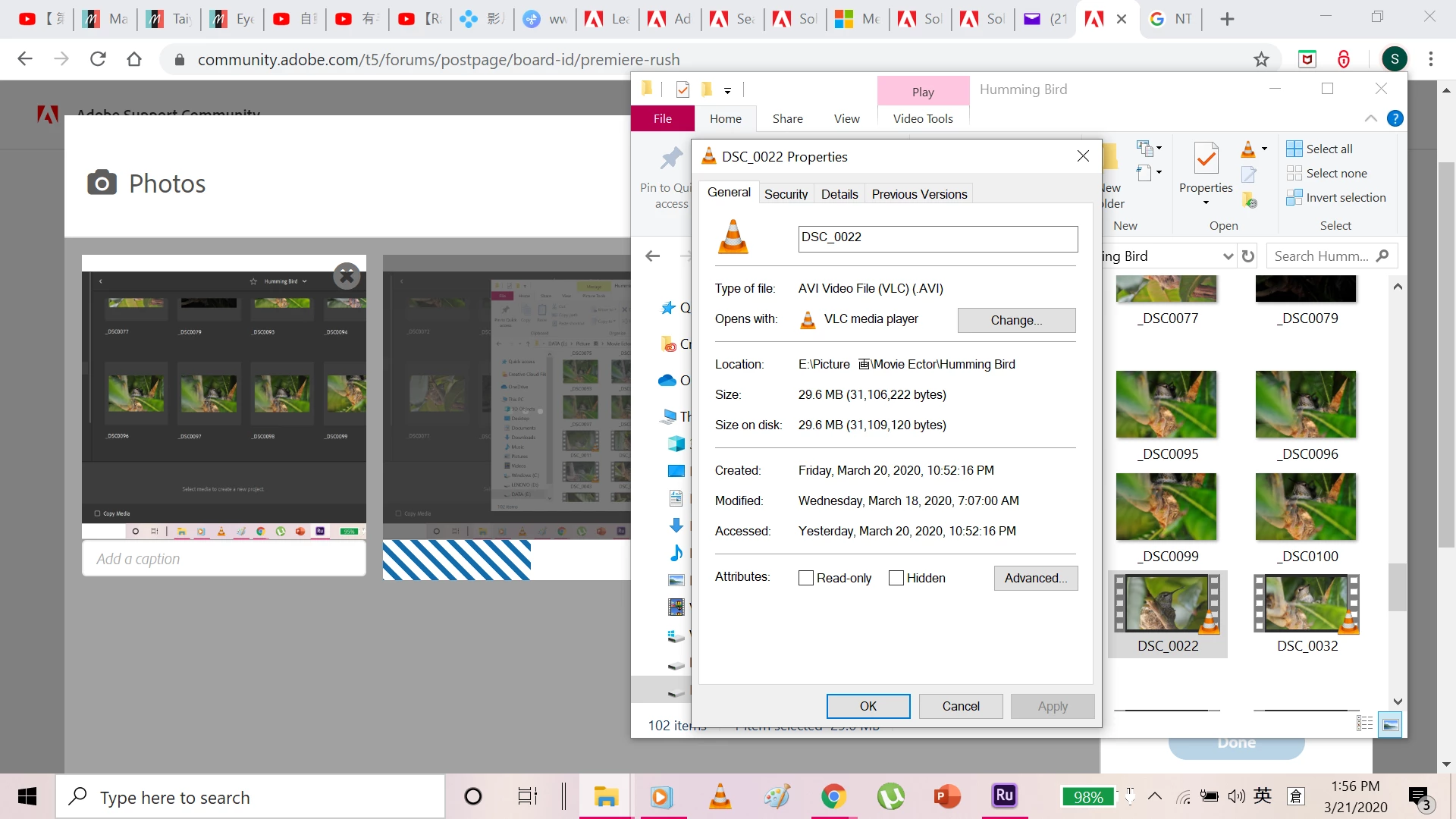
Ummmm, the type of media I am using is AVI. I can see that Rush doesn't support AVI format, so what I did is to convert my videos. But I don't think that it's a good idea to do. It lower the quality of my videos.


Do you know is there any methods to let my videos to work on Rush but won't do anything on changing the quality?


Thank you so much.  Appreciate for being nice to me.

Legend
March 25, 2020

As Kartika and I indicate, we can not give you specific advice without specific information. There are literally hundreds of possible codecs, resolutions and frame rates for AVIs.

Please provide the MediaInfo report, as suggested earlier.

Legend
March 22, 2020

Your screenshots are too small for us to see what's happening in them.


Try opening one of your videos in the free download MediaInfo. In MediaInfo, set View to Text and then copy that text (don't take a screenshot, copy the text) and paste it to this forum. Once we see what your files are made of, we'll know better what's going on.

Participant
March 25, 2020

Thank you for telling me that there's a problem of my screenshots. I didn't notice that they are too small to view.


Alright, here's the information of my video. 


==============================================================


Complete name : E:\Picture 画\Movie Ector\題材\Humming Bird\First time recorded it came back to the nest in a good angle.AVI
Format : AVI
Format/Info : Audio Video Interleave
File size : 47.7 MiB
Duration : 30 s 0 ms
Overall bit rate : 13.3 Mb/s


==============================


Actually, I am now trying to convert my video to MP4 but in a lower quality. I find that it works! But I still want to know how to figure out the problem I am facing now. I want better quality of my videos. 


Thank you for your help again.