I'll have to do some experimenting to find a solution I know will work, so please excuse my uncertainty. Maybe if you change your iOS language to English, then uninstall and reinstall the app on your phone.
Let me know if that works!
Caroline
Hello Caroline,
I have tried all that, with no avail.
Yet I seem to have found the possible root of the issue.
As far as I could gather, the issue seemed to be connected with the iPhone setting under:
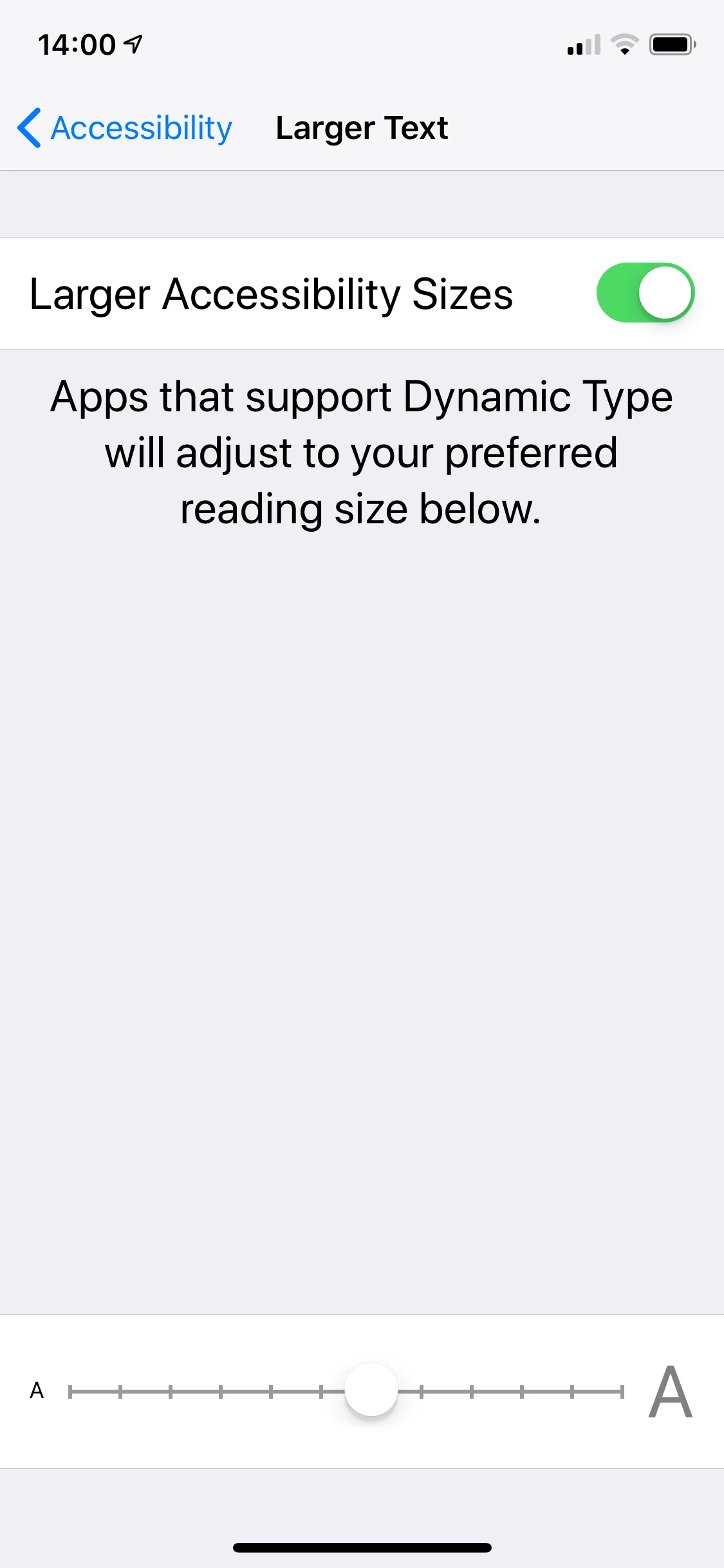
Settings > General > Accessibility > Larger Text
After disabling the "Larger Accessibility Sizes" (see image), Rush rendered as expected. after turning the feature back on again, Rush still was able rendering the text, even after trying to set the text size to maximum.
So the question which remains, is this an iOS or Adobe Rush bug?
I guess for me the issue can be marked as resolved.
Apps: LR Classic, LR CC, LR CC mobile. PS +++ Devices: Macbook Pro 13" M2 (2022), MacBook Pro 15" (2012), Win10 PC, iPad Pro (2018), iPhone 13 Pro, +++ Sony A7IV, Lumix G9, Canon G11, +++ Website: https://mobios.de




 AdChoices