Participant
May 26, 2024
Answered

Issue with Rush colour (new iPhone 15 Pro Max)

  • May 26, 2024
  • 3 replies
  • 441 views

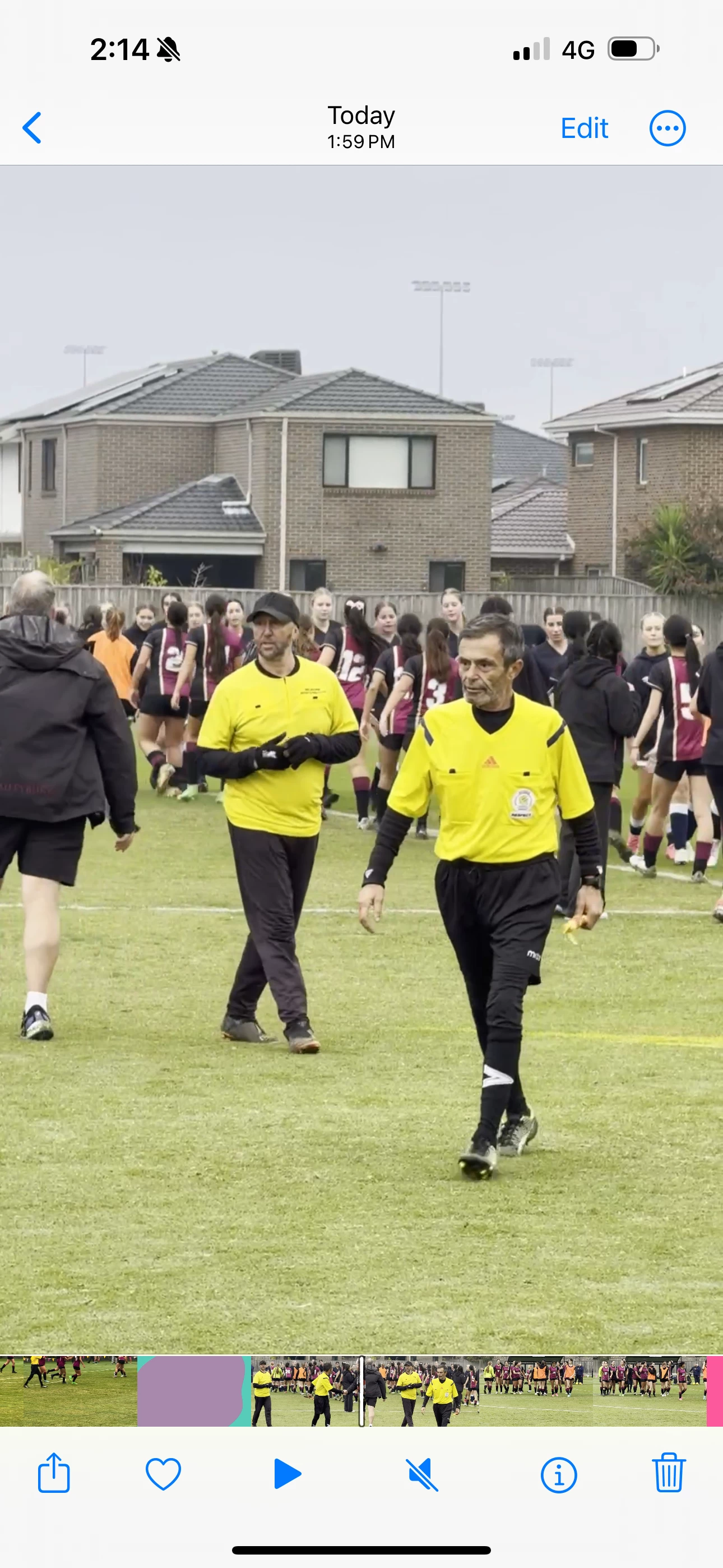
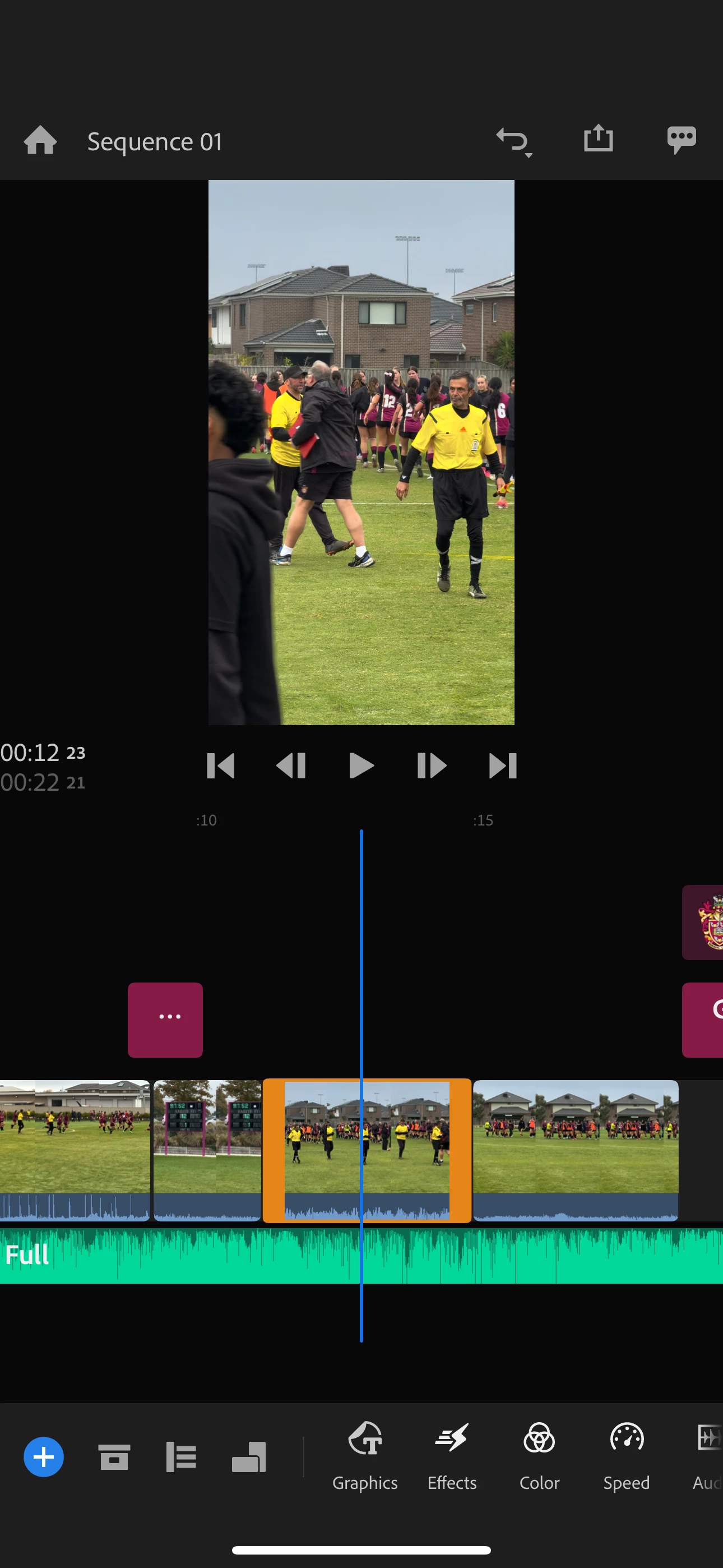
I have a clip from new iPhone 15 Pro max colour looks okay and havent edited, when import into Rush and export appears washed out / desaturated, bright whites.. havent added any filters in Rush. Is happening with some clips but not with others so a bit confused.  Attached some screen shots of premiere and from exported clip. Any thoughts appreciated. 
 

This topic has been closed for replies.
Correct answer Kevin J. Monahan Jr.

Hi @Daniel35978005j0af,

Thanks for the message. You may be shooting in HDR, which Rush does not yet support. Try shooting SDR video, ideally H.264 (camera settings > most compatible). I hope the advice helps.


Thanks,

Kevin

3 replies

Participant
June 22, 2024

Not ideal but an easier fix I found was to export in 720p. 
Export > Quality Settings > Preset > Choose either of the 720p settings. 

Participant
June 16, 2024

thanks so much Kevin!

best Dan

Kevin J. Monahan Jr.
Community Manager
Community Manager
June 20, 2024

You're very welcome, @Daniel35978005j0af!


Cheers,
Kevin

Kevin Monahan - Sr. Community and Engagement Strategist – Adobe Pro Video and Audio
Kevin J. Monahan Jr.
Community Manager
Kevin J. Monahan Jr.Community ManagerCorrect answer
Community Manager
May 28, 2024

Hi @Daniel35978005j0af,

Thanks for the message. You may be shooting in HDR, which Rush does not yet support. Try shooting SDR video, ideally H.264 (camera settings > most compatible). I hope the advice helps.


Thanks,

Kevin

Kevin Monahan - Sr. Community and Engagement Strategist – Adobe Pro Video and Audio